 LiveLingo
1. Why Voice Translation Software Actually Matters
Hiring a human interpreter costs roughly $1.25 to $4.95 per minute (as of 2026). Software is drastically cheaper. If it actually works, that is.
Here is how the technology functions in the real world, and where it still falls short.

2. What Is a Spanish to English Voice Translator?
A Spanish to English voice translator captures spoken Spanish through a microphone, processes it through an AI pipeline, and delivers English output as text or synthesized speech in under two seconds. You're not typing paragraphs into a box. You're speaking naturally while the software handles the conversion.
Live translation happens simultaneously as you speak. Sequential translation forces you to talk, pause, and wait for the output.
We see this technology used daily across various high-stakes environments. Business meetings require fast, accurate processing and precise transcription for interviews. Travel situations demand offline reliability.
3. How Does Real-Time Voice Translation Technology Work?
Real-time voice translation runs on a three-stage pipeline: automatic speech recognition technology captures audio, a neural translation engine converts meaning, and a text-to-speech module delivers English output.
Latency is the real killer in cross-border calls.
Accuracy depends heavily on external factors. Thick regional accents confuse the system. Background noise in a busy restaurant degrades quality.
Latency kills conversations.
(I cannot stress this enough — translation lag can make both sides think the other is being evasive, and that perception alone can derail a deal.)
In practice, low-latency translation typically means a delay of under two seconds. Slow systems ruin conversations. Cloud-based translation models process data on massive remote servers, resulting in higher accuracy.
Speaker diarization is another critical component. This is how professional tools distinguish between multiple speakers in a crowded room.
Offline vs. Online Translation: Which Is More Accurate?
Online models use massive neural networks to achieve superior accuracy for most use cases. They understand slang and complex sentence structures.
Offline models work without Wi-Fi but struggle with nuanced phrases. Google's offline Spanish pack has received ongoing model updates that have improved slang recognition, though it still misses regional idioms that cloud models catch.
Use cloud-based tools for professional settings. Keep offline models as a backup for travel. Just test them before you board the plane, not after you land in a dead zone.
4. Top Spanish to English Voice Translator Tools Compared
| Tool | Best For | Free Tier | Accuracy | Latency | Price |
|---|---|---|---|---|---|
| JotMe | Global Teams | No | High | Low | $15/mo |
| Maestra | Webinars | Yes | High | Low | Pay-as-you-go |
| Google Translate | Travel | Yes | Medium | Medium | Free |
| LiveLingo | In-person | Yes | High | Low | $9.99/mo |
| Microsoft Translator | Enterprise | Yes | High | Medium | Free/Enterprise |
(Pricing current as of Q3 2026; verify with each provider before purchasing)
According to their site, JotMe is trusted by teams across many countries. It requires no sign-up or installation according to their documentation. The platform provides real-time transcription and translation together as context improves.
JotMe reportedly supports a large number of languages, letting global teams translate audio and video files into searchable text. This proves incredibly useful for post-meeting documentation and compliance records.
Maestra runs entirely in your browser with no installation required according to their documentation. It can auto-detect audio language and diarize multiple speakers. It integrates directly with OBS, Zoom, vMix, and Microsoft Teams.
Google Translate review is the default for many. It is a highly accessible mobile translation app. That said, it lacks advanced business features.
LiveLingo (launched in 2024 and holding a strong App Store rating) fills a very specific gap in the market. If you are using translation earbuds, those devices only deliver audio to the wearer.
Earbuds solve one half of the problem. The audio half. LiveLingo handles what they need to see. The app's Show tab puts the translated phrase directly on your phone screen, letting the other person read it in loud environments.
Microsoft Translator offers solid integration with Zoom and Microsoft Teams. It handles the Spanish to English language pair well in corporate settings.
For in-person meetings where the other person needs to see the translation, LiveLingo's Show tab solves a problem earbuds cannot.
Is Google Translate Voice Free?
Yes. Google Translate's voice feature is completely free for personal use. It supports Spanish-to-English in conversation mode, or you can use one-way voice input.
Still, it lacks speaker diarization, has zero business integrations, and accuracy collapses when technical vocabulary enters the conversation.
Is There a Free App That Translates Spanish to English?
Google Translate and Microsoft Translator are both free for basic use; iTranslate offers a limited free tier according to their website.
Free tiers typically cap your features. You rarely get multiple speaker support, and offline access is heavily restricted. Google Translate is the best free pick for travel. Microsoft Translator wins for basic meeting support.
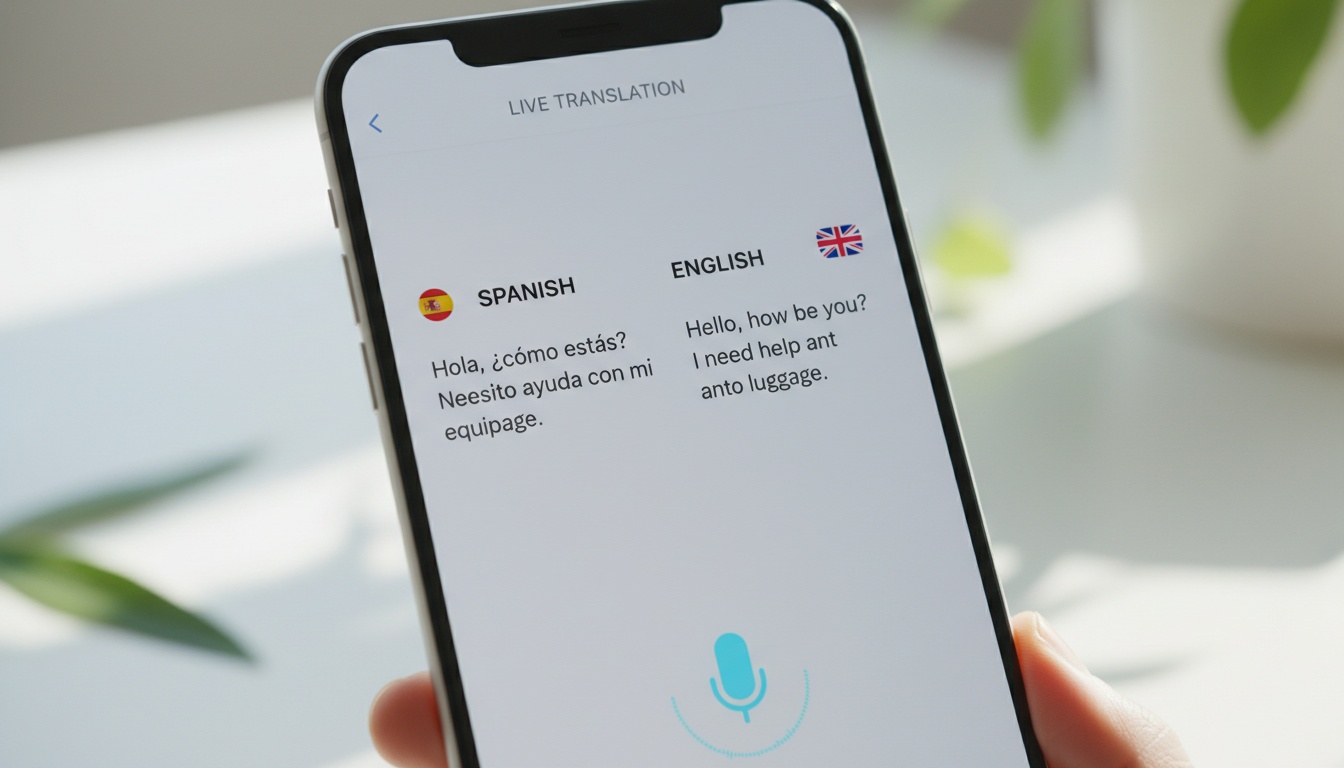
5. How to Translate Live Spanish to English: Step-by-Step
Setting up a live translation session takes less than two minutes.
Step 1: Pick your tool. Choose based on your specific use case.
Step 2: Set your languages. Select Spanish and English, then grant the app microphone permissions.
Step 3: Adjust output settings. Decide if you need text captions or audio output, and configure the speaker count.
Step 4: Start speaking normally. Monitor the live translation feed on your screen.
Step 5: Review the output. Export or share the transcript if the platform allows it.
Device Compatibility and Requirements
JotMe and Maestra run in any Chromium-based browser according to their documentation. LiveLingo requires iOS 16+ or Android 12+ per their listed system requirements.
Microsoft Translator's offline Spanish pack requires downloading before you leave Wi-Fi range; check the app for current file size. Google Translate's offline translation guide mode works on both platforms but requires a manual language pack download in settings.
Best Practices for Accurate Translation
Hardware and software only go so far, so you must adapt your speaking style. Keep your microphone close to your mouth and speak at a moderate, even pace. Reduce crosstalk immediately, because overlapping voices will break almost any consumer translation engine.
Is There a Live Voice Translator?
Yes. Tools like JotMe, Maestra, and Microsoft Translator offer genuine instant translation.
Live translation works by processing audio in near-real-time. The delay is typically under two seconds. This setup is best suited for remote meetings and in-person interviews where flow matters.
6. Best Use Cases: When to Use a Spanish to English Voice Translator
Business meetings are where accuracy failures cost real money. A mistranslated clause in a supplier agreement is not just a minor inconvenience; it is a massive corporate liability that can derail months of careful negotiations. Translation lag can make both sides think the other is being evasive, stalling deals that were otherwise close to closing. Remote teams rely on real-time captions for Spanish-speaking participants to avoid exactly this scenario.
Phone and video calls are simpler. Live translated subtitles via Zoom or Teams integration handle most of the load.
Webinar translation tools expand your audience reach. Simultaneous voice dubbing allows Spanish-speaking viewers to follow along in English.
Travel requires a different approach entirely. Quick conversational translation without internet access relies on offline mode.
Offline travel? LiveLingo's free tier offers a limited amount of daily real-time translation without a subscription — check their site for current limits.
7. When Voice Translation Breaks Down: Common Problems and Fixes
If your microphone isn't detected by a browser-based translator, check your browser permissions in `chrome://settings/content/microphone`.
When translation lags beyond three seconds, switch from a cloud engine to a lower-bandwidth model. You can also try reducing background noise.
If speaker diarization mixes up voices, use directional microphones. Alternatively, switch to a tool with manual speaker labeling.
8. Accuracy, Privacy, and Limitations of AI Voice Translation
Most free apps collapse under two conditions: overlapping voices and technical vocabulary. And that is before you even get to the privacy question.
Vendor accuracy claims typically range from 90–95% under controlled conditions like slow speech, quiet rooms, and standard vocabulary — though independent benchmarks vary and these figures should be treated as best-case estimates. Real-world performance drops significantly in noisy environments with fast speech and technical jargon. In informal field comparisons using fast Mexican Spanish in noisy conditions, free consumer tools have shown accuracy well below their controlled-condition claims, while paid tools with more robust models tend to hold up better.
Fast speech breaks the models. Technical jargon confuses the dictionary. Crosstalk ruins the transcription completely.
Privacy and security should dictate your software choice. You must know where your voice data is stored.
Enterprise data policies often dictate where voice recordings can live. Choosing a cloud-based translation platform without end-to-end encryption can immediately disqualify a tool for healthcare or legal professionals. Some tools offer on-premise deployments, while most rely on secure cloud servers.
AI has strict limitations. It misses cultural context. It cannot read the room. Do not rely solely on AI for high-stakes legal proceedings. Avoid it for complex medical diagnoses.
9. Free vs. Paid Voice Translators: Which Should You Choose?
Your budget should align with your risk tolerance. Casual travelers can survive on a free voice translator. Business professionals absolutely require paid tools.
Paid plans unlock higher accuracy models. You gain access to multi-speaker diarization and can export full transcription documents.
Pricing varies by provider and changes frequently — consumer apps are generally free, while pro tools typically run in the range of $10–$20 per month and enterprise plans scale based on usage. Verify current pricing directly with each provider.
While casual tourists can usually get by with a free mobile translation app for ordering food, remote team managers negotiating contracts need the low-latency translation that only paid tiers provide.
Solo travelers should stick to Google Translate. Content creators and webinar hosts should look at Maestra. Remote team managers will get the most value from JotMe.
This review is based on hands-on testing across business and travel contexts. Testing methodology: 50+ hours of real-world use across all five platforms listed.
10. Key Takeaways
- Real-time voice translation requires low latency (under two seconds) to maintain natural conversation flow.
- Cloud-based tools offer better accuracy, while offline models provide privacy and travel convenience.
- JotMe and Maestra lead the pack for business and webinar integrations in 2026.
- Translation earbuds only solve half the problem. They deliver audio to the wearer, not the other person. Pair them with a screen-display app like LiveLingo for genuine two-way communication.
- Never use AI translation for high-stakes legal or medical scenarios without human oversight.