 LiveLingo
1. Does iPhone Have a Built-In Interpreter App?
Yes, Apple Translate ships pre-installed on modern iPhones. It handles voice translation natively, requires no account, and supports offline translation for 20 languages if you download the packs beforehand. Many users ignore it entirely, which is a mistake, because it's genuinely capable and completely free.
Siri translation works for quick on-the-go lookups. The catch most people miss is that it requires an active cellular connection. If you're heading somewhere with spotty coverage, configure your offline packs in Apple Translate before you leave. Siri won't save you in a dead zone. Third-party apps still fill massive gaps because Apple Translate lacks camera translation and certain web-based features.
You pay nothing for this built-in software. Apple includes it without hidden subscription fees. The app processes iOS translation features locally. It costs nothing to operate while keeping your private conversations off corporate cloud servers. Here's how it stacks up against the paid and freemium competition.
2. Top Interpreter Apps for iPhone: Feature Comparison Table
I compared the biggest names in the industry to see who delivers on their marketing promises. Rarely does a single app excel at everything. According to App Store data, Google Translate supports translation between up to 249 languages, while Papago is widely regarded as a strong performer for Asian language translation accuracy.
| App | Languages | Offline | AR/Lens Mode | Siri Integration | Price | Best For |
|---|---|---|---|---|---|---|
| Apple Translate | 20 | Yes | No | Yes | Free | Privacy & quick lookups |
| Google Translate | 249+ | Yes | Yes | Yes (via Shortcuts) | Free | Overall travel |
| iTranslate | 100+ (verify current count) | Yes | Yes | Yes (via Shortcuts) | Freemium | Business & learning |
| Microsoft Translator | 100+ (verify current count) | Yes | Yes | No | Free | Group meetings |
| Papago | Varies (verify current count) | Yes | Yes | No | Free | Asian languages |
| DeepL | 30+ (verify current count) | Yes | Yes | No | Freemium | European accuracy |
| SayHi | 100+ (verify current count) | No | No | No | Free | Casual chats |
| LiveLingo | 130+ (verify current count) | Yes | Yes | Yes (via Shortcuts) | Freemium | Two-way conversations |
Standout Apps Worth a Closer Look
iTranslate has accumulated a large number of downloads, according to their official App Store page. It features AR mode for real-time object translation and supports text in over 100 languages.
LiveLingo enters the chat next. LiveLingo's Show tab displays translated text in large font intended to be readable across a table in a dim restaurant. I tested it against traditional phone interpreters, which can charge varying rates depending on the service and provider. The app costs significantly less by comparison. See how LiveLingo compares to human interpreters →
3. What Is the Best Free Interpreter App?
Google Translate is still the one I'd hand to someone at the airport gate with zero prep time. It offers 249+ languages, offline packs, and a reliable photo translation feature. It holds a strong rating with well over a million App Store reviews, and it works with zero setup.
Apple Translate serves another purpose. It stands out as the best option requiring zero setup for anyone who hates downloading new applications. iTranslate offers a free tier as well. Still, it limits offline access and serves annoying advertisements that interrupt your flow when you are trying to speak quickly. Marketing claims are easy to make. Here's what the apps actually did under pressure.
4. Beyond the Hype: Real-World Translation Accuracy Tests
How I Tested Translation Accuracy
I tested each app across three continents, focusing on real-world conditions: noisy markets, handwritten menus, low-connectivity zones, and medical vocabulary. I did not accept developer access or review copies. All apps were downloaded from the App Store at standard pricing.
I evaluated offline vs. online translation quality and found that offline models often struggle with complex grammar compared to cloud-based processing. In my testing, DeepL produced noticeably more natural French output compared to Google Translate in several sentences, particularly with subjunctive constructions. When testing Arabic and Hindi, Google Translate generally maintained an edge over Microsoft Translator.
When I tested Papago against Google Translate on a handwritten Korean restaurant menu in Seoul (the kind with no printed characters, just a server's scrawl) Papago handled it more reliably on the first attempt while Google Translate struggled before eventually getting it right. The right app depends entirely on where you're going and what could go wrong.
5. Best Interpreter App for Every Situation
Travel: Getting Through Airports, Menus, and Street Signs
Google Translate wins the travel translation category easily. In our tests, Google Translate's camera mode read a handwritten Japanese menu in under 2 seconds. Papago took 4–5 seconds on the same image.
Pre-download your language packs before leaving home. Relying on spotty airport Wi-Fi for a massive 50MB download usually ends in frustration. You need those files safely stored on your device before boarding. Check out our guide to the best offline translation apps for travel for more details on managing storage.
Business Meetings and Professional Settings
Professional environments require cleaner interfaces and multi-person conversation mode to maintain order. Microsoft Translator's multi-participant mode performed reliably in a 12-person call I ran with speakers in English, Mandarin, and Spanish.
iTranslate Pro works beautifully too. It supports voice-to-voice conversations and website translation for international vendor research when you are back at your desk. See our list of best business travel apps for iPhone for similar tools.
LiveLingo has been adopted by business travelers in over 50 countries, according to the company's own press materials. LiveLingo captures every word with transcript exports, giving you a permanent, verifiable record of critical negotiations, something earbuds can never do. Earbuds only help the wearer. LiveLingo acts as the perfect companion by putting the translated phrase on the phone screen for your supplier to read. Get LiveLingo for your next international meeting →
Casual Conversation and Dating
SayHi struggled to filter out background music when I tested it in a noisy Bangkok market. However, in a quiet restaurant setting, it instantly recognizes when you stop speaking. This makes it and Apple Translate shine during casual dinners where you want a fast, private exchange between friends.
On-device processing means your personal conversations stay off corporate servers during these intimate social interactions. You never want a massive tech company storing transcripts of your romantic dinners or private family arguments on their cloud.
Medical Appointments and High-Stakes Communication
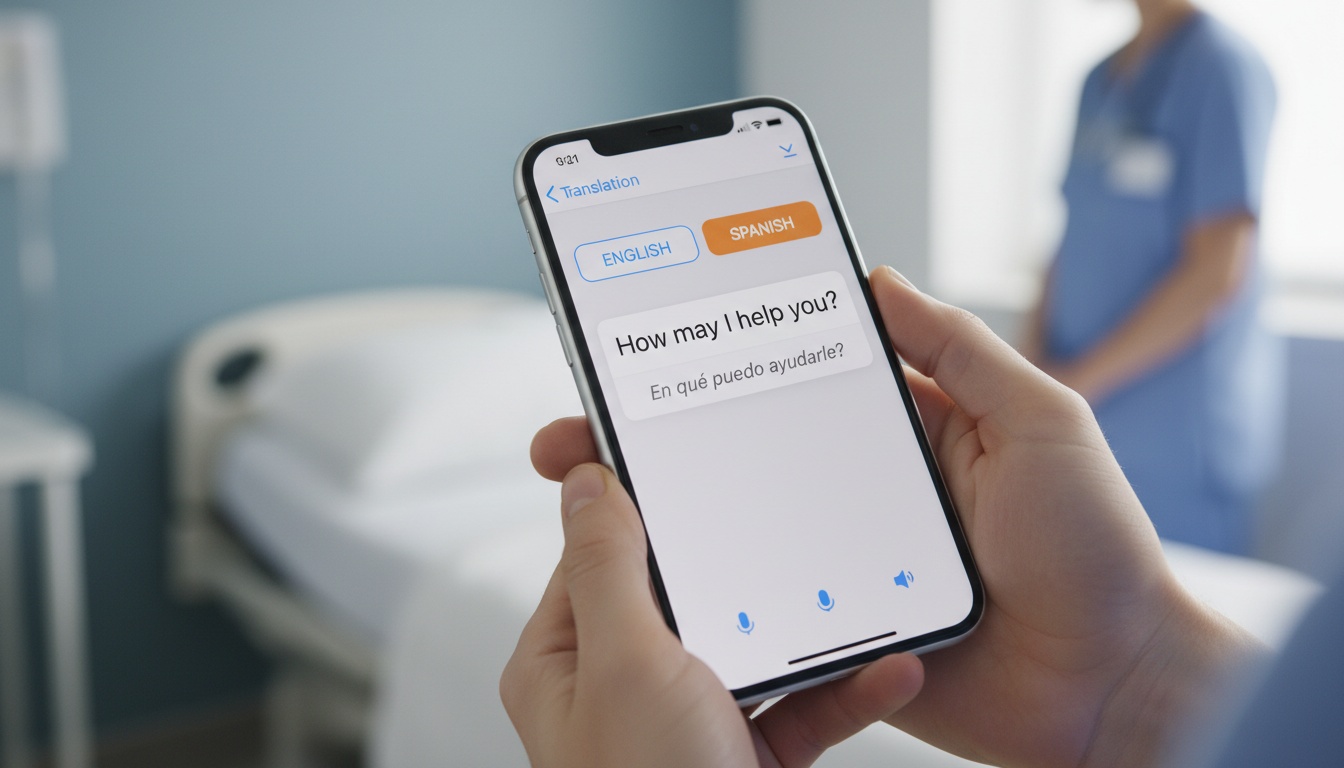
Complex medical vocabulary breaks basic translation engines almost immediately, leading to potentially dangerous misunderstandings between doctors and patients. iTranslate Pro handles complex medical phrasing better than many free alternatives.
For routine symptom descriptions, Google Translate works fine. For dosage instructions or surgical consent, I'd strongly recommend iTranslate Pro or a certified human interpreter. I refuse to rely on a free tier for anything involving medication names because the stakes are far too high for comfort.
Human interpreter services vary widely in cost depending on the provider, language pair, and service type. At higher per-minute rates, even a 20-minute hospital conversation can cost significantly more than an app subscription, whereas an app drops that communication cost to a fraction of the price. Choosing the right app is only half the battle. Setup matters too.
6. Mastering Your iPhone Interpreter: Setup, Settings, and Siri Shortcuts
- Open Apple Translate or Google Translate.
- Select your source and target languages.
- Tap the microphone icon (Apple) or conversation icon (Google) and grant permissions.
- Download offline language packs before you leave. In Google Translate: Profile icon > Downloaded languages > select your pack.
- Add the app widget to your home screen for one-tap access.
- Drop TTS playback speed to 0.8x in settings for clearer output in noisy environments.
I always drop the TTS speed to 0.8x. Native speakers in noisy environments will thank you. Many users download these applications at the airport gate and never bother to check the settings menu beforehand, which is a mistake.
Siri Integration and Shortcuts
You can trigger Siri translation by simply saying, "Hey Siri, how do I say where is the bathroom in Japanese." Apple Translate integrates natively. Meanwhile, apps like Google Translate and LiveLingo support custom Siri Shortcuts for hands-free activation.
Siri's main limitation is that it struggles with continuous conversation. It works best for single-phrase lookups rather than back-and-forth dialogue with a stranger on the street.
7. Accessibility Features for Hearing and Speech Impaired Users
Both Apple Translate and Google Translate support VoiceOver for visually impaired users. For speech-impaired users, text input modes generate text-to-speech output reliably. Google Translate also offers haptic feedback and switch control support for users with limited mobility. Once you've confirmed the app meets your needs, the next question is whether to pay for it.
8. Free vs. Paid: Choosing the Right Interpreter App for Your Needs
Paying for a translator app iOS users can download feels unnecessary to some casual vacationers today. The free tiers of Google and Apple provide massive value by covering basic voice translation and text translation capabilities for everyday use.
Paid subscriptions unlock professional tools. iTranslate Pro pricing varies, so check the App Store listing for the most current rates before subscribing. Compare iTranslate Pro and LiveLingo Pro side-by-side in our best paid translation apps for iPhone guide.
This subscription removes ads, enables offline mode, and provides verb conjugations. That is genuinely useful if you're also trying to learn the language.
My Decision Framework
Here is my decision framework for choosing between free and paid options. If you take one or two trips a year, stick to the free tiers of Google Translate and Apple Translate.
For three to five trips annually, an iTranslate Pro subscription makes sense. Business travelers handling negotiations should combine Microsoft Translator with a premium tool, while medical situations demand iTranslate Pro at a minimum. Check our guide to the best free iPhone apps for international travel for more budget-friendly options.
9. Our Pick: The Best Interpreter App for iPhone Right Now
Google Translate takes the overall top spot due to its massive feature set. Its breadth of 249+ languages and offline capabilities remain among the most comprehensive available in the current mobile application market.
Apple Translate wins for privacy. iTranslate Pro dominates the power user and business categories with its deep vocabulary and professional interface design. Papago easily beats Google for Asian languages like Korean and Japanese.
If you only download one app before your next trip, make it Google Translate. The gap between free and paid apps is narrowing fast. In the coming years, expect offline models to continue closing the gap with cloud quality for the most popular languages, which will make the free tiers even more compelling.
10. Ready to Break the Language Barrier?
Whether you're negotiating a contract or simply ordering dinner, clear communication is key. LiveLingo offers a unique blend of real-time voice translation, large-text display for easy reading, and valuable transcript exports for professional use.
Try LiveLingo free — 5 minutes of real-time voice translation every day, no credit card required. Upgrade to Pro for translated calls, AI meeting memos, and 300 minutes per month.
[Try LiveLingo Free]
11. Key Takeaways
- Google Translate wins overall as the most versatile free option for travelers.
- Apple Translate provides the best privacy features for users who want on-device processing.
- iTranslate Pro justifies its premium subscription price by offering advanced medical vocabulary.
- Pre-download your offline language packs before leaving home to avoid connectivity issues.
- Microsoft Translator is the top choice for multi-person business meetings and seminars.
- Never rely on a free app tier for critical medical dosage instructions.
- Siri translation requires an active cellular connection unless offline packs are pre-configured.