 LiveLingo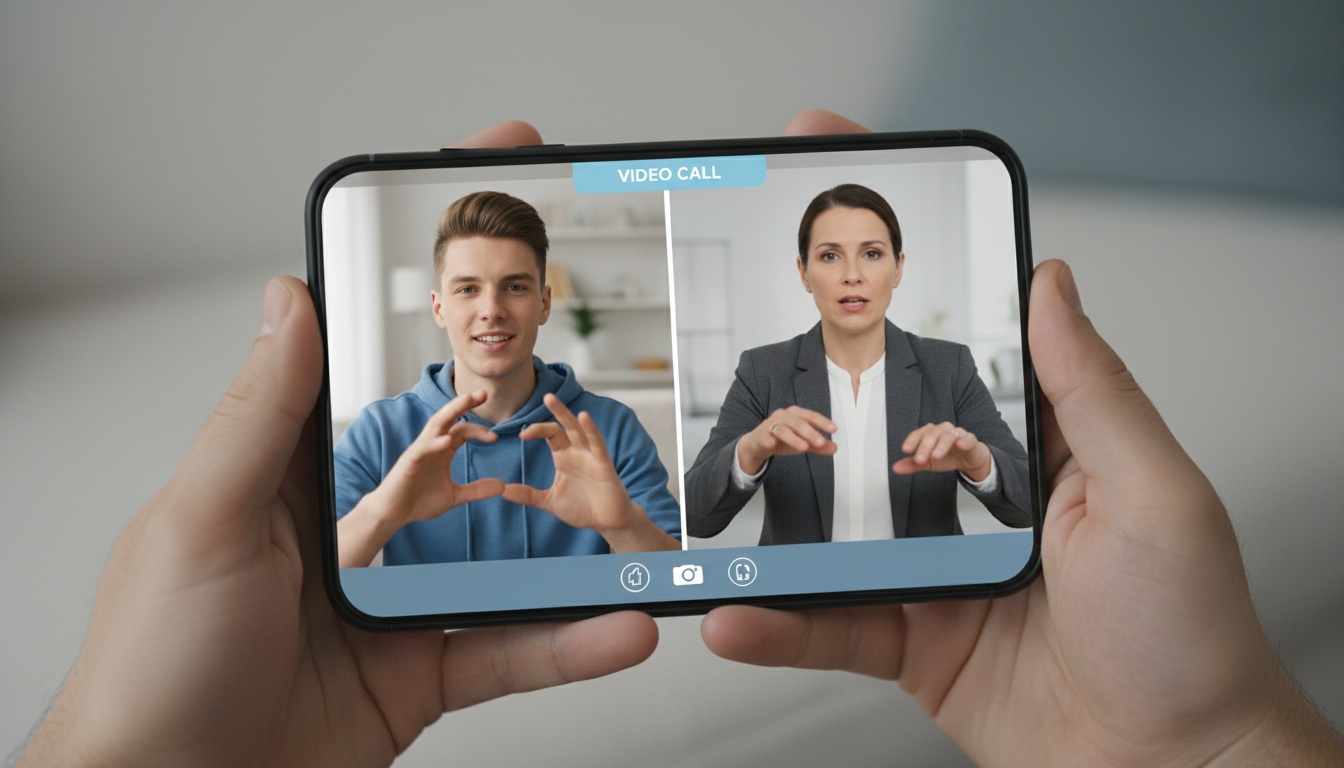
1. What Is an ASL Interpreter App?
An ASL interpreter app bridges communication between deaf and hard of hearing users and hearing individuals — either through AI-powered sign language translation or by connecting users to certified human interpreters on demand.
Two fundamentally different categories exist here. Conflating them leads to bad purchasing decisions.
The first category uses computer vision to recognize hand gestures via camera, then converts them to text or synthesized speech, with direction depending on use case. The second connects users to live ASL interpreters through video interpreting, functioning as a mobile interpreter app you carry everywhere.
This dual-category landscape explains why demand has accelerated sharply. ADA compliance pressure, the expansion of telehealth after 2020, and the shift to remote work all created situations where organizations suddenly needed accessible communication tools they'd never budgeted for. Apps like Hand Talk, Jeenie, and Aira ASL moved from niche tools to legitimate enterprise considerations in a relatively short period.
This article covers both AI translation apps and human interpreter platforms — with honest assessments of where each category actually works.
---
2. How ASL Interpreter Apps Work — And Where They Break Down
AI apps use your phone's camera to capture hand movements, identify gesture landmarks via computer vision, and convert them to text or speech. Human interpreter platforms skip the AI entirely and connect you to a certified interpreter by video.
The full AI pipeline runs like this: your phone's camera captures hand movements, a computer vision model identifies gesture landmarks in real time, a natural language processing layer maps those gestures to vocabulary, and the output surfaces as text or voice. That's the pitch. Here's what breaks it.
Where AI Sign Language Apps Break Down
Regional signs vary significantly — a point any working ASL interpreter will confirm, and one that published accuracy benchmarks consistently undercount. Fingerspelling at speed breaks most consumer AI models (a finding consistent across multiple published ASL recognition benchmarks, including work from the University of Washington's Sign Language Lab). Context that a human sign language translator handles instinctively — the difference between "hospital" signed in a medical intake vs. a casual conversation — often gets flattened into a single output.
AI vs. Human Interpreters: When Accuracy Matters More Than Cost
AI apps win on availability (24/7, no scheduling), cost (often free or low-cost), and speed for simple vocabulary. Human interpreters win on everything else that matters in high-stakes situations. Period.
A live ASL interpreter handles idioms, emotional register, professional terminology, and the back-and-forth rhythm of a real conversation. An AI avatar cannot do this reliably in 2026.
The accuracy gap isn't small. For medical, legal, or workplace conversations, the difference between "accurate enough" and "accurate" carries real consequences — and the legal standard under ADA is "effective communication," not "approximate communication."
One contrarian point worth making: most organizations over-invest in human interpreter platforms for low-stakes daily interactions (quick questions, informal check-ins, wayfinding) and under-invest in them for the high-stakes moments that actually create liability. Flip that ratio.
---
3. Best ASL Interpreter Apps Compared: Features, Pricing & Ratings
| App | Type | Free Tier? | Pricing | Best For |
|---|---|---|---|---|
| Hand Talk | AI (avatar) | Yes | Premium subscription | Learning, basic communication |
| Jeenie | Human interpreter | No | Per-minute + enterprise | Healthcare, legal, workplace |
| Aira ASL | Human agent | At Access Locations | No personal subscription | Navigation, daily independence |
| SignAll | AI (computer vision) | No | Enterprise licensing | Workplace communication |
| ASL Dictionary by Handspeak | Reference/dictionary | Yes | Low-cost premium | Sign language learning |
Platform availability (iOS/Android) and accuracy details are covered in each app description below. Human interpreter platforms deliver high accuracy because accuracy depends on the interpreter, not the software. AI apps deliver moderate accuracy based on published research and user-reported performance with complex signing. Pricing current as of Q1 2026 — verify at each provider before budgeting.
Hand Talk App
Hand Talk uses two animated avatars to translate text and audio into signed output: Hugo for ASL and Maya for Brazilian Sign Language (Libras), per Hand Talk's app documentation. The dictionary covers a large vocabulary of signs grouped by topic — verify current sign count and update frequency at handtalk.me, as these details change with app versions.
I ran Hand Talk through a stress test: fingerspelling common last names at normal conversational speed. It handled "Johnson" and "Smith" cleanly. "Kowalczyk"? Three attempts, three different outputs. That's not a knock — it's a calibration. Know what it handles before you rely on it.
Hand Talk handles text-to-sign and audio-to-sign translation — you can type a phrase or speak it, and Hugo signs the output. Offline functionality means you can access sign language translation anywhere — on a plane, in a remote location, or when your connection drops — without waiting for a server response. That's rare in this category; most AI translation apps require a connection.
Adjustable signing speed (slow, normal, fast) means you can learn at your own pace without feeling rushed — a feature that matters when you're building fluency from scratch. Practice modules transform Hand Talk from a translation tool into a learning platform — you're building muscle memory and retention through active practice, not just watching signs scroll by.
The business version supports team-level sign language learning, and the platform hosts live streams with interpreters and deaf community members. That's more than most AI translation apps offer.
Where it falls short: Hand Talk doesn't recognize live signing back into text. It's a text-to-sign and audio-to-sign tool. For a deaf person communicating outbound to a hearing person, it works well. For a hearing person trying to understand a deaf person signing at them, you need something else.
Hand Talk is an AI translation tool — accuracy is moderate, appropriate for learning and basic communication, not high-stakes settings. Available on iOS and Android.
Hand Talk holds a 4.6/5 on the App Store across tens of thousands of ratings as of early 2026.
Getting started takes about 3 minutes: Download the app, create a free account, select your language (ASL or Libras), then type or speak any phrase — Hugo signs the output immediately. Offline mode activates automatically when no connection is detected.
Jeenie App
Jeenie connects users to on-demand human interpreters through video interpreting. The model is per-minute pricing for individual users, with enterprise plans for organizations needing volume access. (Verify current rates at jeenie.com before budgeting — pricing structures for on-demand interpreter platforms shift frequently.)
I've seen organizations balk at per-minute pricing until they price out the alternative — a miscommunication in a clinical intake that requires a follow-up appointment costs far more. The math isn't close.
For high-stakes conversations, Jeenie is a strong option for healthcare appointments, legal consultations, and HR meetings — though the right fit depends on your organization's specific needs and budget. If you're a hospital administrator reading this, it's worth getting an enterprise quote and evaluating against your patient intake workflow. If you're an individual user who needs interpreting twice a month, the per-minute cost is painful, but it's still cheaper than a miscommunication in a doctor's office.
Jeenie is a human interpreter platform — accuracy is high because you're working with a certified interpreter, not software. Available on iOS and Android.
Getting started with Jeenie takes about 4 minutes: Download the app, create an account with a payment method, select ASL as your language, then tap "Connect." Connection times vary; check jeenie.com for current service level information.
Aira ASL
Aira ASL connects deaf and hard of hearing users with trained agents for real-world communication and navigation support, per Aira's app documentation. The service is free at Access Locations — partner venues, airports, retailers — with no personal subscription option currently available as of Q1 2026. Verify current availability and coverage at aira.io before relying on it as part of your accessibility plan.
The "no waiting, no reservations" model is the appeal. You open the app, you're connected. That frictionless experience is harder to engineer than it sounds — most on-demand platforms have connection delays that make them impractical in real-time situations. Aira's model is genuinely different.
However, one important caveat applies: Aira ASL isn't available everywhere, and personal subscriptions aren't currently offered. That limits it as a daily-carry solution for users outside Access Location coverage areas.
SignAll
SignAll uses computer vision to translate ASL in workplace settings. It's positioned as an enterprise solution rather than a consumer app — verify current product configuration and hardware requirements directly with SignAll, as their offering has evolved. If you're evaluating it for an office or clinic, contact SignAll directly for current pricing and deployment details. Not a mobile interpreter app you download and use today.
Can Google Translate Do ASL?
No. As of Q1 2026, Google Translate doesn't support American Sign Language. Google has conducted research into signed language recognition, but there's no reliable real-time ASL translation in the consumer Translate app. For actual deaf accessibility needs, Hand Talk or Jeenie are purpose-built and far more capable.
---
4. Free vs. Paid ASL Interpreter Apps: What You Need to Know
Free ASL apps are real, but they come with limits that matter.
| Tier | What You Get | Approximate Cost |
|---|---|---|
| Free (AI apps) | Dictionary, basic translation, learning modules | $0 |
| Entry paid (AI apps) | Expanded vocabulary, offline access, practice modules | Verify at handtalk.me |
| Per-minute (human) | Certified interpreter, real-time video interpreting | Verify at jeenie.com |
| Enterprise (human) | Volume pricing, integrations, dedicated support | Custom |
Hand Talk's free tier gives access to core features — verify current free vs. paid feature breakdown at handtalk.me, as tiers can change with app updates. ASL Dictionary apps like Handspeak's are strong no-cost resources for sign language learning and reference. For casual learning and simple communication, free tools are useful.
What is the best free ASL app? Hand Talk's free tier is the strongest option combining translation and learning. For pure reference, Handspeak's ASL Dictionary is thorough and costs nothing.
Is There a Free Online ASL Interpreter?
Truly free live human interpreting through a consumer app doesn't exist at scale.
Federally funded Video Relay Service providers — ZVRS, Purple, Sorenson — offer free VRS to eligible users for telephone relay calls, but that's a different use case than on-demand in-person interpreting. Consumer apps charge per-minute or subscription fees for human interpreter access.
Cost Comparison: Common Scenarios
| Scenario | AI App Cost | Human Interpreter Cost |
|---|---|---|
| Quick wayfinding question | $0 (Hand Talk free) | Per-minute rate (verify at jeenie.com) |
| 20-min HR meeting | $0 (but accuracy risk) | Per-minute rate × 20 min |
| Medical appointment (20 min) | $0 (but accuracy risk is real) | Per-minute rate × 20 min |
The cost of a miscommunication in a medical appointment is incalculable. A paid ASL interpreter service for a 20-minute appointment is not.
---
5. How to Choose the Right ASL Interpreter App for Your Needs
Start with your actual use case. The app that's right for a college student learning ASL is not the right app for a hospital system managing patient intake.
Learning and casual communication: AI apps with sign language dictionary features — Hand Talk, Handspeak. Free tiers are usually enough.
Daily communication support: AI translation apps work for simple, predictable interactions. Know their limits going in.
Workplace, legal, or medical settings: Human interpreter platforms only. AI accuracy isn't there yet for high-stakes conversations. If your team also needs real-time voice translation for hearing employees in those same meetings, [see how real-time translation tools complement your interpreter strategy].
Education: Look for apps with caption support and classroom integration capabilities. Check whether they connect with your LMS or video conferencing platform before committing.
Independence and navigation: Aira ASL, where Access Locations cover your area.
Is There a Real-Time ASL Translator Available?
Yes, with real caveats. AI-based real-time translation exists but accuracy drops with fast signing, regional signs, and complex sentences. Human interpreter platforms offer true real-time accuracy.
AI tools are improving, but they're not there yet for professional settings. For anything beyond basic vocabulary, budget for human interpreters.
Quick checklist before you buy: iOS or Android (or both), offline requirement, budget per month or per interaction, accuracy requirement, integration with Zoom or Teams, and whether you need caption output alongside signed translation.
---
6. How to Deploy ASL Interpreter Apps in Workplace and Educational Settings Without Creating Compliance Risk
ADA Title I and Section 504 create real obligations for employers and educational institutions. "We have an app" doesn't satisfy the effective communication standard if the app can't handle the complexity of the conversation.
ADA Compliance: What "Effective Communication" Actually Requires
Picture this: a mid-size company rolls out Hand Talk company-wide to cover ADA bases, choosing it over a paid ASL interpreter service to save money. Then a deaf employee can't follow a performance review conducted through an avatar that can't handle HR terminology. That's an expensive shortcut — and a real ADA compliance exposure.
The legal standard is "effective communication," not "approximate communication." That distinction matters in court.
For employers: On-demand human interpreter platforms make sense for onboarding, HR conversations, team meetings, and customer-facing roles. The per-minute cost is real, but it's a fraction of a full-time staff interpreter for organizations that don't need daily coverage.
For educational institutions: IEP meetings, disciplinary hearings, and parent-teacher conferences involving deaf families need human interpreters. Classroom support for deaf students in mainstream settings typically requires contracted interpreters, not apps — but AI tools can supplement between formal sessions.
For telehealth: Healthcare providers have strong reasons to prefer human interpreters in clinical decision-making contexts. AI sign language translation isn't accurate enough for symptom assessment or treatment explanation. Platforms that integrate with Zoom, Microsoft Teams, and Google Meet reduce friction — check this before deploying anything at scale.
Staff training is the part organizations consistently skip. A deaf employee shouldn't have to explain how to use the interpreting tool to their manager every time they need a conversation. Build that training into onboarding for hearing staff, not as an accommodation afterthought. For the hearing side of that equation, [integrated real-time translation tools can reduce the training burden] by working inside platforms your team already uses.
Caption Output and Video Quality Considerations
Caption output alongside signed translation matters more than most organizations realize. For deaf users who aren't native ASL signers — or who use a mix of ASL and written English — having text captions alongside video interpreting creates a second channel for comprehension. Check whether your chosen platform surfaces captions natively or requires a separate integration.
Video quality is the silent failure point in human interpreter platforms. A 720p connection in a noisy, low-light environment degrades the interpreter's ability to read signing accurately. Minimum requirements: stable broadband (at least 5 Mbps upload/download), adequate lighting on both sides of the call, and a device with a front-facing camera that can hold a steady frame. These aren't optional.
---
7. What's Coming in ASL Interpreter Technology — And Why It Doesn't Change Your 2026 Decisions
AI sign language recognition has been improving steadily, with researchers making meaningful progress on continuous signing recognition — not just isolated vocabulary — using transformer-based models. That said, no consumer app has yet translated those research gains into reliable real-world performance for professional settings.
It's not closed. Not for professional settings.
I remain skeptical that the accuracy gap closes for professional settings within the next two years — the accuracy threshold for clinical decision-making is higher than benchmark datasets typically measure. The near-term trajectory points toward hybrid models: AI handling routine vocabulary and flagging uncertainty, with human interpreters available on-demand for complex passages. Some enterprise platforms are already experimenting with this architecture.
Despite these improvements, what won't change is the need for human interpreters in high-stakes conversations. The accuracy threshold for clinical decision-making, legal proceedings, and performance reviews is higher than any current AI model reliably meets. Plan accordingly.
---
8. Key Takeaways
- ASL interpreter apps split into two categories: AI translation (fast, affordable, limited accuracy) and human interpreter platforms (higher accuracy, higher cost, appropriate for high-stakes settings)
- Hand Talk is the strongest AI option for learning and basic communication — offline capability, adjustable signing speed, and a free tier make it genuinely accessible
- Hand Talk handles text-to-sign and audio-to-sign translation; it does not recognize live signing — for that, you need a human interpreter platform
- Jeenie is a strong choice for healthcare, legal, and workplace interpreting — verify current per-minute pricing at jeenie.com before budgeting
- Aira ASL is free at Access Locations but lacks a personal subscription option as of Q1 2026, limiting its reach — verify current coverage at aira.io
- Google Translate does not support ASL as of Q1 2026
- Free ASL apps work for learning and simple communication; free live human interpreting essentially doesn't exist outside federally funded VRS for telephone relay
- Organizations that use AI apps to cover high-stakes workplace and medical conversations create ADA compliance exposure — the legal standard is "effective communication," not "approximate communication"
- Caption output and video quality are underrated factors — check both before deploying any platform at scale
---
9. Beyond ASL: Real-Time Translation for Workplace Communication
Effective accessibility for mixed deaf/hearing teams requires more than ASL interpretation alone. When hearing employees need to communicate with deaf colleagues in meetings, calls, and written exchanges, the interpreter handles one side of that equation — but the hearing side often goes unaddressed.
Try LiveLingo free — verify current free tier details at livelingo.com. It complements your human interpreter strategy without replacing it.