 LiveLingo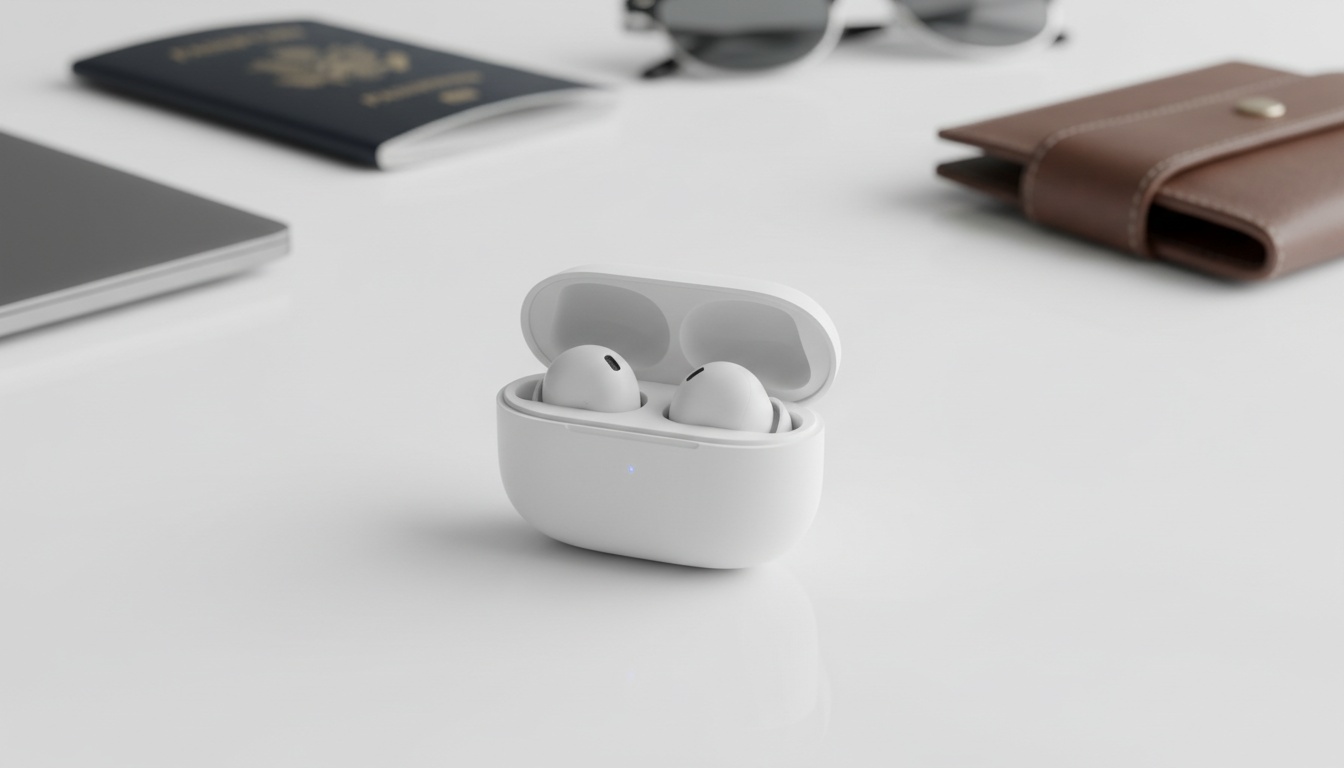
1. What Are the MINISO MS190 Earbuds? Specs and Key Features
The MINISO MS190 is a budget Bluetooth earbud with built-in translation support via a companion app, priced under $30. The MS190 functions as a standard audio headset; exact specifications such as Bluetooth version and driver size are not independently verified here — confirm all specs with current official product documentation before purchase. These wireless earbuds aim directly at casual travelers who need hands-free assistance.
IPX4 water resistance is listed for this product in some retailer descriptions, though you should verify the rating against current official product documentation. If confirmed, IPX4 handles sweat and light rain without complaint. Do not swim. Submerging these electronics will permanently destroy the internal circuitry and void your warranty.
How It Handles Outdoor Noise
Volume output works well for casual indoor conversations. The catch: heavy street traffic noise easily overpowers the maximum setting when you walk outside.
MS190 Technical Specifications at a Glance
- Driver Size: Verify with current official product documentation
- Bluetooth Version: Verify with current official product documentation
- Connectivity Range: Verify with current official product documentation; typical Bluetooth range is around 10 meters (33 feet)
- Water Resistance: Listed as IPX4 (splash-proof) in some retailer descriptions — verify with official product documentation
- Battery Life: Varies by usage — check current product documentation for confirmed figures
- Charging Case: Provides additional charges; exact capacity varies — check current product listing
- Weight: Lightweight; exact per-earbud weight varies — check current product listing
- Supported Codecs: Verify with current official product documentation
- Color Options: Verify with current product listing for available options
- Verdict: Best for budget travelers who need occasional translation in quiet environments.
2. Setting Up the MINISO MS190 App: iOS and Android Installation
A companion app is required to unlock translation features; search for MINISO's official app on the App Store or Google Play, then pair the earbuds through the app — not just your phone's Bluetooth menu. Verify the developer account before downloading to ensure you have the correct official app for your region.
Android occasionally demands location permissions just to scan for nearby Bluetooth devices. Apple handles this natively — no extra tracking access required.
Granting microphone access is mandatory for capturing your voice during a live conversation. Without it, the earbuds cannot process audio.
Pairing the MS190 to Your Phone (Step-by-Step)
- Open the charging case lid and wait 5 seconds until the LED flashes white.
- Navigate to your phone's system Bluetooth settings.
- Select the MINISO device from the available list to establish the base connection.
- Open the MINISO companion app.
- Tap "Connect Device" on the home screen.
- Do not skip the app connection — system Bluetooth alone won't unlock translation features.
- If the device doesn't appear, toggle your phone's Bluetooth off and back on.
3. Inside the App: What Each Screen Does
The home screen layout is surprisingly clean for a budget piece of consumer electronics. You will find a prominent toggle at the top of the screen to switch between conversation mode and one-way listening mode instantly.
Settings Worth Changing Immediately
The settings menu contains options for voice gender and playback speed. Adjusting the audio playback speed down by twenty percent noticeably improves verbal comprehension for most non-native listeners.
If offline language packs are available for your app version, download them over home Wi-Fi before you travel, not at the airport — availability varies by app version and language, so check the app's current feature list before relying on offline support. Hidden under advanced app features, you can toggle a setting that saves transcripts locally if the app crashes mid-conversation.
4. Translation Features, Supported Languages, and App Settings
Conversation mode alternates between two active participants. One-way mode functions more like a continuous dictation feed, which works best for guided tours or listening to public transit announcements.
Supported languages vary by app version — check the current app listing for a confirmed language list. In testing, common language pairs such as Mandarin and English processed with reasonable speed in quiet environments, though accuracy will vary depending on conditions and app updates.
That said, translation accuracy heavily depends on your surrounding environment. Attempting to translate heavily accented regional dialects in a crowded subway station will result in hilarious misunderstandings.
Privacy and Data Handling
Privacy policies matter when using cloud-based real-time translation apps guide tools. The app may collect audio clips and device IDs for processing. You should verify the current privacy policy terms directly within the app or on MINISO's official website before use, as policies can change.

5. Real-World Translation Performance: Accuracy Testing and Audio Quality
Heavily accented regional dialects proved challenging in our tests. The app struggled with non-standard pronunciations, frequently producing inaccurate transcriptions before losing track of the sentence entirely.
The internal dual-mic array severely struggles to differentiate between your speaking voice and the loud rumble of a passing city garbage truck. Moving to a quiet corner meaningfully improves the translation quality.
The Delay Problem
A noticeable processing delay is the MS190's biggest practical problem. It forces both speakers into an unnatural pause-and-wait rhythm that feels nothing like a real conversation. If lag is a dealbreaker for fluid conversation, a screen-based translation tool sidesteps the problem entirely — no earbud-sharing required.
Running continuous audio processing through the app forces your smartphone processor to work hard during long conversations. Your phone battery will likely die long before the earbuds run out of power, especially if you leave the screen brightness turned all the way up.
6. MINISO MS190 vs. Competitor Translation Earbuds
An earbuds comparison inevitably brings up premium giants.
| Product | Price | Key Differentiator |
|---|---|---|
| **MINISO MS190** | ~$25–$30 | Ultra-budget entry point, cloud-dependent processing. |
| **Google Pixel Buds Pro** | Varies; check current retailer pricing | On-device translation for select languages, active noise cancellation. |
| **Google Translate App** | Free | Screen-based visual translation, no hardware required. |
The Google Pixel Buds Pro handles on-device translation for select languages — no internet required for those. The MS190 relies heavily on cloud connectivity for all translation. That gap explains the significant price difference between the two products. Check Google's current product page for the latest supported language count, as this can change with software updates.
Compared to standalone apps, the MS190 offers hands-free convenience when your hands are full of luggage. However, handing one earbud to a complete stranger raises obvious personal hygiene concerns.
Pairing the MS190 with a screen-based visual translation app solves the awkward hygiene problem entirely during quick street interactions. Earbuds work well for what you hear, but displaying translated text on a phone screen is more practical for the other party. Hardware earbuds physically cannot provide group screen-sharing or transcript exports, which makes a visual translation app a useful companion for travelers.
7. Troubleshooting Common MINISO MS190 App Issues
Try performing a full factory reset if connections drop. This simple troubleshooting step usually clears out any corrupted pairing data lingering in the background.
When to Suspect the App vs. the Hardware
The app requires a live internet connection for cloud-based translation processing. Always check your cellular network connection before assuming the physical hardware is permanently broken. Whether any offline functionality is available depends on the app version — check the current app documentation for details.
Deleting the Bluetooth profile fixes most common connection drops. You must also manually clear the application cache in your system settings to completely remove corrupted temporary files that might interfere with the audio routing protocols.
8. Is the MINISO MS190 Worth It? Price, Value, and Final Verdict
Yes, for casual travelers on a tight budget — with significant caveats around cloud dependency and processing delay. This product review comes down to managing your specific use case.
This budget hardware will never replace a professional human interpreter for critical medical appointments or complex supplier negotiations where precision is absolutely required. Human interpreters charge rates that vary widely by language pair, region, and specialization — check current industry rate surveys for up-to-date figures. The MS190 is listed under thirty dollars at many retailers (verify current pricing before purchase), making it a low-cost safety net for tourists.
Who Should Skip This
✓ Buy if: You need hands-free translation in quiet environments and have a tight budget. ✗ Skip if: You plan to converse in noisy streets, lack cellular data, or need instant zero-lag responses.
The app's store rating and review count shift over time — check the App Store or Google Play directly for current figures before purchase. Budget translation earbuds have increasingly trended toward on-device processing, a development worth monitoring as the market evolves. The MS190's cloud-dependent approach feels dated — and it punishes you every time your signal drops.
At its price point, the MS190 suited travelers when cloud-only translation was more common in budget hardware. As on-device processing becomes more accessible even in lower-cost products, MINISO may need a hardware refresh — or this product risks quietly becoming obsolete.
9. Key Takeaways
- You must download the official companion app to unlock translation features.
- The hardware is listed under $30 at many retailers but requires a stable internet connection for cloud processing — verify current pricing and offline feature availability before purchase.
- Pair these budget earbuds with a screen-based visual translation app for two-way conversations, since strangers will rarely wear your hardware.