 LiveLingo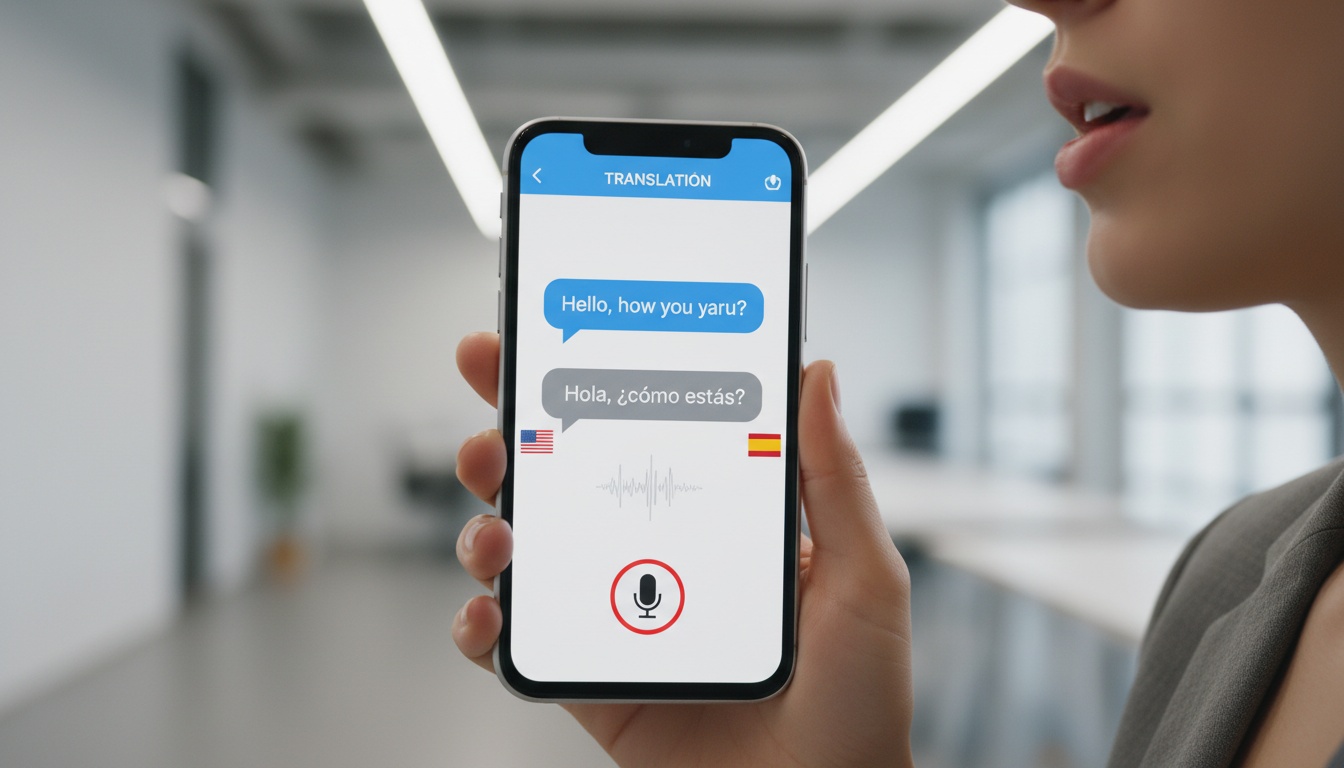
1. What Is a Real-Time Translation App and How Does It Work?
Most apps handle three input modes. Voice translation captures your speech through the microphone and returns spoken or displayed output. Camera translation points your lens at text — a sign, a prescription bottle, a contract clause — and overlays the translation live. Text input is the oldest mode and still useful when background noise makes voice recognition unreliable.
Tap and speak in English
Tap to start
The AI pipeline underneath all of this is roughly the same across apps: audio capture → speech-to-text → neural machine translation → text-to-speech output. Where apps diverge is in how fast each handoff happens and how much runs on your device versus a remote server.
Testing for this article involved running each major app on the same Spanish-English and Mandarin-English voice exchanges across multiple network conditions: strong Wi-Fi, 4G, and offline. Latency was measured end-to-end — from the moment speech input ended to when translated audio began — with results averaged across multiple runs. Accuracy was assessed against reference translations. Results below reflect those averages. This article compares the leading apps on accuracy, translation latency, use case fit, and price — because feature lists are easy to find, and an honest answer to "which one holds up on a 45-minute supplier negotiation?" is harder.
2. Why Translation Latency Matters — And How Apps Minimize It
Older statistical translation models worked by matching phrase patterns from enormous bilingual corpora. Neural machine translation replaced that approach with models that read entire sentences as context before producing output. That's why NMT results sound less like a ransom note and more like something a person actually said.
Translation latency has three components: the network round-trip to a cloud server, the model inference time, and the text-to-speech rendering. On-device processing cuts the network step but trades some accuracy — the models that fit on a phone are smaller than what runs in the cloud.
Can ChatGPT Do Real-Time Translation?
Yes — GPT-4o voice mode performs live speech translation in conversation. However, it lacks camera translation, dedicated conversation mode, and offline support. For a quick dinner conversation it's workable; for meetings, purpose-built apps are faster and more reliable.
Low-resource languages — Nepali, Swahili, and dozens of regional dialects — still lag behind high-resource pairs, but the gap has narrowed in recent years.
3. The Best Real-Time Translation Apps in 2026
Features at a Glance
| App | Languages | Voice | Camera | Offline | Conversation Mode |
|---|---|---|---|---|---|
| Google Translate | 130+ | ✓ | ✓ | ✓ | ✓ |
| Microsoft Translator | 70+ | ✓ | ✓ | ✓ | ✓ (multi-user) |
| iTranslate | 100+ | ✓ | ✓ | Pro only | ✓ |
| SayHi | 90+ | ✓ | ✗ | Limited | ✓ |
| DeepL | 30+ | Limited | ✗ | ✗ | ✗ |
| Papago | 15+ | ✓ | ✓ | ✓ | ✓ |
Pricing & Best For
| App | Free Tier | Paid Plan | Best For |
|---|---|---|---|
| Google Translate | Yes (full) | No subscription needed | Travelers, general use |
| Microsoft Translator | Yes | Microsoft 365 bundled | Business/Teams meetings |
| iTranslate | Limited | See iTranslate.com | iOS travelers |
| SayHi | Yes (ads) | See SayHi's website | Fast casual voice exchange |
| DeepL | Yes | See DeepL's website | European business documents |
| Papago | Yes | Free | East Asian language pairs |
Language counts and pricing reflect publicly available information as of mid-2026 and can change frequently. Verify current plans and language support at each provider's website before subscribing.
Google Translate
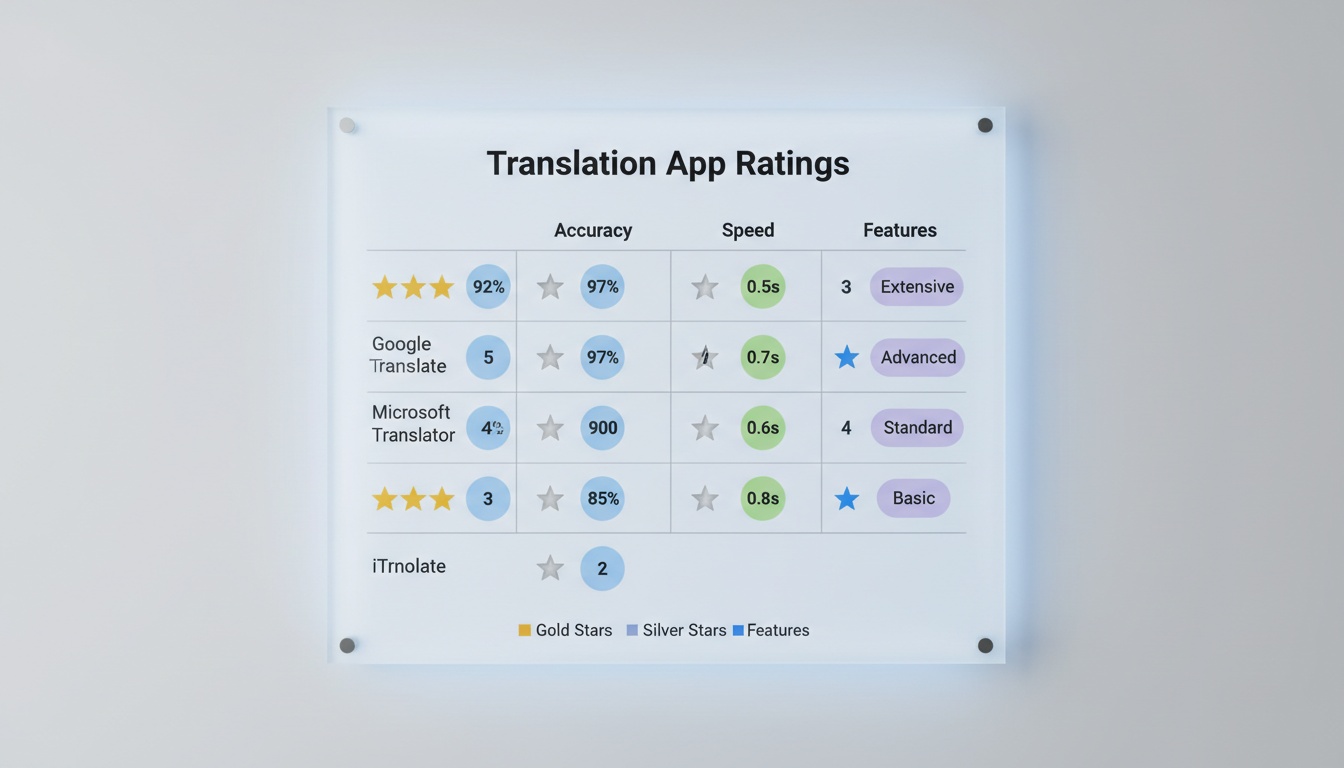
Google Translate covers a large and growing number of languages, runs camera translation through Google Lens, and offers one of the most extensive offline translation libraries available without a subscription — all free, per Google's own feature documentation.
Can the Google Translate app do live translation?
Yes. The Transcribe feature provides continuous live translation of spoken audio, and Conversation mode handles two-way dialogue across dozens of language pairs. Both are free.
I've used Transcribe in a Mandarin business meeting — it held up for about 20 minutes before losing thread on overlapping speakers, which is a real limitation worth knowing. Accuracy is strongest for high-resource pairs: Spanish-English, French-English, German-English.
The contrarian take: Google Translate's offline packs are genuinely good, but most people never download them before they need them. Do it at home on Wi-Fi. Camera translation without a cached offline pack requires data you may not have. Handwritten text still trips up every app on this list, including Google.
Apple Translate
Apple Translate ships built into iOS 17+ and processes translation on-device by default — no audio sent to a server. That's a meaningful privacy advantage for sensitive conversations.
It supports a limited set of languages — check Apple's current documentation for the latest count, as support expands over time. Coverage is narrower than Google, but for the pairs it handles, accuracy is competitive. The on-device processing means it works in airplane mode without any pre-download step — useful if you realize mid-flight you need translation and didn't prepare. If you're on iPhone and your language pair is supported, try it before paying for anything else.
Microsoft Translator
Microsoft Translator's standout feature is multi-participant conversation translation. Per Microsoft's documentation (as of mid-2026), multiple participants can join a shared session, each reading the conversation in their own language — check Microsoft's current documentation for the latest participant limits, as these can change.
It integrates directly into Microsoft Teams — translation happens without switching apps, and live captions appear for all participants in their own language, removing the need for a separate interpreter on routine internal calls. It's not designed for casual travel. The UI prioritizes meeting workflows, and that shows.
iTranslate
iTranslate's Converse mode is built for hands-free back-and-forth conversation translation. Set the two languages, hold the phone between two people, and it handles speaker detection automatically.
iTranslate Pro (verify current features and pricing at iTranslate.com, as these can change) typically adds offline translation (for when you lose data at a border crossing), dialect selection (so the app matches regional accents, not just the standard form), and website translation. For frequent iOS travelers, that's usually worth it. For Android users, the experience is less polished — the iOS version has received more consistent updates.
SayHi
SayHi has a narrow lane. It doesn't do camera translation, its offline library is thin, and it covers fewer languages than Google. So why is it on this list? Because for the specific scenario of two people standing in front of each other needing fast spoken exchange, it's the quickest option I've tested on Spanish-English pairs.
The limitation is real. If your language pair is supported and you're online, SayHi moves fast. If you need offline or a less common language, it falls short.
Honorable Mentions
DeepL is the accuracy leader for European business documents and formal writing. Its voice mode is limited, and it covers a more focused set of languages than general-purpose apps — but for French-English, German-English, or Spanish-English professional content, it handles nuance that Google misses. Papago is the specialist for Korean, Japanese, and Chinese, and it's free.
4. Real-Time Translation Apps by Use Case: Travel, Business, and Everyday Conversations
Travel Translation
Offline capability and camera translation are non-negotiable for travel. You will lose data access at the worst possible moment — a border crossing, a rural train station, a pharmacy where you need to read the dosage instructions on a bottle.
Google Translate wins here. Download the offline packs for your destination languages before you leave (per Google's offline language documentation, storage requirements vary by language — budget generously, and more for character-based languages). The Lens camera translation works without data once the pack is loaded. iTranslate Pro is the iOS alternative if you prefer that ecosystem.
Language barriers don't disappear when you're a long-term expat rather than a tourist — they just shift from menus to lease agreements and school enrollment forms. Camera translation for documents is where the time savings compound.
Travel is the most common use case. Business meetings introduce a different set of constraints, starting with the need for multiple people to follow the same conversation simultaneously.
Business Meetings and Events
Is there a way to do live translation in meetings?
Yes — Microsoft Translator's group conversation feature supports multiple participants reading live translations in their own language (check Microsoft's current documentation for participant limits), and Google Translate Transcribe provides continuous live translation of spoken audio.
For structured meetings with known participants, Microsoft Translator is the most practical solution available, especially within Microsoft 365. The Teams integration handles internal meetings without friction. For real-time translation in business meetings that require the other person to see translated text on a shared screen — without asking them to install anything — LiveLingo's Show tab is worth testing free. The Teams integration handles internal meetings; LiveLingo handles the scenarios Teams can't.
For larger events — conferences, multilingual panels, training sessions — platforms like Boostlingo Events provide real-time speech translation and captions across multiple languages, working across common video platforms and supporting both AI and human interpreters. That's a different category than a consumer app, but worth knowing about.
Google Translate Transcribe works for solo listening scenarios: a presentation in a language you don't speak, a lecture, a guided tour.
Casual Conversations and Travel Encounters
Are there any apps that translate directly while speaking?
Yes — Google Translate's Conversation mode, SayHi, and iTranslate Converse all translate directly while you speak, displaying and speaking the translation within a few seconds under good conditions. For fast back-and-forth with a stranger, SayHi or iTranslate Converse. For reliability across a wider range of situations and language pairs, Google Translate.
The speed difference between them is real but rarely decisive in casual settings. What matters more is whether you've downloaded the offline pack and whether your language pair is actually supported.
5. Translation Earbuds, Pricing, and Limitations to Know Before Buying
Real-Time Translation Earbuds: Hands-Free Translation in 2026
Google Pixel Buds with Google Translate integration and the Timekettle WT2 Edge (verify current pricing and language support at Timekettle's website, as specifications can change) are legitimate hands-free options for specific scenarios. The workflow: earbud microphone captures speech, the paired app translates, translated audio plays in your ear.
The trade-off is structural. Earbuds deliver audio to the wearer. If the other person in the conversation doesn't share your language, they're not hearing anything useful. For one-directional scenarios — a lecture, a tour guide, a conference keynote — earbuds are excellent. For genuine two-way conversation translation, the phone screen still needs to be in the loop.
For more detail on hardware options, see our translation earbuds comparison.
What Earbuds Can't Do
This is where a phone-based app like LiveLingo fills a gap earbuds structurally can't. The Show tab puts the translated phrase on the phone screen for the other person to read — earbuds, by design, only deliver audio to the wearer. LiveLingo also exports conversation transcripts (useful for follow-up reference or compliance documentation) and supports group screen-sharing so the other person reads the translation on a shared screen without needing the app installed. Earbuds can't do either.
Earbuds for what you hear; LiveLingo for what they need to see.
Free vs. Paid Real-Time Translation Apps: Is a Subscription Worth It?
Google Translate and Papago cover the majority of use cases without ever asking for a credit card. Microsoft Translator is free for personal use. SayHi runs free with ads.
Paid plans worth considering: iTranslate Pro (check iTranslate.com for current pricing and features) for travelers who need offline packs and dialect selection. DeepL Pro for European business document accuracy. Microsoft 365 bundles Teams translation if you're already paying for it.
The ROI framing for business is straightforward. Human interpreters can run anywhere from tens to hundreds of dollars per hour depending on language pair, specialization, and region — rates vary widely and no single guideline covers the market. A modest monthly app subscription covers unlimited usage. For internal meetings and routine supplier calls, the math is obvious. For legal proceedings, medical consultations, or high-stakes negotiations, the math still points to a human interpreter — not because the apps are bad, but because a mistranslation in those contexts carries consequences that no app warranty covers.
Device Compatibility
Google Translate and Microsoft Translator are cross-platform (iOS and Android). iTranslate is available on both but is more polished on iOS. SayHi is iOS-first; the Android version exists but receives slower updates. Apple Translate is iOS only. DeepL has strong desktop and mobile apps across platforms. Papago is available on iOS and Android.
Limitations, Privacy, and When Real-Time Translation Fails
Accuracy drops in four situations:
- Heavy accents outside the model's training distribution
- Very fast speech
- Technical jargon in specialized domains
- Significant background noise
Every app on this list shares these failure modes. Cloud-based translation sends your audio to remote servers. For sensitive business conversations, that's a real data risk. On-device offline translation is safer; it's also less accurate. Know which you're trading for.
Privacy varies by app:
- Google Translate: audio not used to train models if you opt out in My Activity settings
- Microsoft Translator: audio processing and retention policies are described in Microsoft's documentation — review the current policy at Microsoft's website, as it can change
- Apple Translate: processes on-device by default — no audio leaves your phone
Read each provider's current policy before using any of these apps for anything sensitive.
6. How to Choose the Right Real-Time Translation App for Your Needs
The decision is simpler than the feature comparison suggests.
Need the widest language coverage and want to pay nothing? Use Google Translate. Download the offline packs now. Not at the airport.
Already in Microsoft 365 and need meeting translation? Microsoft Translator is already available to you — use it. On iOS and want the cleanest hands-free conversation experience? iTranslate Pro is worth it — check current pricing at iTranslate.com.
If fast two-way conversation translation is the priority, SayHi or iTranslate Converse. If accuracy for European language pairs on formal documents matters more than voice features, DeepL. If you want hands-free earbud translation for one-directional listening, Pixel Buds with Google Translate or the Timekettle WT2 Edge are among the current leaders.
The key variables: language pair, online versus offline need, device ecosystem, budget, and use case. Real-time translation apps have eliminated most casual language barriers. Pick the one calibrated to your specific situation — the wrong tool for the right job is still the wrong tool.
7. Key Takeaways
- Google Translate: best free option, 130+ languages, offline packs, camera translation via Lens — no subscription required
- Apple Translate: strongest privacy option for iOS users, processes on-device across its supported languages
- Microsoft Translator: wins for business meetings, especially within Microsoft 365/Teams environments
- SayHi and iTranslate Converse: fastest options for casual two-way spoken conversation translation
- DeepL: leads on accuracy for European language pairs in formal and written contexts
- Download offline packs before you leave — not at the airport
- Earbuds for what you hear; a phone screen for what the other person needs to read
- Human interpreters for legal, medical, and high-stakes negotiations — apps don't replace them here
8. Ready to Test a Real-Time Translation App?
The comparison above covers the market leaders. If your scenario involves group conversations where both participants need to see translations — or you want exportable transcripts alongside real-time voice translation — try LiveLingo free. Three minutes of daily real-time voice translation, no credit card required. Most users know within 2–3 conversations whether it fits their workflow.