 LiveLingo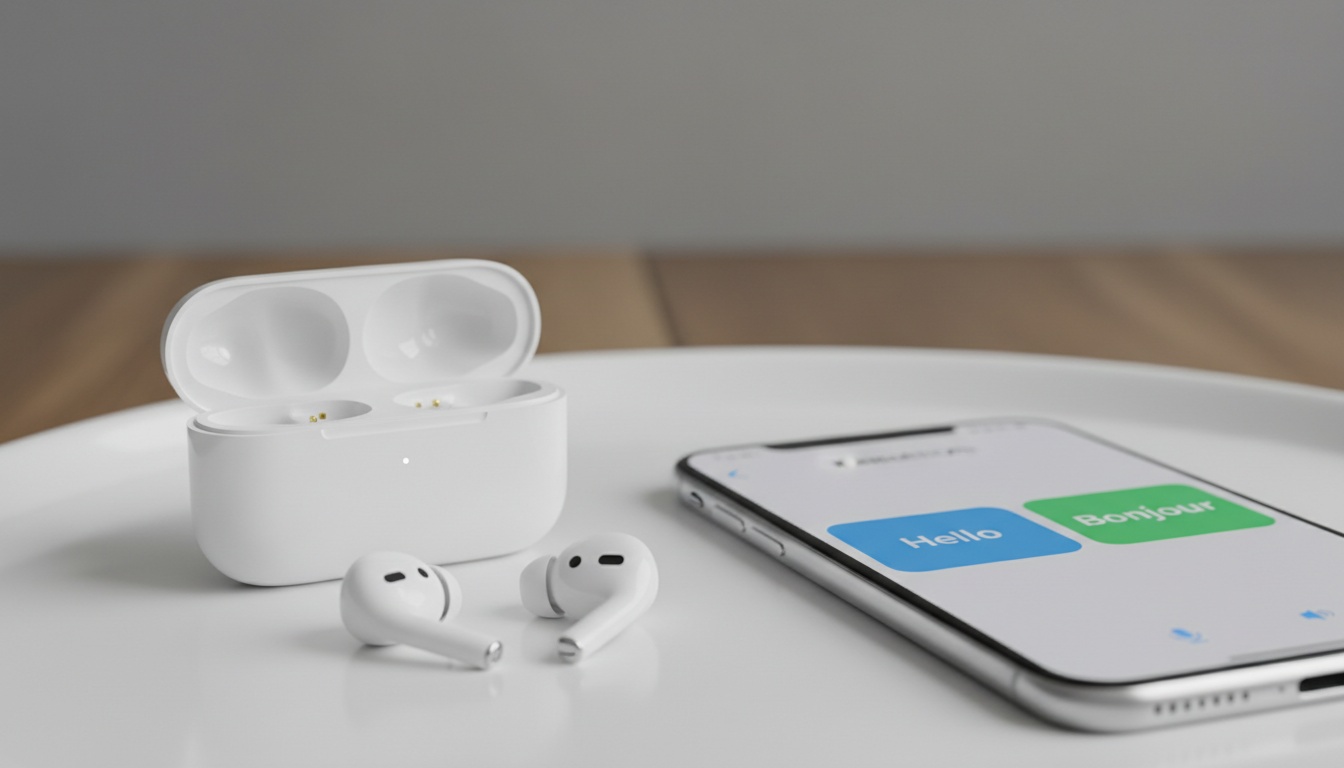
1. How Earbuds Translation Apps Work (And Why They Beat Hardware Translators)
Translation earbuds and translation apps aren't the same thing, though most people mix them up. Translation earbuds are hardware devices that come with built-in AI interpreter capabilities. Earbuds translation apps turn your existing Bluetooth earbuds into real-time translators using your smartphone's processing power.
Tap and speak in English
Tap to start
The technology runs on neural machine translation engines — similar AI systems to those powering major translation services. Your voice gets captured by the earbud microphones, processed through cloud servers via your phone's data connection, then delivered back as translated audio typically within a few seconds.
The Technology Behind Voice Translation
The AI interpreter process happens in four stages. First, voice recognition converts your speech to text. Then language detection identifies the source language. Neural translation processes the meaning (not just words). Finally, text-to-speech generates the audio output.
Cloud processing typically delivers better accuracy than offline translation, but you'll burn through data during active conversation. Only some high-end models offer offline translation for pre-downloaded languages — and the accuracy often drops noticeably.
2. Best Earbuds Translation Apps: Complete Feature Comparison
These seven apps offer strong translation performance across multiple platforms.
Google Translate remains the free standard for multilingual communication. Conversation mode works with any Bluetooth earbuds, supporting multiple languages with offline capabilities for many language pairs.
Microsoft Translator targets business translation scenarios with industry-specific vocabulary. The app integrates well with Office 365 and supports group conversations.
Timekettle Translator (companion app for their earbuds) offers simultaneous interpretation features for meeting scenarios.
iTranslate Voice offers a polished interface with subscription options for enhanced features.
SayHi Translate targets casual users with simple tap-to-translate functionality and freemium pricing model.
Naver Papago provides strong performance for Asian language pairs with conversation mode support.
Reverso Translate offers context-based translations with example sentences and pronunciation guides.
Free vs Premium Features Breakdown
Free tiers let you test translation quality before committing, but daily usage limits mean you'll hit a ceiling quickly. Premium subscriptions remove those limits and add offline translation—critical if you're traveling to areas with spotty connectivity—plus conversation history so you can reference past translations without re-typing.
Data usage varies by app and conversation length. Cloud-based translation requires sustained internet connectivity for optimal performance.
Pricing Comparison Table
| App | Free Tier | Premium Cost | Languages | Key Features |
|---|---|---|---|---|
| Google Translate | Extensive features | Free | 100+ | Offline support |
| Microsoft Translator | Basic features | Subscription | 70+ | Business integration |
| Timekettle | Basic features | Varies | 40+ | Hardware integration |
| iTranslate Voice | Limited features | Varies | 40+ | Premium interface |
| SayHi Translate | Basic features | Varies | 90+ | Simple operation |
| Naver Papago | Basic features | Premium options | 15+ | Asian languages |
| Reverso Translate | Limited features | Subscription | 15+ | Context examples |
*Pricing varies by app and may change
3. How to Turn Your Earbuds Into a Translator: Complete Setup Guide
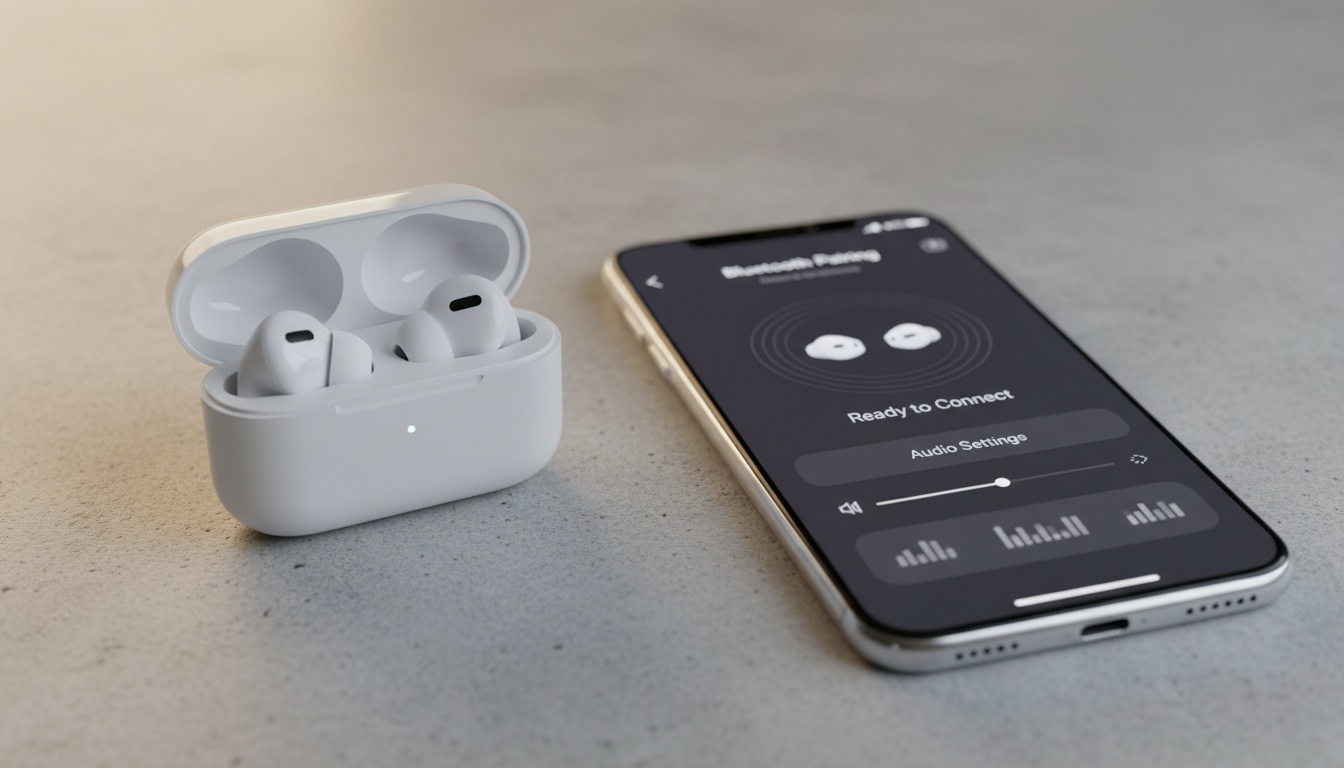
Setting up translation apps with your existing earbuds takes time when done correctly. Skip steps and you'll spend time troubleshooting audio routing issues.
iOS Setup Process:
- Download your chosen translation app and grant microphone permissions
- Pair your Bluetooth earbuds through Settings > Bluetooth (not the app)
- Open the translation app and select your earbuds as the audio output device
- Test the microphone by recording a short phrase — most apps route input through phone mic, output through earbuds
- Calibrate voice recognition by reading the provided sample sentences
Android Configuration: Android offers more audio routing flexibility but requires manual configuration. After pairing earbuds, go to Settings > Connected Devices > Audio and select "Media Audio" for your earbuds. Some apps let you route both input and output through the earbuds, creating true hands-free operation.
Windows Setup: Pair earbuds through Settings > Bluetooth & devices, then configure audio routing in Sound settings > App volume preferences. Windows requires additional configuration for cross-language communication apps to route audio correctly through translation software.
First-time voice training improves accuracy noticeably. Spend 2-3 minutes reading calibration phrases in a quiet environment for better conversation translation results.
Troubleshooting Common Setup Issues
Audio lag between languages? Check if your earbuds support low-latency codecs like aptX or LDAC. Standard Bluetooth can introduce delays that compound with translation processing time.
Connection dropping during conversations usually means your earbuds are switching between phone and media audio profiles. Disable automatic switching in your phone's Bluetooth settings.
Common Issues:
- Microphone permission denied - Grant app access in device settings
- Network timeout - Check internet connection stability
- Language pack missing - Download required languages in app settings
- Audio routing failure - Restart Bluetooth connection and re-pair earbuds
4. Translation Accuracy & Performance: Real-World Testing Results
Translation accuracy varies by language pair and conversation context. English-Spanish translations typically perform better than tonal languages like Mandarin. Business translation scenarios often score lower than casual conversation due to technical vocabulary.
Background noise impacts translation accuracy. Ambient noise can reduce performance, while wind noise makes voice recognition challenging.
Phone-only translation apps often deliver strong accuracy compared to dedicated translator earbuds. The phone's larger microphone arrays capture clearer audio, and you're not limited by earbud processing power or battery life.
When Earbuds Beat Phone Apps (And When They Don't)
Earbuds shine during hands-free scenarios: cooking while following foreign recipes, walking tours, or any situation where holding a phone feels awkward. The private audio delivery also works better in noisy environments where phone speakers get drowned out.
Phone apps win for accuracy and battery life. Your phone's microphone captures better audio quality, and you won't drain your earbuds' battery during long conversations. For important business meetings or medical appointments, stick with phone-based translation.
For hands-free scenarios where accuracy matters most, [compare translation apps side-by-side] to find your best match.
5. Privacy, Security & Hidden Costs: What You Need to Know
Data collection policies vary between translation apps. Google Translate and Microsoft Translator may use your conversations to improve their AI models unless you opt out in privacy settings. Some apps offer more privacy-focused approaches for sensitive conversations.
Subscription pricing includes auto-renewals and feature limitations. Premium tiers seem reasonable until you realize free versions often limit daily translations.
Offline translation requires pre-downloading language packs. Google Translate offers extensive offline language support, but accuracy typically drops without internet connectivity. Most other apps limit offline support to major languages.
Cost Breakdown: Free vs Premium Models
Free tiers work for occasional travel translation but fall short for daily multilingual communication. Premium subscriptions range from budget-friendly to premium pricing, with annual plans offering discounts.
The real cost comparison: human interpretation services typically charge varying rates per minute for phone calls. Translation apps cost substantially less per minute of active use when you factor in subscription fees and data charges.
6. Accessibility Features for Hearing-Impaired Users
Modern iOS translation apps and Android translation apps include visual translation displays for users with hearing impairments. Text appears on screen simultaneously with audio output, enabling full participation in conversations.
Haptic feedback options provide vibration alerts when translation is ready. Some apps offer adjustable text size and high-contrast modes for better visibility.
Voice recognition technology adapts to different speech patterns, including users with speech impediments or strong accents. Training features help improve recognition accuracy over time.
7. Common Issues & Troubleshooting Tips
Audio synchronization problems affect many earbuds translation apps. If translated speech arrives several seconds after the original, your earbuds likely lack low-latency codec support. Switch to wired earbuds for important conversations.
Language switching works better with voice commands than manual selection. Apps with voice control respond to voice commands faster than tapping through menu options mid-conversation.
Battery optimization matters more than expected. Translation apps can drain earbud batteries faster than music playback due to constant microphone activation. Carry a charging case for extended conversations.
Internet connectivity requirements catch people off-guard. Most apps need sustained upload speeds for smooth operation. Spotty WiFi or weak cellular signals cause translation delays that disrupt conversation flow.
8. Key Takeaways
- Google Translate offers excellent free features with offline support and works with any Bluetooth earbuds
- Microsoft Translator provides strong business integration with Office 365 and group conversation support
- Free apps like Google Translate work for basic travel translation needs but premium subscriptions unlock features essential for daily multilingual communication
- Phone-based translation often beats dedicated earbuds for accuracy, while earbuds excel in hands-free scenarios
- Setup requires careful attention to Bluetooth pairing steps to avoid audio routing issues
Ready to break the language barrier? Start with Google Translate or Microsoft Translator to test real-time voice translation with your existing earbuds.
Ready to Break the Language Barrier?
Try LiveLingo free — 5 minutes of real-time voice translation every day, no credit card required. Upgrade to Pro for translated calls, AI meeting memos, and 300 minutes per month.
Try LiveLingo Free