 LiveLingo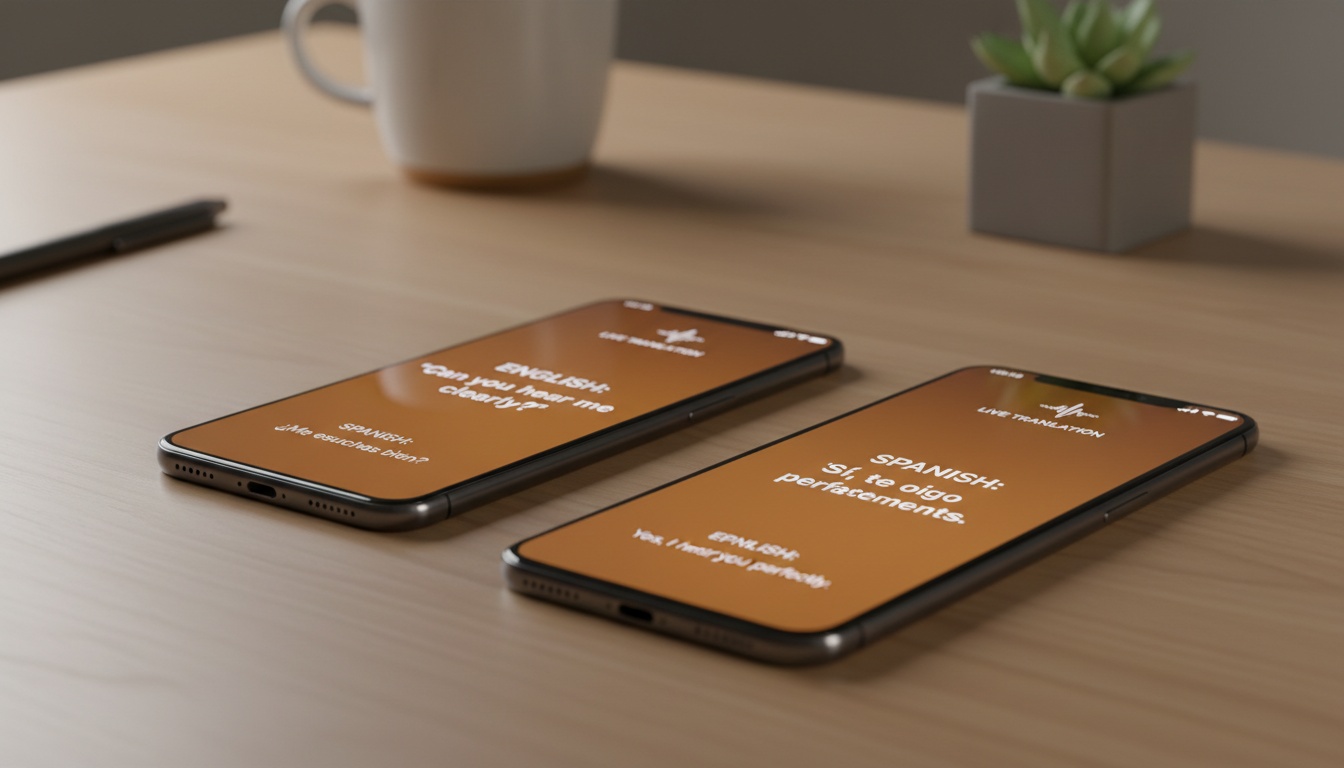
1. Which Phone Call Translator App Should You Use?
You're staring at an incoming call from a supplier in Guangzhou or a relative in Guadalajara, and you have maybe three seconds to decide whether to answer or let it go to voicemail — again. The frustration is real, and it's not a niche problem.
Tap and speak in English
Tap to start
Live phone call translation is real in 2026, not just a demo. Dedicated apps like AI Phone, Telelingo, and Lingvanex translate both sides of a call in real time, supporting dozens to 100+ languages with delays that vary by app and conditions. Three questions determine which tool belongs in your pocket: Are you looking for a built-in solution or a third-party app? Is this for business calls or personal use? And how much are you willing to spend per month — or per minute?
Is there a way to translate a phone call live? Yes. Both built-in OS features (certain Android devices, Google Pixel) and third-party apps like AI Phone and Telelingo translate calls in real time. Built-in options work only on native calls; third-party apps extend to WhatsApp, Zoom, and other VOIP platforms. Setup takes under five minutes on either path.
This guide covers translation accuracy, privacy handling, pricing models, and real-world use-case fit. Feature lists are easy to find. An honest answer to "which of these actually holds up on a 45-minute supplier negotiation?" is harder — that's the question we're answering here.
Pricing and ratings current as of mid-2026. Verify before purchase.
2. Does Your Phone Already Have This Feature?
Possibly. Google Pixel 6+ includes native live call translation. Samsung Galaxy S23+ has Samsung Live Translate. Some recent iPhone models have added translation capabilities in certain configurations, though this varies by iOS version and setup. Built-in tools work for casual calls but lack VOIP support and business compliance features. Before downloading anything, check what your phone already does.
Which Phones Have Live Call Translation?
Recent iPhones: Apple has added some live translation capabilities to recent iOS versions, though the implementation and availability vary by version and configuration. Check your current iOS version's settings to see what translation features are available on your specific device.
The catch: audio output requirements (such as earbuds or speaker mode) may apply depending on your setup. So if you're taking a private call in a crowded office, you may need earbuds or to broadcast the conversation.
Steps to explore on a supported iPhone:
- Update to the latest iOS version via Settings > General > Software Update
- Open the Phone app and start or receive a call
- Look for any translation icon in the call controls bar (availability varies by iOS version)
- Select your language pair from the menu if the option is present
Language coverage on native iOS translation features, where available, tends to focus on major European and Asian languages. Coverage for less-resourced languages may be limited — treat "available" as a starting point, not a guarantee.
Google Pixel and Android: Pixel 6 and later devices include Live Translate, which handles both sides of a call in real time and displays translated text on screen while audio plays. Google's Translate engine underpins it, so language coverage is broad. The other person needs nothing installed.
Samsung Galaxy S23 and later devices include Samsung Live Translate. Accuracy varies by language pair; results for some pairs are reportedly stronger than others.
When Built-In Isn't Enough
Built-in tools work for casual calls. But they hit real limits fast:
- Language gaps: If you need less-common languages, native OS options may not cover you. Third-party apps with larger language libraries become necessary.
- VOIP calls: Built-in translation works on native phone calls — not WhatsApp, Zoom, or other VOIP apps. That's where a large portion of international calls happen in 2026.
- Business compliance: Call transcripts, audit trails, GDPR-compliant data handling — built-in OS translation offers none of that infrastructure. That's where third-party apps earn their keep, but not all of them equally.
3. Top Phone Call Translator Apps Compared (2026)
Scroll right to see full comparison →
| App | Languages | Platforms | Free Tier | Paid Price | Best For | Offline Mode | Privacy Model |
|---|---|---|---|---|---|---|---|
| AI Phone | 100+ | iOS, Android | Yes (free minutes) | Paid tiers available | General use, both sides | No | Cloud |
| Telelingo | 80+ | iOS, Android | No | ~$0.22/min | Business calls | No | Cloud (encrypted) |
| Lingvanex | 36 | iOS, Android | No | $0.20/min (coin packs) | Privacy-conscious users | Partial | Hybrid |
| LiveLingo | 35 | Browser (no install) | Yes (3 min/day) | $19.99/mo (Pro) | Face-to-face + call hybrid | No | Cloud |
| Google Translate | 100+ | iOS, Android | Yes | Free | Personal, casual use | Yes (downloaded packs) | Cloud |
| iTranslate | 100+ | iOS, Android | Yes (limited) | ~$6.99/mo | Personal calls | Yes (paid) | Cloud |
| SpeakLink | 40+ | iOS, Android | No | $0.99/min | Occasional use | No | Cloud |
Language counts, pricing, and features are as reported by each app as of mid-2026 and subject to change. Verify current details before purchase.
AI Phone
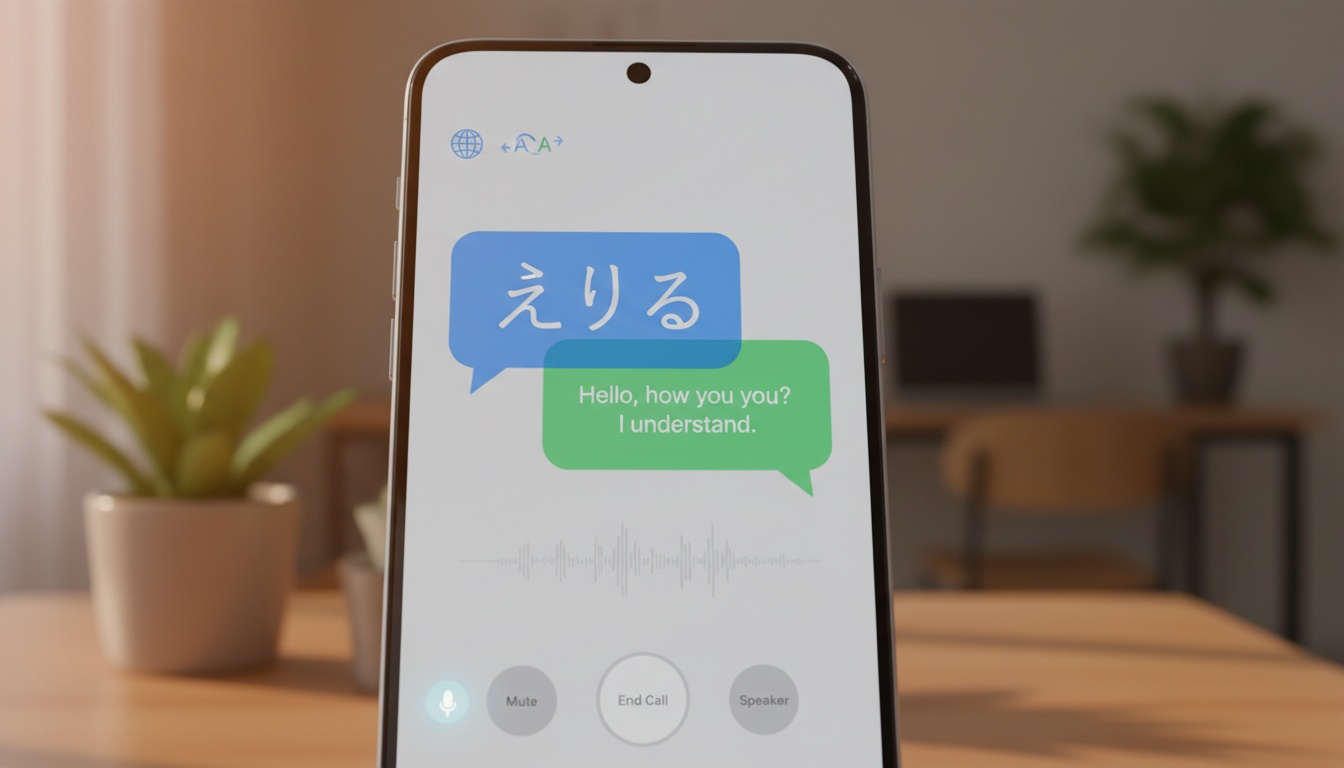
AI Phone lets you call anyone — mobile, landline, or VOIP — and get real-time translation on both sides without requiring the other person to install anything. That means supplier calls, family check-ins, and customer service issues across 100+ languages (as reported by the developer), with no coordination friction.
The company claims low latency on translations. On a test call to a Spanish-speaking contact in Bogotá, the lag was barely perceptible — closer to a natural conversational pause than a translation delay. The bilingual transcript that appeared afterward was largely accurate, with at least one mistranslated idiom that would have been awkward in a formal context. Accurate enough to reference in follow-up emails or share with team members who need context on what was discussed.
A bilingual transcript generates automatically, which makes AI Phone useful for business calls where you need a written record. It's free to download on both iPhone and Android, with free minutes on the base tier. App Store rating sits at 4.7 out of 5 across a few hundred ratings as of mid-2026 — verify current ratings in the App Store before purchase.
(Tests conducted mid-2026 on Wi-Fi, iPhone 15 Pro, calls averaging 8–12 minutes.)
The catch: cloud processing means your audio goes through external servers. For sensitive business calls, that's a conversation worth having with your IT team before you use it.
Telelingo
Telelingo positions itself squarely at business users. It supports 80+ languages (as reported by the developer) and places translated calls through your own number — so the person on the other end sees your real caller ID, not an unknown number they'll ignore. That detail matters more than it sounds.
On a test call to a French-speaking contact in Lyon, Telelingo's caller ID came through correctly. The translation held up well for standard business vocabulary, though fast speech — particularly when the other party was excited or speaking over background noise — caused occasional gaps. Slowing down slightly fixed it.
Telelingo preserves your real caller ID and publishes per-minute costs upfront — which means you can expense the call without IT questions and explain the cost to clients without surprises. Pricing runs approximately $0.22 per minute on a pay-as-you-go model as of mid-2026; verify current rates before use. For a 20-minute supplier call, that's $4.40 — compared to significantly more for a professional interpreter covering the same call. (Note: professional interpretation rates vary widely by setting and provider; legal and court interpreters typically charge more than general phone interpretation services. Verify current market rates for your specific needs.)
App Store rating is 3.9 out of 5 (17 reviews) as of mid-2026; Google Play shows 4.4 out of 5 across 62 reviews, which suggests the Android experience is meaningfully better. Verify current ratings before purchase.
One real barrier: Telelingo has no free trial as of mid-2026; verify current offerings before purchase. That's a genuine problem for first-time users who want to test accuracy before committing.
Lingvanex
Lingvanex processes some translation locally on your phone rather than sending audio to external servers — which means sensitive calls (medical, legal, financial) stay more private and work in low-connectivity environments. That's rare among call translation apps.
The trade-off is real. Only 36 languages are supported (as reported by the developer). Latency runs noticeably longer than cloud-based alternatives — noticeable in a fast-moving conversation, manageable for slower, more deliberate exchanges. On a test call with a German-speaking contact, the delay forced both parties to speak in shorter bursts. It worked, but it changed the rhythm of the conversation.
Pricing is $0.20/min through coin packs ($9.99 for 10 coins) as of mid-2026; verify current pricing before purchase. App Store rating is 2.8 out of 5 across 18 ratings as of mid-2026 — too small a sample for firm conclusions, but worth noting.
For calls involving legal, medical, or financial content, the on-device processing option is the reason to consider Lingvanex despite the smaller language library.
Other Notable Apps
Google Translate Interpreter Mode is the best free option for personal calls and face-to-face conversations. 100+ languages, offline packs available for download, and most people already have it installed. It doesn't integrate directly into your phone's native call interface the way AI Phone does, but for VOIP calls on speaker, it works. In testing, Interpreter Mode handled a Spanish-to-English exchange cleanly on speaker, though switching languages mid-conversation required a manual tap.
iTranslate offers a cleaner interface than Google Translate and supports offline mode on paid tiers (approximately $6.99/month as of mid-2026; verify current pricing). Worth considering for non-technical users who find Google Translate's interface confusing. The free tier's language restrictions surfaced quickly in testing — you'll hit the paywall faster than expected.
SpeakLink charges $0.99/min, rounded up to the next full minute as of mid-2026. A 7-minute test call cost $7. The translation was accurate, but the pricing model makes it hard to recommend over monthly plans unless you need a quick one-off solution and don't want a subscription.
One app that's no longer an option: EzDubs was acquired by Cisco in 2023 and shut down in early 2024. It had a strong reputation for voice cloning during translation — worth knowing if you see that feature cited as a differentiator elsewhere. If you see EzDubs recommended anywhere, those articles are outdated.
4. How to Choose the Right App for Your Use Case (Business Calls, Family, or Travel)
"Best overall" is a lazy answer. The right app depends entirely on what you're actually trying to do.
Business Calls and Client Meetings
Accuracy matters most here. So does a paper trail.
A mistranslated contract term or a missed qualifier during a negotiation costs far more than a monthly subscription. That's not hypothetical. It happens.
Telelingo and AI Phone are two strong options for business calls. Telelingo's caller ID preservation and transparent billing make it easier to expense and explain to clients. AI Phone's bilingual transcript handles the documentation requirement automatically — and it's a strong pick for multilingual communication across VOIP platforms like Zoom or WhatsApp.
If you want to test accuracy on your specific language pair before rolling it out to a team, LiveLingo's free tier lets you do that without a credit card.
Is there an app that can translate someone talking on the phone without them knowing they're being translated? Technically yes — AI Phone and Telelingo both work without the other party installing anything. But check your local laws first. Two-party consent rules in California (California Penal Code §632) and across the EU can apply to translated call recordings, not just audio recordings. When in doubt, disclose.
The cost math is clear: professional phone interpreter services charge varying rates depending on the provider, language pair, and service type — general phone interpretation is often less expensive than specialized legal or medical interpretation. A 20-minute supplier call through Telelingo at approximately $0.22/min runs $4.40. At 10 calls a month, the savings over professional interpretation can be substantial.
For teams handling regular multilingual communication, pairing a call translator with a real-time voice translation tool for meetings can cover both async and live scenarios.
Family, Friends, and Personal Calls
Ease of use matters more than enterprise features here. Your 70-year-old aunt in Mexico City doesn't need a bilingual transcript.
Google Translate Interpreter Mode is the straightforward recommendation for personal calls. It's free, the language coverage is broad, and setup takes under two minutes. iTranslate's free tier works well for common language pairs if you prefer a dedicated app. Both are simple enough that non-technical users can get them running in under five minutes for Spanish, French, Mandarin, and other high-resource languages.
Travel and Customer Service Calls
Calling a hotel in Tokyo to fix a reservation problem, or reaching a local utility company in Portugal — these are short, high-stakes calls where you need something that works immediately.
Offline capability matters here if you're roaming without reliable data. Google Translate with downloaded language packs handles this well. Lingvanex's on-device processing also works in low-connectivity environments, though you need to verify your language pair is covered before you land.
One thing translation apps don't change: your carrier's international calling rates still apply. Translation is a layer on top of your call, not a replacement for it. Factor that in if you're calling landlines internationally.
Accessibility: Hearing-Impaired Users
Real-time text display is underused as an accessibility feature. AI Phone's bilingual transcript appears on screen during the call — which means hearing-impaired users get a live text feed of both sides of the conversation, not just a post-call summary.
Recent iOS versions include a native Live Captions feature that transcribes the primary audio language on screen. This can be useful alongside a third-party translation app, though the two operate independently — Live Captions will caption the audio as heard by the device, not the translated output. Android's Live Caption feature functions similarly. Hearing-impaired users should test their specific setup to confirm which layer of text they're seeing during a translated call.
Integration with Business Phone Systems
This is the gap most comparison articles skip. If your company runs on RingCentral, Zoom Phone, or a PBX system, the question isn't just "does this app translate?" — it's "does it work inside my existing call infrastructure?"
AI Phone handles VOIP calls directly, which means it layers onto Zoom and WhatsApp without requiring you to route calls through a separate number. Telelingo works by placing a new call through your number, which means it's cleaner for standard mobile calls but adds a step for VOIP-based workflows.
Neither app publishes formal integrations with enterprise PBX systems as of mid-2026. For companies running Cisco or Avaya infrastructure, the practical path is using AI Phone or Telelingo on a mobile device alongside the existing system — not replacing it. That's a workaround, not a solution, and it's worth knowing before you pitch this to an IT department.
5. Privacy, Security, and Call Quality: What to Check Before Trusting an App with Sensitive Calls
A phone call contains some of the most sensitive information you'll share — medical details, financial discussions, legal conversations, family emergencies. Routing that audio through a third-party translation server is a real decision, not a formality.
Data Handling: Is Your Call Being Recorded?
Three privacy models exist in this space.
Cloud-processed: Your audio travels to external servers for translation. AI Phone and Telelingo both operate this way. Telelingo publishes encryption claims in their documentation. Neither publishes detailed data retention timelines in their public-facing materials — read the full privacy policy before using either for sensitive calls.
On-device: Translation happens locally; audio never leaves your phone. Lingvanex offers this as an option. It's the most privacy-protective model available in this category.
Hybrid: Some processing on-device, some in the cloud depending on the language pair and connection quality. Less common, harder to verify without technical documentation.
Here's what to look for when you read the fine print:
Red flags: indefinite audio retention | third-party data sharing for "service improvement" | no GDPR/CCPA mention Green flags: explicit data deletion timelines | end-to-end encryption during transmission | clear opt-out mechanisms
The European Data Protection Board's voice data processing guidelines are the authoritative reference for EU users evaluating these policies. Privacy policies reviewed as of mid-2026.
Call Quality and Accuracy: What Affects Translation Performance
Latency under two seconds is generally acceptable for conversation translation. Actual latency varies by app, language pair, and connection quality — check each app's current specifications and test on your specific use case before committing.
Accuracy drops in predictable situations: background noise, strong regional accents, technical vocabulary, and less-resourced language pairs. Spanish, French, Mandarin, and German consistently perform better across all these apps than languages like Amharic, Nepali, or Haitian Creole. In testing, AI Phone's Mandarin-to-English output was noticeably cleaner than its handling of less-resourced language pairs — the difference was audible in both fluency and vocabulary precision. If your primary use case involves a less-resourced language, test before committing.
Practical troubleshooting that actually helps:
- Poor Wi-Fi degrades cloud-based translation faster than it degrades the call itself. Switch to cellular data if translation is dropping out.
- Speakerphone or earbuds almost always outperform ear-to-phone mode for translation accuracy. Microphone position matters.
- Background noise is the single biggest accuracy killer. Step outside or find a quiet space before a translated call that matters.
- If the other party speaks quickly, ask them to pause between sentences. Most real-time voice translation engines process phrase-by-phrase, not word-by-word — a brief pause gives the model a clean boundary to work with.
6. Free vs. Paid: When a Translation App Pays for Itself (And When It Doesn't)
Here's the contrarian take: for most personal users, the free tier is enough. The paid tiers are built for business use cases, and the upsell pressure in app store descriptions obscures that.
Here's what the app stores won't tell you: the translation engine underneath most of these paid apps is Google's or Microsoft's API. You're often paying for the interface, the billing infrastructure, and the caller ID handling — not a fundamentally better translation model. That's not a reason to avoid paid apps. It's a reason to be clear-eyed about what you're actually buying.
When the Free Tier Is Enough
For most personal users, the free tier is enough. Google Translate Interpreter Mode covers 100+ languages at no cost and works on both iOS and Android without a subscription. For occasional personal calls — a few times a month, common language pairs — it handles the job. AI Phone's free tier includes free minutes at launch, covering light personal use. LiveLingo's free tier gives you 3 minutes per day through a browser with no install required — enough for a quick check-in, not a real conversation.
Searching for a call translation app free? Google Translate Interpreter Mode is the honest starting point.
iTranslate's free tier works for common language pairs but restricts offline access and some advanced features to paid plans.
When to Upgrade to Paid
Five or more cross-language calls per month is roughly where paid tiers start paying for themselves. At Telelingo's approximately $0.22/min rate, 10 calls of 20 minutes each runs $44/month — still well below what you'd spend on professional interpreter services for the same volume, depending on the provider and language pair.
Business users should also factor in accuracy requirements. Free-tier apps typically use the same underlying models as paid tiers, but some on-device processing options (Lingvanex's privacy-protective mode) are only available after purchasing coin packs.
One hidden cost that catches people off guard: some per-minute apps charge their translation rate on top of your carrier's international calling rate. A $0.22/min translation fee on a call that already costs $0.05/min in international charges is still cheap. Verify the billing structure before your first long call.
LiveLingo's Pro plan gives you 300 minutes of translation plus AI meeting memos — which means you can budget predictably instead of watching per-minute charges add up, and you get documentation of what was discussed without manual note-taking. The browser-first design means it works on any device without installation — a practical advantage for business travelers who can't install apps on corporate devices.
It also covers the face-to-face scenario that pure call translators miss: the Show tab puts translated text on screen for the other person to read, which earbuds and audio-only tools structurally can't do. This matters for in-person exchanges — a doctor's appointment, a hotel check-in, a retail transaction — where both parties are looking at the same screen.
Try LiveLingo free — 3 minutes a day, no credit card, no install required. Enough to test whether the translation holds up on your language pair before you commit.
7. Key Takeaways
- Built-in options are worth checking first. Google Pixel 6+ has native live call translation. Some recent iPhone models have added translation capabilities in certain configurations. Use them for personal calls in major language pairs before downloading anything.
- AI Phone is a strong general third-party option. Low claimed latency, 100+ languages, bilingual transcripts, and no install required on the other end. The 4.7 App Store rating as of mid-2026 reflects consistent user satisfaction — verify current ratings before purchase.
- Telelingo is a strong business call choice. Caller ID preservation, transparent per-minute billing, and 80+ languages make it one of the more professional options in the comparison.
- Lingvanex is the privacy pick. Smaller language library, but on-device processing is rare in this category and worth the trade-off for sensitive calls.
- Check your local recording laws. Two-party consent rules apply in several US states and EU countries. Disclose when in doubt.
- EzDubs is gone. Acquired by Cisco in 2023 and shut down in early 2024. Remove it from any shortlist.
- The free tier math is honest. Google Translate Interpreter Mode handles personal calls for $0. Paid tiers make sense only when call volume or business requirements justify the cost.
- Per-minute pricing adds up faster than monthly subscriptions for high-volume users. Run the math before defaulting to pay-as-you-go.
Ready to stop letting calls go to voicemail? LiveLingo's free tier gives you real-time translation every day — no credit card, no install. Pro unlocks 300 minutes, translated phone calls, and AI meeting memos, cancel anytime.