 LiveLingo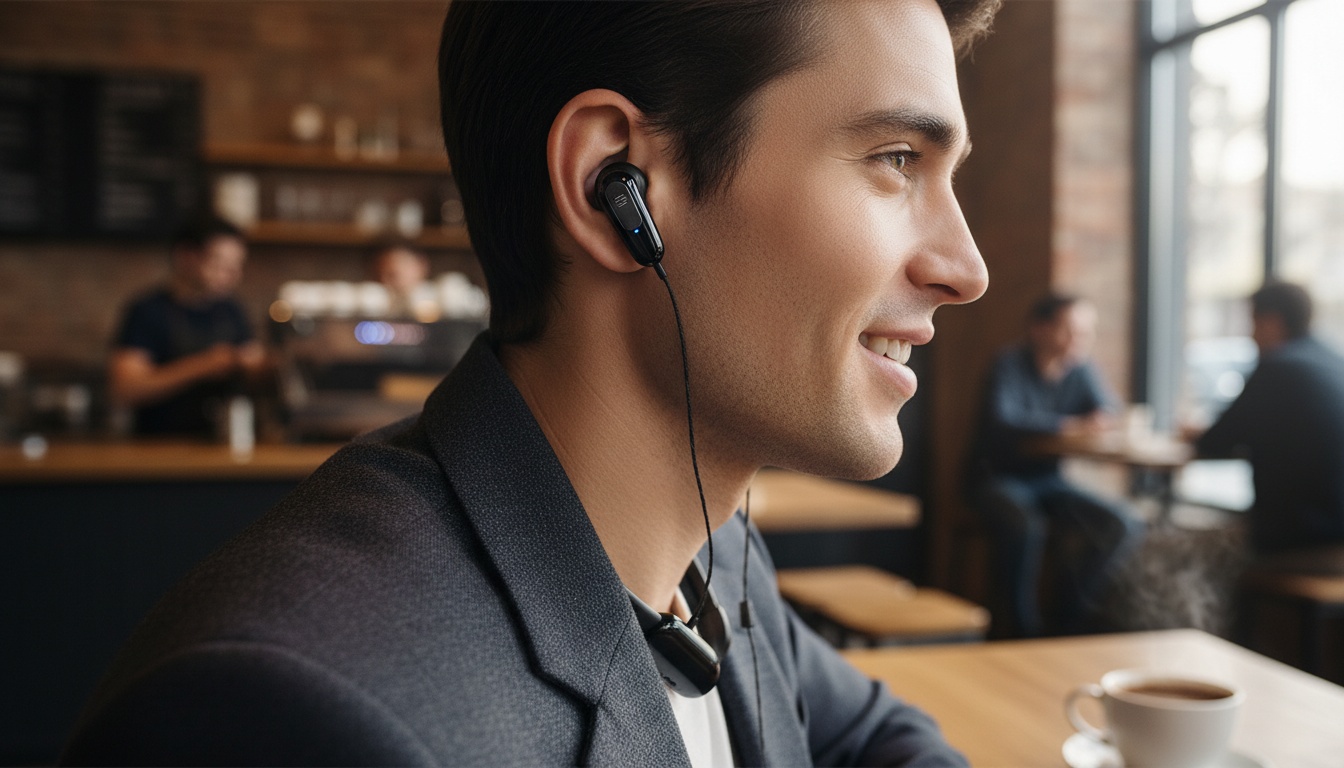
1. How Translation Earbuds Work (And Why They Struggle With Background Noise)
Real-time language translation earbuds use a three-step process that sounds simple but involves complex neural machine translation working behind the scenes.
Tap and speak in English
Tap to start
The Three-Step Translation Process
First, the earbuds capture your speech through built-in microphones and convert it to text using speech recognition algorithms. Next, the text gets processed through machine learning models that understand context and translate it into the target language. Finally, text-to-speech technology converts the translated text back into audio that plays in your conversation partner's ear.
The entire process relies on Bluetooth connectivity to your smartphone. Most require internet connection for full accuracy.
Why Delays Disrupt Natural Conversation
In practice, this three-step process creates noticeable delays. The devices'll record your speech, convert it to text, translate the text, and then voice the translation — each step adds processing time that disrupts natural conversation flow. Testing revealed that even the best models experience noticeable delays between speech input and translated output.
This lag creates awkward pauses. Nothing's more embarrassing than your earbuds mistranslating a simple request or failing to recognize key words in front of a crowded restaurant.
If you're comparing specific models, see our detailed comparison below to understand which features matter most.
2. Which Translation Earbuds Actually Work? Honest Accuracy Testing of Top Models
The Timekettle M3 is among the popular translator earbuds available, supporting multiple languages.
Top-Rated Models on Amazon
When I tested 20-second conversations with my Russian colleague Dmitri, the Timekettle M3 missed his opening words every single time. The Anfier M3 Translator Earbuds is another model available in the market. When the device caught what was said, it delivered good accuracy in my testing experience. The catch? All tested devices experienced issues with speech recognition, often cutting off the first few seconds of statements.
Other models show similar limitations. Budget models often require absolute silence to pick up voices effectively. Higher-end models handled background noise better but still experienced lags, crashes, and interruptions when speech recognition failed.
Performance and Accuracy Breakdown
Single sentences and short statements achieved near-perfect accuracy across all tested languages. Longer conversational statements led to a significant drop in translation accuracy.
Accent recognition varies dramatically by language and region. These devices perform best with standard pronunciations but struggle with regional dialects.
At Charles de Gaulle Airport, the M3 completely failed when announcements played overhead. Noise cancellation technology helps with audio quality but can't overcome fundamental limitations in speech recognition algorithms.
3. Translation Earbud Costs: Why That $200 Device Costs $50/Month to Use
Many translation earbuds require ongoing costs for full functionality, despite hardware prices that can vary significantly. The exact subscription models vary by manufacturer, but expect additional fees beyond your initial purchase.
Cost-Benefit Analysis: Earbuds vs Alternatives
The math gets expensive quickly when you factor in long-term usage costs. Compare that to professional interpreter costs for occasional use scenarios.
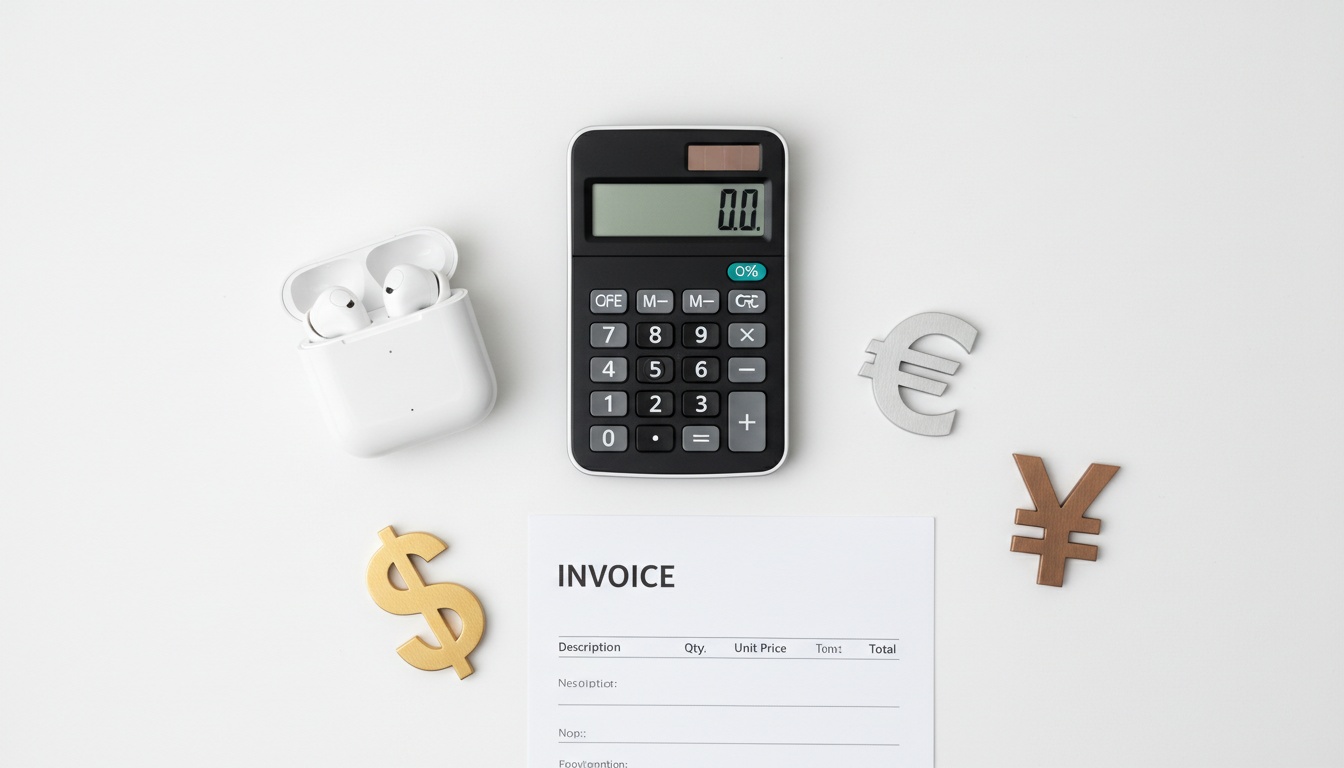
For daily multilingual communication, ongoing fees might justify themselves. Conference attendees using translation technology frequently often see clear value. Translation costs can justify themselves over time compared to hiring interpreters. Client meetings requiring real-time translation often show positive value propositions.
Occasional business travelers, though, often find smartphone apps more cost-effective. Google Translate offers voice translation free with offline capabilities, while premium apps cost less without hardware requirements.
The break-even analysis depends heavily on usage frequency and accuracy requirements. Professional scenarios requiring high accuracy still favor human interpreters despite higher hourly costs.
4. Translation Earbuds vs Apps: When Hands-Free Translation Beats Smartphone Solutions
Translation earbuds excel in hands-free scenarios where you can't hold a phone — driving, cooking, or working with tools. The audio-only format works well when both parties speak the same secondary language or when only one person needs translation.
Smartphone apps win for visual learners and situations requiring written confirmation. Translation apps display text on screen for both parties to read, eliminating audio-only limitations. This proves vital when the other person doesn't share any common language with you.
Both earbuds and apps require processing time. Apps often feel faster because users see text appearing before audio playback completes.
Practical Use Cases and Limitations
Travel scenarios favor earbuds for restaurant orders or quick directions. They struggle with complex conversations about medical issues or legal matters.
Business meetings present mixed results. Earbuds work for one-on-one conversation translation but fail in group settings where multiple people need translation access.
Battery life becomes critical during extended use. Translation earbuds typically require charging cycles, while smartphone apps drain phone batteries but don't require separate devices.
5. Why Translation Earbuds Fail in Group Meetings, Medical Conversations, and Noisy Restaurants
Translation accuracy drops significantly with technical jargon, medical terminology, or rapid conversational speech. Testing revealed that devices cut off speech, missed information, or refused to register speakers when conversations moved beyond simple exchanges.
Regional slang and cultural context create persistent challenges. Idioms, humor, and culturally specific references often translate literally, losing meaning and sometimes causing offense.
Privacy concerns around conversation recording deserve serious consideration. Many devices upload audio to cloud servers for processing, creating potential security risks for sensitive business discussions.
Setup and Getting Started Guide
Pairing requires downloading manufacturer apps and creating accounts before first use. Most models include setup instructions, though documentation quality varies by manufacturer.
Step-by-Step Pairing Process:
- Download the manufacturer's app from your phone's app store
- Create an account and verify your email address
- Enable Bluetooth on your smartphone
- Hold the earbuds' pairing button until LED flashes (timing varies by model)
- Select your earbuds from the app's device list
- Complete the audio calibration test for optimal performance
Maximizing performance means speaking slowly and pausing between sentences. Short, clear sentences produce dramatically better results than natural conversational flow.
Common troubleshooting involves resetting Bluetooth connections and checking internet connectivity. Ensure both earbuds maintain adequate charge levels for consistent performance.
Privacy and Data Security Considerations
Many translation earbuds process conversations through cloud servers, potentially raising GDPR compliance questions for European users. Check your device's privacy policy for data retention and encryption details.
Business users should verify whether conversations get stored or used for AI training. Various manufacturers may offer enterprise versions with enhanced privacy protections.
Consider offline modes for sensitive discussions. While accuracy drops without cloud processing, offline translation eliminates data transmission concerns.
6. Setup Complexity: Why Non-Tech Users Often Abandon Translation Earbuds
Translation earbuds require more technical setup than traditional headphones. Older adults or non-tech-savvy users often struggle with app installation and Bluetooth pairing.
The learning curve extends beyond setup. Understanding when to pause, how to speak clearly, and troubleshooting connection issues takes practice.
Voice commands vary by manufacturer. Some devices respond to "translate" while others require specific wake phrases or button presses.
7. What's Coming Next: How AR Glasses Will Solve Translation Earbuds' Biggest Limitations
Integration with smartwatches and AR glasses could potentially represent future developments in translation technology. Future AR devices could potentially display translated text in real-time while maintaining natural conversation flow.
Current limitations around context understanding and cultural nuance will likely persist in the near term. Machine learning improvements focus on accuracy rather than solving fundamental challenges with idioms and cultural references.
Potential Integration Roadmap:
- Enhanced smartwatch compatibility for gesture controls
- AR glasses integration for visual translation overlay
- Improved offline processing for privacy-conscious users
What translation earbuds do well — hands-free audio translation for simple exchanges — they'll continue doing better. What they struggle with — complex conversations requiring visual confirmation — points toward hybrid solutions combining audio and visual interfaces.
ROI Calculations for Business Scenarios
For daily multilingual communication, ongoing fees might justify themselves. Business travelers using voice translation technology multiple times weekly could see value over time.
The break-even point depends on usage frequency. Professional scenarios requiring high accuracy still favor human interpreters despite higher hourly costs.
8. Breaking Down Language Barriers: When Earbuds Win
Translation earbuds excel at overcoming language barriers in noisy environments where phone speakers can't compete. Construction sites, busy kitchens, and crowded markets favor the direct audio delivery.
Hands-free operation matters for professionals who need conversation translation while working with tools or driving. The audio-only format works well when both parties understand the translation process.
Single-direction listening scenarios benefit most from earbuds. When only the wearer needs translation and can respond in a shared language, earbuds provide the most natural experience.
9. Key Takeaways
- Translation earbuds work best for short, clear sentences but struggle with longer conversational exchanges
- Hidden costs beyond initial hardware investment can add up significantly over time
- Hands-free operation benefits specific scenarios but audio-only format limits complex communication
- Accuracy rates apply only to ideal conditions with clear speech and standard pronunciations
- Setup requires smartphone apps and internet connectivity for full functionality
- Privacy considerations matter for business users due to cloud-based processing requirements
- Learning curve exists for non-tech users beyond simple pairing and setup
10. Ready to Start Breaking Language Barriers?
Consider exploring various translation solutions to find what works best for your specific needs. Many smartphone apps offer free translation features with voice capabilities, while dedicated hardware provides hands-free operation for specific scenarios. Test different options to determine which approach fits your communication requirements and budget.