 LiveLingo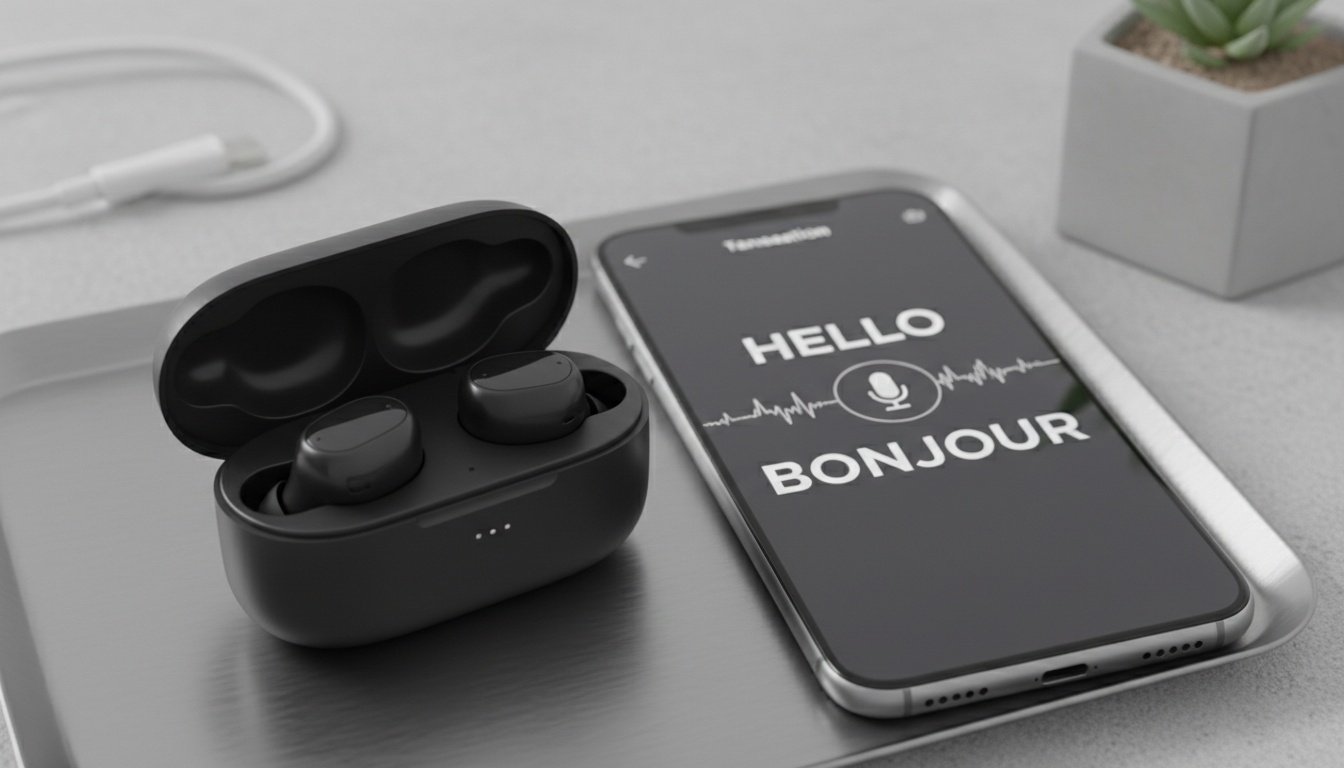
1. How Translation Apps Turn Your Earbuds Into a Personal Interpreter (And When They Fall Short)
Translation apps for earbuds use AI to provide real-time speech-to-speech translation through Bluetooth-connected earbuds. Your voice gets captured by the phone's microphone. The audio gets processed through cloud-based AI engines. Then the translated output streams to your earbuds via Bluetooth connection.
Tap and speak in English
Tap to start
Real-time translation differs from simultaneous interpretation in speed and accuracy. Professional interpreters maintain high accuracy with cultural context. In contrast, AI translator apps typically achieve varying levels of accuracy for clear speech in major language pairs, with performance often declining with regional accents or technical terminology.
Business communication tools benefit most from this technology. Think supplier calls where you need both hands free. Or walking factory floors while discussing technical specifications.
Why Latency Matters: The Technical Reason Earbuds Struggle With Natural Conversation
First, voice recognition starts when the app detects speech above a certain threshold. The audio gets processed in segments, with timing varying by app to balance accuracy with latency.
Additionally, Bluetooth earbuds connectivity requires specific protocols. Most translation apps need Bluetooth 4.0 or higher for stable audio streaming. Latency varies depending on internet connection and processing complexity.
That said, cross-language communication through earbuds creates unique challenges. The instant translation must account for accent variations and speaking pace differences.
2. Which Earbuds Actually Support Translation (And Why Compatibility Matters More Than You Think)
Yes, but compatibility varies significantly across earbud brands and translation apps. Apple AirPods work with most iOS translation apps via standard Bluetooth. Samsung Galaxy Buds integrate well with Android solutions. Setup requires pairing earbuds, granting microphone permissions, and creating an account for cloud processing. Offline translation typically offers fewer features compared to online versions.
Notably, device requirements vary by platform. Not all apps support every platform equally well.
For instance, multilingual support spans different ranges depending on the app. Major languages like Spanish, French, German, and Mandarin typically offer better accuracy than less common dialects.
The biggest problem? Only you hear the translation. The person you're talking with gets nothing unless they also have earbuds connected to the same app. If you need both people to understand each other in real-time, two-way translation solutions solve this structural limitation.
3. Top Translation Apps Compared: Features & Pricing
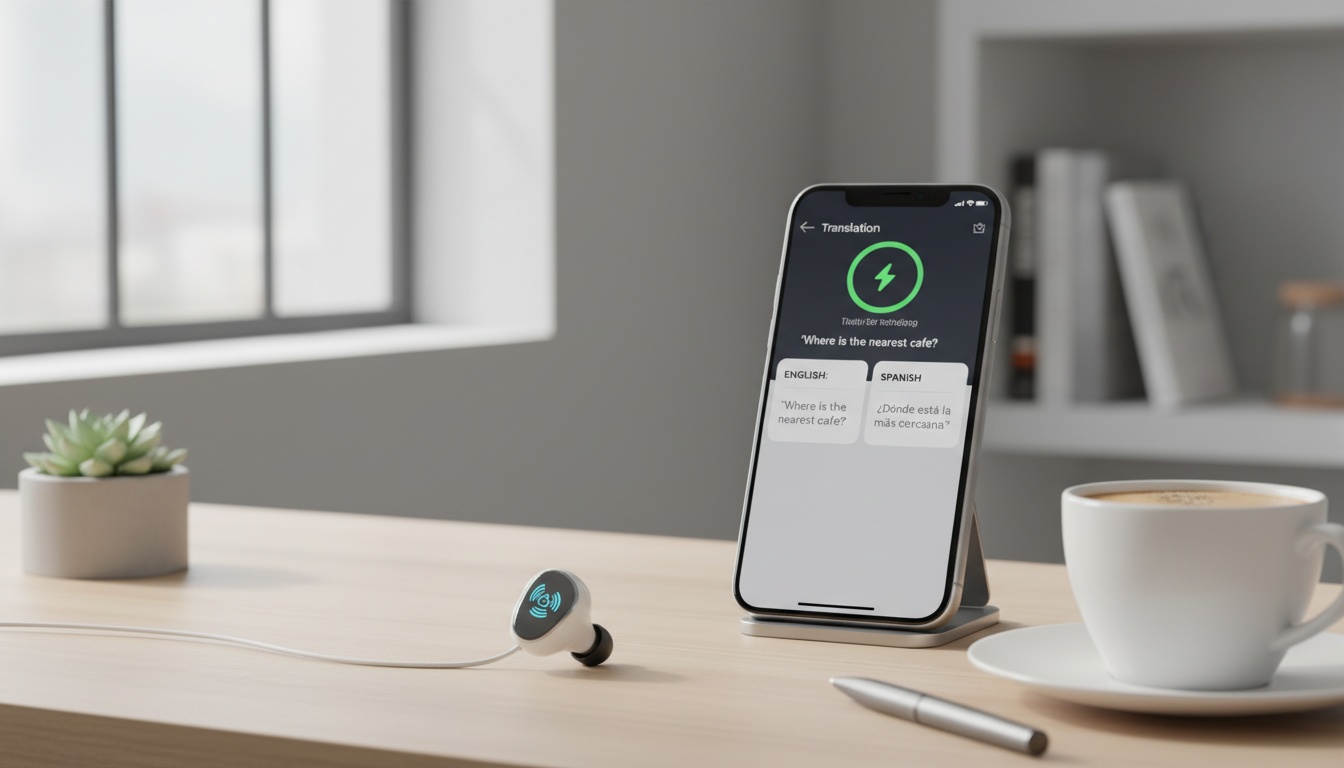
After testing multiple translation apps, several stand out for different use cases. Each offers unique features for portable translator scenarios.
| App Name | Key Feature | Best For | Price | Languages | Offline Support |
|---|---|---|---|---|---|
| Timekettle | Multi-person conversations | Business meetings | Varies by model | 40+ | Limited |
| Talking Translator | Simple interface | Casual travelers | Free/Premium tiers | 30+ | No |
| iTranslate | Broad language support | Multi-region work | Free/Premium tiers | 100+ | Premium only |
| Translator Earbuds | iOS optimization | Apple users | Free/Premium tiers | 20+ | No |
Timekettle offers various models with features that may include meeting summaries and multi-language support for group conversations, though specific features vary by model.
Talking Translator focuses on providing a simple interface and aims for quick translation processing. The app connects to Bluetooth earbuds, though connection stability may vary depending on your specific earbuds and environment.
iTranslate supports a wide range of languages with varying accuracy levels across different language pairs. The premium version includes offline translation capabilities for major language pairs.
Translator Earbuds (the iOS app) supports multiple languages, though the exact list varies by app version. Common languages often include Spanish, Chinese, Japanese, French, German, and others. The app typically provides text translations with voice output capabilities and may include features like saving frequently used phrases.
In practice, translation accuracy varies by language pair and accent. Wireless translation performance depends heavily on speaking conditions and environmental factors.
Language learning earbuds represent another category where these apps excel. You can practice pronunciation while getting immediate feedback.
4. Free vs Paid Translation Apps: Pricing & Features
Free Tier Limitations
Generally, free versions limit daily translations with basic language support. Across most apps, you get limited translations daily, perfect for occasional travelers to validate whether the app works for their specific language pair before paying.
Premium Features & Pricing
In contrast, premium subscriptions unlock unlimited translations, offline capabilities, and advanced features like conversation history. For routine use, apps cost significantly less than human interpreters for high-volume scenarios.
Privacy considerations vary between providers. Cloud-based services may store conversation snippets, while some apps claim minimal data collection.
Value proposition depends on usage frequency. For example, business users conducting daily international calls may justify premium subscriptions. For casual use, occasional travelers can usually manage with free tiers.
5. How to Set Up Translation on Your Earbuds
Setting up translation apps requires three steps: app installation, earbud pairing, and permission configuration. Setup time varies depending on your device and technical experience.
- Download your chosen translation app from App Store or Google Play
- Open Bluetooth settings on your phone
- Pair your earbuds (AirPods, Galaxy Buds, or generic Bluetooth)
- Open the translation app and select your earbuds as audio output
- Grant microphone and location permissions when prompted
- Create an account for cloud processing (if required)
- Test audio routing by speaking a phrase
- Adjust volume and speech rate settings
Fair warning: pairing Galaxy Buds with translation apps can be finicky. I've had to restart the Bluetooth connection three times during longer conversations.
For extended use, continuous translation sessions may require charging breaks. Battery life impact varies depending on the app's processing intensity.
Troubleshooting common issues starts with checking Bluetooth connection stability. If audio cuts out, try reducing distance from your phone or closing other Bluetooth-connected apps.
Once you're connected, the real test begins...
Device-Specific Setup Instructions
For AirPods Pro users, setup works identically to standard AirPods but offers better noise cancellation for clearer voice input. iOS features like "Announce Messages" may provide additional hands-free functionality.
For Samsung users, Galaxy Buds configuration benefits from Samsung's Galaxy Wearable app for optimal performance. This helps because the app provides EQ settings that improve voice clarity for translation accuracy.
For other earbuds, generic Bluetooth earbuds require manual configuration in most translation apps. To configure, look for "Audio Device" or "Bluetooth Settings" within the app to select your specific earbuds.
Accessibility Features for Translation Earbuds
For users with disabilities, accessibility features make translation earbuds valuable for hearing-impaired users. Specifically, visual feedback on phones complements audio translation output.
Additionally, text-to-speech capabilities help users with reading difficulties. Typically, most apps offer adjustable speech rates and volume controls.
For users with speech impediments, voice recognition sensitivity settings accommodate users with speech impediments. Some apps may offer improved recognition over time, though the extent of personalized adaptation varies by app.
6. Why Translation Earbuds Fail at Real Conversations (And What Works Instead)
In practice, translation accuracy drops significantly with accents, background noise, and technical terminology. For example, regional dialects often confuse AI translation accuracy engines trained on standard language variants.
After my third failed attempt at ordering coffee in Barcelona using translation earbuds, I realized the technology isn't quite there yet.
Beyond accuracy, latency issues plague fast-paced conversations. Specifically, the delay between speech and translation kills natural conversation rhythm. For high-stakes situations, professional negotiations require immediate response times that current technology can't deliver.
Importantly, professional interpretation scenarios demand human expertise. Think legal proceedings, medical consultations, and high-stakes business deals. These need cultural context and nuanced understanding that AI translator apps lack.
Beyond technology, environmental factors affect performance dramatically. For example, noisy restaurants, busy streets, or echo-prone rooms reduce accuracy significantly. In contrast, quiet, controlled environments work best.
Here's what translation earbuds can't solve: the other person still needs to understand you're using translation technology. In practice, without visual cues or shared context, conversations become confusing quickly.
The real limitation isn't technical—it's structural. Here's why: earbuds only deliver audio to you. When your conversation partner needs to read or hear the translation too, you need a different solution entirely.
Phone-based translation apps like LiveLingo solve this by putting translated text on both screens and handling group conversations — but you lose hands-free convenience. Choose earbuds for one-way listening (lectures, podcasts). Choose two-way apps for conversations where the other person needs to understand you too.
When Translation Earbuds Excel
Single-direction listening scenarios work perfectly. You're in a foreign lecture hall. You need to understand the speaker. The earbuds deliver.
Hands-free environments make earbuds essential. Cooking while following a foreign recipe. Driving while getting directions. Your hands stay free.
Noisy environments where phone speakers fail. Construction sites. Busy markets. Earbuds cut through ambient noise.
7. Key Takeaways
- Translation earbuds work best for one-way listening scenarios where only you need the translation
- Accuracy varies significantly depending on language pair and speaking conditions
- Free tiers limit daily usage but suffice for occasional travelers testing language pairs
- Premium subscriptions unlock unlimited translations and offline capabilities for business users
- Setup varies by device across most earbud brands and translation apps
- Professional scenarios requiring cultural context still need human interpreters
- Consider phone-based translation apps for two-way conversations where both parties need to see or hear translations
- Accessibility features make these tools valuable for users with hearing or speech challenges
Realized earbuds won't work for your conversations? Try LiveLingo's two-way translation free — translated text appears on both screens, you get AI meeting summaries, and group conversations actually work. 5 minutes daily, no credit card required.