 LiveLingo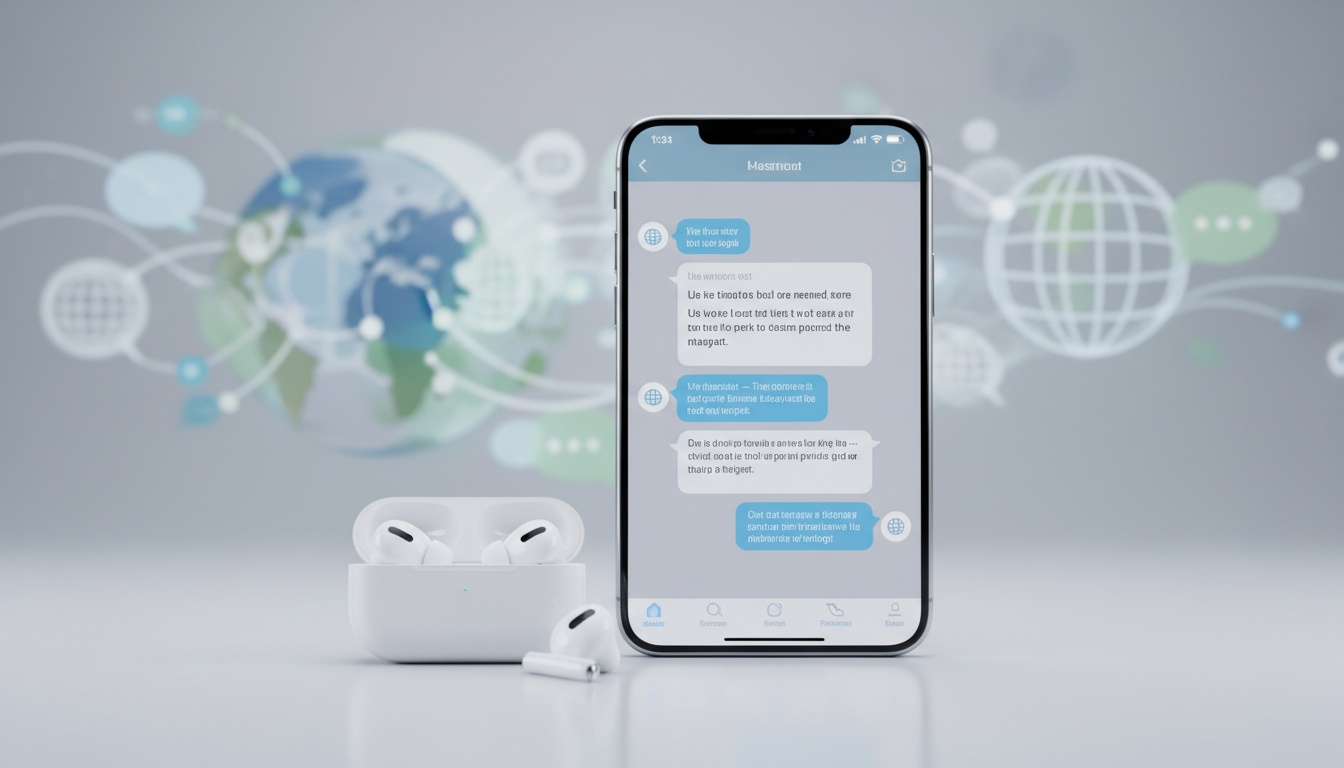
1. How AirPods Live Translation Would Turn Your Phone Into a Real-Time Interpreter
If Apple were to release AirPods Live Translation, it would likely process speech through Apple Intelligence and deliver automatic translation directly to your AirPods. You would speak in English, and your conversation partner would hear Spanish through your iPhone's speaker or their own device (or vice versa). The iPhone would handle all processing while your AirPods become the delivery mechanism.
Tap and speak in English
Tap to start
The process would be straightforward. Unlike traditional translation apps where you hold up your phone, this would create natural conversation flow without awkward pauses.
The technology would likely rely on a combination of downloaded language pairs stored locally on your device and cloud processing for enhanced accuracy. Basic functionality might work offline once you've got the language models installed, though internet connectivity would likely improve translation quality and support for complex phrases.
Do AirPods translate in real time now?
No, this feature doesn't exist. While Apple Intelligence was announced in 2024 and is expected to launch with iOS 18, it doesn't include live translation for AirPods. Current AirPods models (including AirPods Pro 2 and AirPods Max) don't have this capability.
2. What You Would Need to Use AirPods Live Translation (Hypothetical Requirements)
If this feature existed, it would likely require more than just plugging in your AirPods. Based on Apple's typical hardware requirements for advanced features, the requirements would likely be strict.
iPhone Requirements
Your device would likely need iOS 18 or later as the baseline. For a hypothetical feature like this, Apple would likely limit compatibility to iPhone 15 Pro, iPhone 15 Pro Max, or future iPhone models based on their typical hardware requirements for advanced features.
AirPods Compatibility
For AirPods compatibility, what would likely work:
- Current AirPods Pro 2 with latest firmware
- Future AirPods models with enhanced processing
- AirPods Max with updated firmware
Language support would likely vary by region. Apple would probably roll out language additions over time. Each language pair would require a separate download.
The language download process would likely happen through system settings or a dedicated interface, not necessarily requiring the Translate app. Apple Intelligence would need to be enabled for any language pairs to function properly.
3. Hypothetical Setup Guide for AirPods Live Translation
- Verify AirPods Firmware — Go to Settings > General > About > [Your AirPods] and check the version number.
- Download Language Pairs — Language packs would likely be managed through system settings or Siri settings, allowing you to download the language pairs you need for offline use.
- Enable Apple Intelligence — Go to Settings > Apple Intelligence & Siri. This step would be mandatory. Without Apple Intelligence active, Live Translation wouldn't appear as an option.
- Pair Your AirPods — Ensure they're connected. The setup process would require both AirPods to be active and properly paired with your iPhone.
- Test Your Configuration — You would likely activate the feature through Siri or Control Center, then speak a simple phrase in English and verify the translation plays through your iPhone's speaker or your conversation partner's device.
Multiple Ways to Start Live Translation (Hypothetical)
Apple would likely provide several methods to activate Live Translation:
- Press and hold the stem on compatible AirPods simultaneously
- Press and hold the listening mode button on AirPods Max
- Use the Action button on iPhone set to the Translate app
- Ask Siri with voice commands
- Open the Translate app and tap "Live"
Troubleshooting Common Setup Issues (Hypothetical)
Language Download Failures — Would likely indicate insufficient storage space. Each language pair would need substantial free space, plus iOS requires additional buffer space for processing.
AirPods Not Recognized — Would typically mean firmware issues. Force-update by placing AirPods in their case, connecting to power, and leaving them paired with your iPhone for 30 minutes.
Audio Quality Problems — Would likely stem from microphone access permissions. Check Settings > Privacy & Security > Microphone and ensure the system has proper access.
4. Why AirPods Live Translation Isn't Working (Because It Doesn't Exist)
This feature doesn't currently exist on any Apple device. While Apple's Translate app provides text and voice translation, it doesn't offer live translation through AirPods.
If this feature existed, most failures would likely stem from incomplete language downloads. You would check system settings to verify each language pair shows "Downloaded" status, not a cloud icon.
Microphone troubleshooting would require checking multiple permission layers. Beyond system microphone access, you'd need to ensure Siri can access your microphone and that your AirPods are set as the active audio input device.
Network connectivity issues would affect initial setup but shouldn't impact day-to-day use once language models are downloaded. Still, iOS would periodically check for language model updates, so completely offline devices might experience degraded accuracy over time.
Advanced Troubleshooting Techniques (Hypothetical)
Clearing Translation Cache — Delete and reinstall the Translate app, then re-download your language pairs. This would fix corrupted language models that cause inconsistent translation quality.
Resetting AirPods — Forget the device in Bluetooth settings, then re-pair from scratch. This would resolve persistent audio routing issues where translations play through your iPhone speaker instead of AirPods.
iOS Update Conflicts — Might disable Live Translation temporarily. If the feature disappeared after an iOS update, you would restart your device and check that Apple Intelligence is still enabled in Settings.
5. Which AirPods Model Would Translate Best? (Hypothetical Comparison)
If this feature existed, the translation experience would likely vary between AirPods models. Based on current hardware capabilities, the differences would be substantial enough to influence your purchase decision.
| Model | Noise Cancellation | Best Use Case |
|---|---|---|
| AirPods Pro 2 | Superior | Travel, business meetings, noisy environments |
| Current AirPods | None | Not likely supported |
| AirPods Max | Excellent | Home/office use (bulk limits portability) |
| Future AirPods | TBD | TBD |
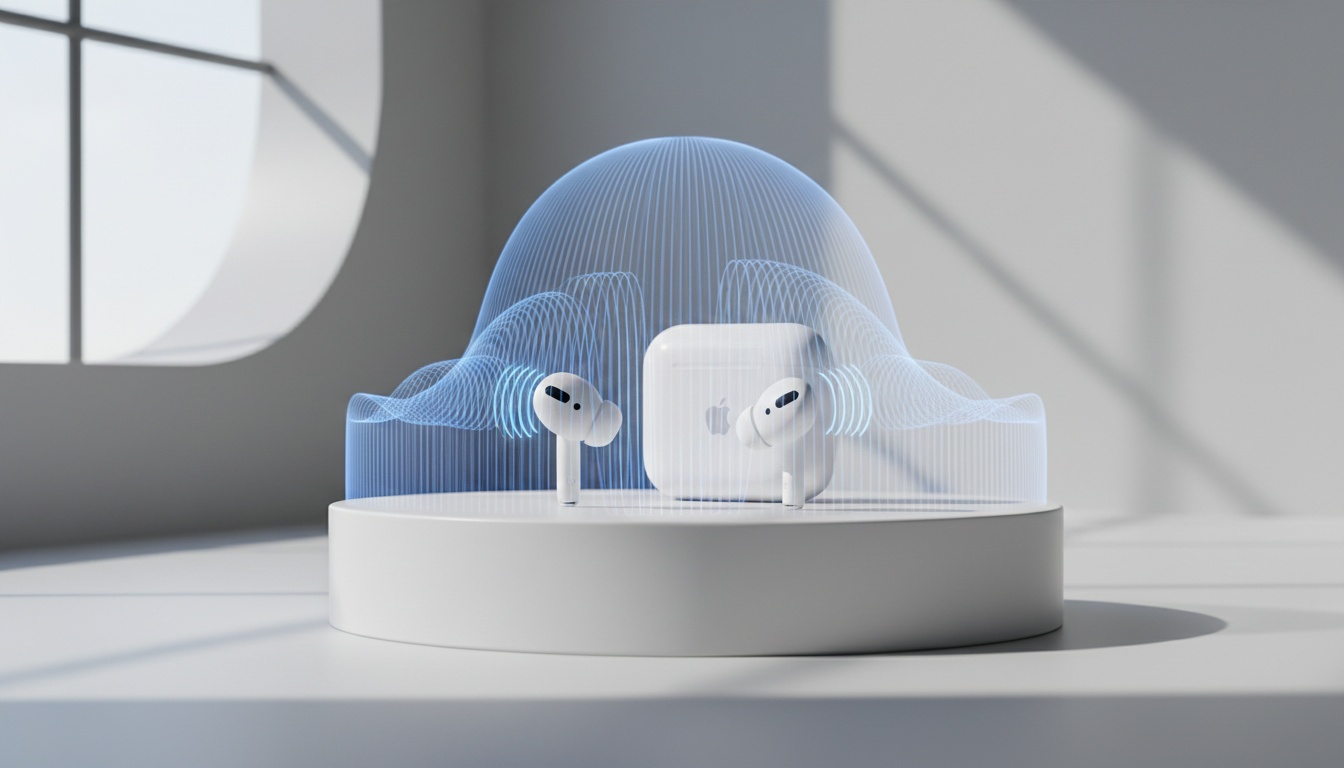
AirPods Pro 2 would likely deliver the most accurate translation audio with its superior noise cancellation. The Pro 2's noise cancellation would also improve accuracy in noisy environments like restaurants or airports.
No current AirPods models support Live Translation.
AirPods Max would likely provide excellent translation quality, due to larger drivers and better microphone positioning. The bulk makes them impractical for most conversation scenarios where discretion matters.
For travel and business meetings, AirPods Pro 2 would likely hit the sweet spot of accuracy and portability.
6. Where AirPods Live Translation Would Work (Hypothetical Scenarios)
If this feature existed, Live Translation would likely work reliably in specific scenarios but fall short in others. Restaurant conversations would likely work exceptionally well — the relatively quiet environment and predictable vocabulary (menu items, preferences, payment) would play to the system's strengths.
Business meetings would likely present mixed results. Simple presentations and Q&A sessions would translate accurately, but technical discussions with industry jargon would often produce confusing results.
Travel scenarios like hotel check-ins and navigation requests would likely work reliably. The structured nature of these interactions (dates, room numbers, addresses) would translate cleanly across supported language pairs.
Casual social conversations would likely remain challenging. Idioms, cultural references, and rapid topic changes would frequently confuse the translation engine. Basic getting-to-know-you discussions would translate well enough for meaningful connections.
The accessibility benefits would likely be significant. Users could follow conversations through visual cues on the iPhone screen while others hear translations through their AirPods, creating inclusive group discussions.
Phone Calls and FaceTime Support (Hypothetical)
Live Translation would likely work during Phone app calls and FaceTime calls, extending the feature beyond in-person conversations to remote bilingual conversations. The iPhone could potentially supplement AirPods microphones in noisy environments — this would likely be configured through general audio or AirPods settings for enhanced performance during calls.
7. Comparison with Google Pixel Live Translate and Competitors
Compared to Google Pixel's Live Translate or Samsung's Galaxy Buds used with translation apps, a hypothetical AirPods Live Translation would offer different strengths and limitations.
| Feature | AirPods (Hypothetical) | Google Pixel | Samsung |
|---|---|---|---|
| Language Support | TBD | 40+ languages | 20+ languages |
| Internet Required | Likely no (after download) | Varies by language | Partial |
| Privacy | Likely on-device processing | Cloud-based | Mixed |
| Device Compatibility | iPhone 15 Pro+ only | Pixel phones | Galaxy ecosystem |
Google Pixel Live Translate is a feature of Pixel phones and can work offline for some languages if language packs are downloaded. It requires internet connectivity for some language pairs.
Samsung's Galaxy Buds can be used as audio output for translation apps on connected phones but don't have a built-in translation feature. The accuracy of translation apps varies based on accent and speaking patterns.
For users who need broader language support or prefer cloud-based processing, comparing translation solutions side-by-side helps clarify which approach matches your workflow.
8. 7 Hypothetical Ways to Improve AirPods Translation Accuracy
If this feature existed, speaking clearly would likely matter more than speaking slowly. Normal conversation pace with clear enunciation would produce better results than exaggerated slow speech, which would confuse the recognition algorithms.
Background noise management would impact accuracy. Restaurant conversations would likely work fine, but coffee shops with background music or construction noise would cause frequent mistranslations.
Privacy considerations would be straightforward — core processing would happen on-device according to Apple's typical approach, though some data might be used for service improvements in accordance with Apple's privacy policies. Translation accuracy might improve when you allow Siri to learn from your speech patterns.
For extended translation sessions, strategic planning would help. Translation features would likely use more battery than regular AirPods use, so you'd plan accordingly for day-long travel.
9. Key Takeaways
- Live Translation for AirPods doesn't currently exist on any Apple device
- Apple Intelligence was announced in 2024 but doesn't include this feature
- Current AirPods models (including Pro 2 and Max) don't support live translation
- Apple's Translate app provides text and voice translation but not live AirPods translation
- If this feature existed, it would likely require iPhone 15 Pro or later with specific AirPods models
- Processing would likely happen primarily on-device, keeping conversations private
- The feature would likely work during Phone calls and FaceTime calls if it existed
Looking for translation beyond AirPods? Consider exploring current translation apps and services available on the App Store to find real-time voice translation options that work with your existing devices.