 LiveLingo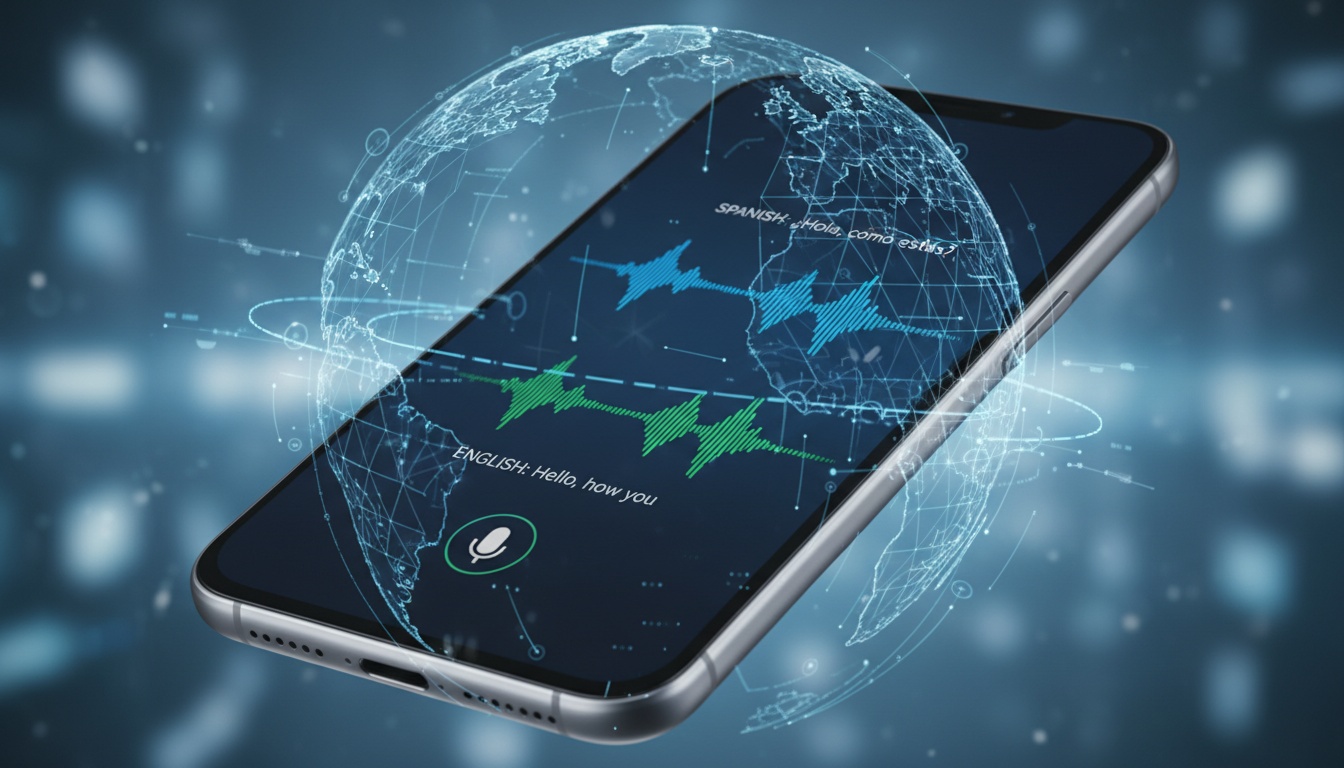
1. What Is Real-Time Translation and How Does It Work?
Real-time translation converts spoken words into another language instantly, unlike traditional translation methods that require typing or waiting for human interpreters. The technology combines three AI systems: speech recognition captures your words, neural machine translation processes the meaning, and voice synthesis delivers the translated audio.
Tap and speak in English
Tap to start
The magic happens through neural machine translation engines that analyze context, not just individual words. When you say "bank" in English, the AI determines whether you mean a financial institution or riverbank based on surrounding words.
Translation latency—the delay between speaking and hearing the translation—varies dramatically across tools. Testing across major apps shows that most consumer apps typically struggle with 3+ second delays, while specialized devices often achieve faster response times through dedicated processing chips.
Most real-time translators now support dozens of languages, but accuracy often drops for less common language pairs. Translation quality varies significantly by language combination, with popular pairs typically performing better than less common ones in most testing scenarios.
Can Google Translate do real time?
Yes. Google Translate real-time features offers real-time conversation mode where two people can speak back-and-forth in different languages, plus instant camera translation that overlays translated text on signs and menus through your phone's camera.
2. Best Real-Time Translation Tools Compared
Here's how major translation devices and apps stack up across price, accuracy, and real-world usability.
Product Comparison Matrix
| Product | Price Range | Best For | Key Limitation |
|---|---|---|---|
| Google Translate | Free (with premium features available) | General use, offline capability | Can struggle with interruptions and background noise |
| Translation Earbuds | Mid-range pricing | Hands-free multitasking while cooking/driving | Audio quality may suffer in noisy restaurants |
| Dedicated Translation Devices | Higher-end pricing | Extended travel, rugged environments | Interface may feel less intuitive than smartphone apps |
| Professional Translation Software | Freemium model | Professional meetings, webinars | May be overkill for casual conversations |
| Visual Translation Apps | Freemium with subscription options | Face-to-face conversations, visual display | Requires phone screen for other person to read |
Google Translate The baseline everyone compares against. Supports extensive language coverage with offline translation capabilities. Camera translation works well for restaurant menus and street signs. Conversation mode handles basic exchanges but can struggle with interruptions and background noise.
Translation Earbuds Translation earbuds supporting multiple languages and accents. Unlike phone apps that require you to hold and pass a device back and forth, the hands-free design lets you translate while cooking, driving, or multitasking. However, audio quality may suffer in noisy restaurants—a consideration for business dinners.
Dedicated Translation Devices Unlike phone apps that drain battery during extended travel, dedicated hardware can keep translating for extended periods without recharging—potentially useful for multi-week international trips where you can't rely on finding power outlets. Built for travel with durable construction, but the interface may feel less intuitive compared to smartphone apps.
Professional Translation Software Browser-based solution supporting numerous languages with live captions and multilingual conversations. For teams already using Zoom or Teams for meetings, professional software can integrate directly—potentially eliminating the friction of switching between apps and ensuring participants can see real-time captions regardless of their language. Suitable for webinars but may be overkill for casual conversations.
Visual Translation Apps Mobile app focused on face-to-face conversations with visual text display. The Show tab displays translated phrases on your phone screen for the other person to read—try LiveLingo to see how visual translation works in your specific use case. This approach can work particularly well in noisy environments where audio-only solutions may struggle.
Translation Devices vs Apps vs Software
Hardware devices excel in battery life and consistent performance but lack the rapid feature updates of mobile apps. Smartphone apps offer convenience and frequent improvements but drain battery during extended use.
Enterprise translation software provides the most robust features for business use, including meeting transcripts and speaker identification, but requires subscription commitments and often needs IT setup.

3. Real-Time Translation by Use Case: Business, Travel, and More
Which real-time translator is best for business meetings?
Professional translation software can often auto-detect speakers and generate meeting summaries—features that can complement human interpreters. For teams conducting daily standups with offshore teams, these tools can potentially handle routine updates effectively but may struggle with technical jargon requiring cultural nuance.
In practice, companies using real-time translation for daily standups with offshore teams often report improved project coordination. The key is setting expectations: these tools handle routine updates well but may struggle with technical jargon and cultural nuances.
What's the best real-time translator for travel?
Google Translate's camera feature is useful for reading foreign menus and signs. Download offline language packs before international travel with translation apps to avoid expensive cellular data abroad. Dedicated translation devices offer rugged design and global connectivity for extended international trips.
For travel specifically, dedicated translation devices can be valuable with their rugged design and global connectivity options. While more expensive, they can help eliminate communication barriers in emergencies.
How do real-time translators help customer service?
Retail businesses may report improved service times when using translation apps with international customers. Visual display solutions showing translated text on screen can work better than audio-only in noisy store environments, especially for complex product information.
Visual translation can be particularly effective in noisy environments when dealing with complex product information or assembly instructions.
Is there an AI that can listen to audio and translate?
Multiple AI solutions offer real-time audio translation. Google Translate, Microsoft Translator, and KUDO AI all provide live audio translation with varying degrees of accuracy and language support. Google Translate's conversation mode and Microsoft Translator's live feature offer free options, while KUDO AI targets enterprise users with enhanced accuracy for business meetings.
4. When Real-Time Translators Fail (And When They Excel): Accuracy & Speed Reality Check
Translation accuracy varies significantly by language pair and context. Popular language combinations generally perform better than less common pairs due to training data availability.
An important consideration about translation quality: context matters more than the underlying engine. "Bank on it" often translates literally in most tools, missing the idiomatic meaning entirely. Professional interpreters still excel for nuanced business negotiations.
When to use caution with real-time translators:
- Legal documents or contracts
- Medical diagnoses (liability considerations)
- Technical specifications with precise measurements
- Emotional or sensitive conversations requiring cultural understanding
Background noise can significantly impact accuracy. Restaurant conversations often suffer compared to quiet environments. Accents and speaking speed also impact performance—slow, clear speech typically works best.
Performance Benchmarks Across Popular Tools
Google Translate leads in language coverage while specialized hardware often provides more consistent performance across different environments. The best-performing combinations typically include English-Spanish, English-French, and English-German. More challenging pairs include English-Thai, English-Arabic, and any combination involving tonal languages like Vietnamese.
Troubleshooting Common Issues
When translation earbuds won't pair, try resetting both earbuds simultaneously. Typically, holding the touch controls for several seconds until the LED changes can help resolve pairing issues.
If Google Translate stops working offline, cache issues may be the cause. Clearing the app data and re-downloading your language packs often resolves these problems. This process typically takes a few minutes but can save significant frustration.
Beyond basic functionality, accessibility features determine whether these tools work for all users.
5. Accessibility Features in Real-Time Translation
Visual indicators benefit hearing-impaired users across most platforms. Google Translate displays conversation text in large, adjustable fonts. Professional translation software provides real-time captions with speaker identification.
Voice control options help mobility-limited users. Some translation tools can respond to voice commands for hands-free operation. Some iOS translation apps integrate with Voice Control accessibility features.
Screen reader compatibility varies significantly. Google Translate works well with TalkBack and VoiceOver. Dedicated hardware devices often lack accessibility features entirely.
Text size adjustment capabilities are standard in smartphone apps but often missing from most portable translator devices—a consideration for users with vision impairments.
6. Privacy, Security, and Cost Considerations
Data privacy varies dramatically across translation solutions. Google Translate processes conversations through cloud servers according to their privacy policy. The company's data retention practices are outlined in their privacy documentation.
Offline translation provides stronger privacy protection. Samsung's Interpreter Tool and Google Translate's offline mode process content locally, though language support becomes more limited.
Pricing considerations:
- Free options: Google Translate, Samsung Interpreter Tool
- Hardware devices: Typically range from $199-$399
- Subscription services: Monthly fees for enterprise features
Enterprise solutions typically require custom pricing but may include compliance features, data encryption, and deployment options for sensitive industries.
A consideration is internet connectivity. Cloud-based translation can consume significant data during extended conversations—potentially expensive on international roaming plans.
Cost-Benefit Analysis by Solution Type
Free apps work well for travelers and occasional use. Hardware devices may justify their cost for frequent international business or extended travel. Subscription services can make sense for teams conducting regular multilingual meetings.
Calculate your break-even point: if you'd spend significant amounts annually on human interpretation, dedicated hardware or premium software subscriptions may become cost-effective.
7. Future Trends in Real-Time Translation Technology
AI improvements arrive regularly through software updates, giving app-based solutions an advantage over dedicated hardware that may get stuck with launch-day algorithms.
New hardware developments include improved translation earbuds with better noise cancellation and longer battery life. Several manufacturers are developing smart glasses with built-in instant translation displays.
Conversation translation accuracy continues improving through larger training datasets and better context understanding. Multilingual translation—handling three or more languages simultaneously—represents an emerging capability.
Translation API improvements enable better third-party integrations. More business software may include built-in speech translation capabilities rather than requiring separate tools.
8. Your 5-Step Framework to Pick the Right Translator (Without Wasting Money on Features You Won't Use)
Start with your primary use case. Travelers should prioritize offline capabilities and battery life. Business users need accuracy and integration with existing tools. Families with multilingual members may benefit from visual display features.
Budget considerations matter less than you'd expect. The cost difference between free and premium solutions can disappear quickly if the hardware prevents one missed business opportunity or travel emergency.
Decision framework:
- Identify your top 3 language pairs
- Determine if you need offline capability
- Choose between audio-only or visual display
- Factor in integration requirements (Zoom, Teams, etc.)
- Calculate annual usage to determine subscription vs. hardware value
Once you've identified your primary use case using this framework, test your top choice before committing to a paid plan. Most users discover their actual needs differ from their assumptions.
Future-proofing often favors software solutions over hardware. Translation accuracy improves regularly through AI updates, but dedicated devices may get stuck with launch-day algorithms.
For most users, we recommend starting with Google Translate to understand your needs, then upgrading to specialized tools based on your actual usage patterns.
9. Key Takeaways
• Translation latency matters more than language count for natural conversations • Google Translate provides a solid starting point for most users at no initial cost • Hardware devices excel in battery life and offline reliability but lack software flexibility • Visual display solutions can solve fundamental limitations of audio-only earbuds • Privacy-conscious users should prioritize offline translation capabilities • Business users often get high value from subscription services with meeting integration • Free solutions handle most use cases—upgrade only when you identify specific limitations • The technology improves rapidly, so consider avoiding long-term hardware commitments unless absolutely necessary
Ready to test your ideal translator? LiveLingo offers free translation features—no credit card required. Start with the free tier to validate whether visual translation solves your specific use case before considering upgrades for additional features.