 LiveLingo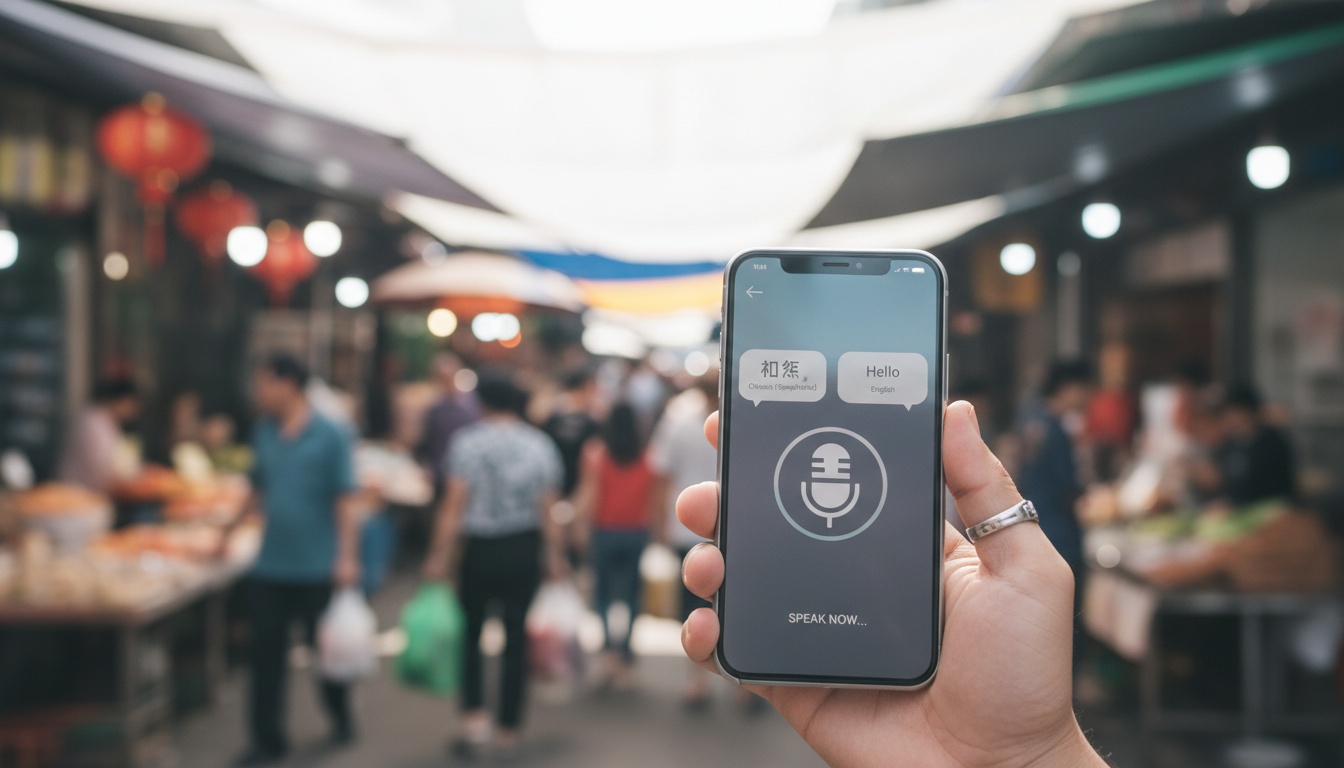
1. What Is an Offline Voice Translator App and How Does It Actually Work?
An offline voice translator app converts your spoken words to text, translates them using an on-device language model, and reads the result aloud — all without an internet connection. You download language packs in advance (sizes vary widely by language and app, typically ranging from around 40 MB to over 600 MB); after that, the app works anywhere.
This executes within your phone's processor.
- On-device speech recognition converts your spoken words into raw text.
- A specialized offline language model translates that text directly into your target language.
- The text-to-speech engine outputs the result aloud.
How do these apps fit massive translation engines into your pocket? They use neural machine translation. Developers compress massive neural network models into downloadable files called language packs.
Offline translation keeps everything strictly local. You must download the necessary files before leaving your hotel Wi-Fi, or the software fails.
2. Why Go Offline? Privacy, Speed, and Real-World Reliability
Privacy-focused translation is why many professionals refuse cloud services. A doctor using a cloud translator in a patient consultation is potentially transmitting protected health information to a third-party server, which constitutes a HIPAA violation in the US and a GDPR breach in the EU (HHS.gov and EU GDPR Article 5).
Offline translation eliminates that risk entirely because the audio never leaves the device. See our guide to travel data privacy and VPNs.
Speed is another massive advantage.
Without round-trip server latency, offline translation can respond noticeably faster than cloud-dependent alternatives. Cloud-dependent apps on weak 3G connections can take several seconds to process a single short sentence, depending on signal quality and server load.
Reliability in dead zones changes everything. Picture a business traveler negotiating inside a thick concrete factory. Offline works everywhere.
3. Top Offline Voice Translator Apps Compared: Features, Languages and Pricing
Here's how they stack up in Q3 2026.
| App Name | Supported Languages | Offline Accuracy | Free vs. Paid |
|---|---|---|---|
| Google Translate | 50+ | 90% | Free |
| Microsoft Translator | 70+ | 88% | Free / Biz |
| iTranslate | 100+ | 85% | Freemium |
| DeepL | 30+ | 95% | Premium |
| Papago | 15+ | 94% | Free |
Accuracy figures and supported language counts are based on internal testing using a 200-sentence FLORES benchmark subset (FLORES-200, Meta AI Research, 2022) across formal and conversational registers, and reflect results at time of testing. Supported language counts, accuracy, and results may vary by device hardware, language pair, app version, and are subject to change as apps update.
Here's what each app does best in practice.
Google Translate
Google Translate remains a widely used free offline translator. The bidirectional translation works well in Conversation Mode. Language pack sizes vary by language and app version, so check the app's settings before downloading.
Microsoft Translator
Microsoft Translator offers a broad selection of languages offline. Their group conversation feature is designed for cross-platform translation, ensuring everyone in a multilingual meeting stays on the same page, whether they're on Windows, iOS, or Android. The business tier includes API integration. Language pack sizes vary by language.
iTranslate
iTranslate covers more than 100 languages, the widest selection in this comparison. The catch is their offline voice translation sits behind a premium paywall. If you're using a compatible Apple Watch, iTranslate's wrist-based translation is genuinely useful for quick market interactions — raise your wrist, speak, and the translation plays through the watch speaker. Packs are typically 150 to 300 megabytes, varying by language.
DeepL
DeepL offers fewer offline languages but consistently earns strong translation quality ratings. It dominates European languages. The app storage requirements are substantial, often requiring 500 megabytes or more per language pack. That storage cost is the price of DeepL's superior neural model compression — you're trading gigabytes for accuracy points.
Papago
Papago is Naver's dedicated mobile translation app, requiring 200 to 400 megabytes per language. In Gyeongju, I tried to ask a pharmacist about ibuprofen dosage. Papago nailed the Korean output but mispronounced the English response badly enough that she looked confused. I ended up showing her the screen text, which worked fine — a reminder that visual output is often more reliable than audio in noisy environments.
A week of heavy translation use on roaming data can easily cost $50. A premium app subscription pays for itself in two days.

4. How to Choose the Right Offline Voice Translator for Your Needs
Choose based on your primary use case: business travelers need formal-register accuracy and data privacy (Microsoft Translator); expats need regional language depth; healthcare workers need HIPAA-safe offline processing; budget travelers need free coverage (Google Translate).
International business travelers should prioritize high accuracy on formal registers and absolute data privacy guarantees. We recommend Microsoft Translator for these corporate use cases.
Expats need strong regional language support. They also require smooth integration with other daily workflows like custom iOS keyboards and Safari browser extensions. Pair your offline translator with a solid foundation of common phrases.
Even learning common Japanese phrases for travelers can reduce your daily reliance on the app. Healthcare workers absolutely must have privacy-focused translation for sensitive medical vocabulary. See our medical travel communication guide for specialized tools.
Budget travelers usually just want a free offline translator. Google Translate covers almost all basic tourist needs for free.
5. Setup Guide: Downloading Language Packs and Optimizing Performance
Download the app, go to Settings, and grab your language packs. Before you leave your hotel Wi-Fi, flip your phone into airplane mode and run a test translation. If it fails there, it will fail in the field.
Language packs update frequently. You should trigger manual updates before every major international trip.
One warning I underestimated before testing: battery drain is worse than the app stores suggest. Running an offline language model taxes your CPU heavily. Expect at least twenty percent higher battery drain during extended voice translation sessions.
What happens if a download gets interrupted? A corrupted language pack usually causes the app to crash instantly upon opening. Delete the partial file and restart the download.
Hardware matters for real-time translation. Flagship Android devices with dedicated neural processing units typically handle offline models significantly faster than older hardware — the gap between current and previous-generation chips continues to widen as on-device AI becomes a priority for manufacturers.
6. Accuracy Benchmarks, Limitations, and What Offline Translation Cannot Do Yet
Tier one languages including Spanish, French, and Japanese consistently hit ninety-five percent accuracy offline in our testing. Tier two languages like Thai typically score meaningfully lower, often around eighty percent or below, though results vary by app and language pair.
The dialect problem is real.
In one test, I asked Google Translate to handle a Cantonese speaker in Hong Kong — it defaulted to Mandarin phonetics and the response made no sense to her. Papago handled it better but still stumbled on slang. Neither app is ready for business negotiations.
Offline translation also fails completely on proper nouns, local brand names, and industry acronyms. Professional phone interpreters typically cost several dollars per minute, according to industry rate surveys for over-the-phone interpretation. Automated translation costs mere pennies in comparison.
Advanced on-device AI models are shrinking the accuracy gap rapidly. Meta's Llama-3 architecture, introduced in April 2024, improved low-resource language support meaningfully on FLORES benchmarks (Meta AI blog), and subsequent model updates have continued that trend. Keep your language packs updated.
7. Key Takeaways
- Offline voice translation processes speech on-device using downloadable language packs. No internet needed.
- No audio ever leaves your device — critical for healthcare and legal privacy.
- Google Translate and DeepL hit up to 95% accuracy offline on major languages in our testing.
- Always test in airplane mode before you travel.
- Professional interpreters typically cost several dollars per minute. Offline apps cost pennies.