 LiveLingo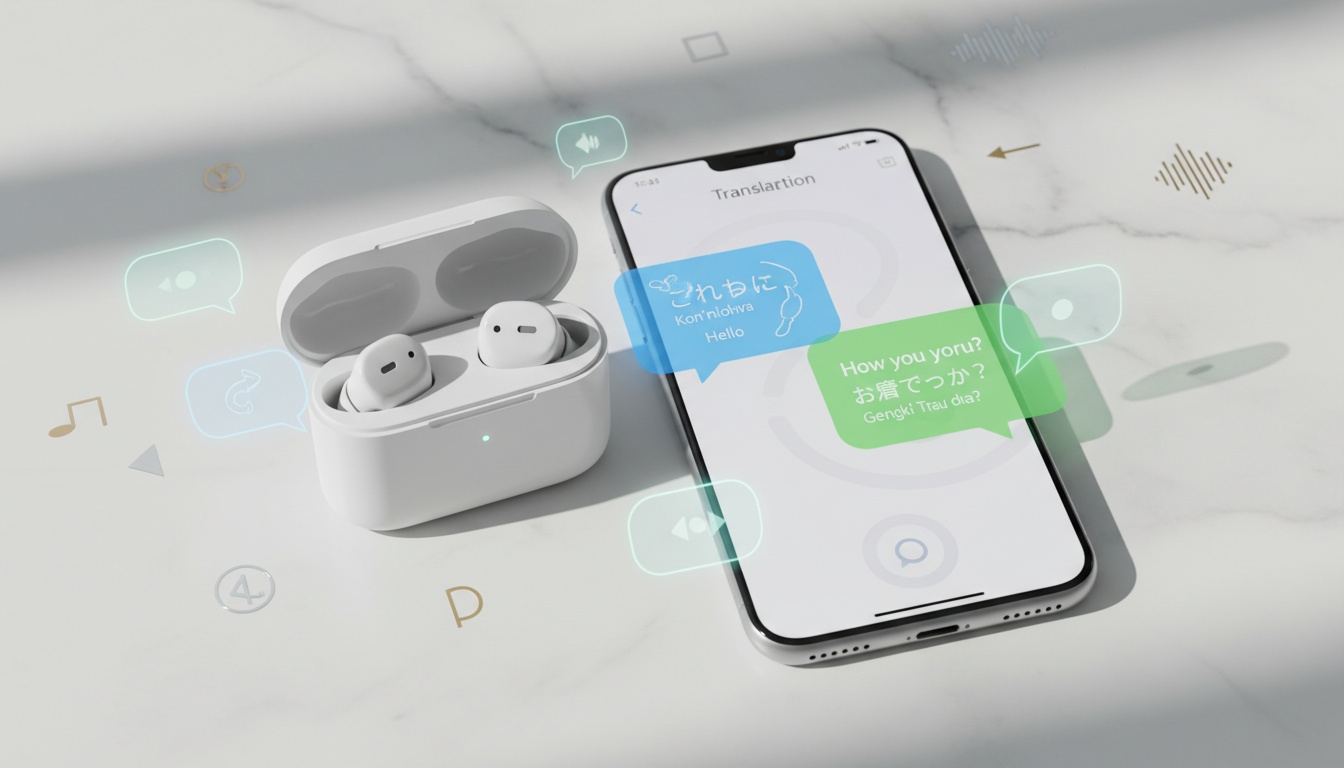
1. How Ear Translator Earbuds Actually Work — And Where the Marketing Overpromises
Ear translator earbuds are Bluetooth earbuds paired with a translation app that captures your voice, sends it to a cloud-based AI engine, and plays back audio in the target language — typically in 1–3 seconds. The workflow has three steps: your voice is captured by the earbud's microphone, sent via your phone to a translation engine, then played back as audio. What separates a $200 Timekettle M3 from a $30 generic Bluetooth earbud isn't magic — it's microphone array quality, noise reduction, licensed translation engines, and conversation management in the app. Those differences matter in the real world.
Tap and speak in English
Tap to start
The Reddit criticism is worth addressing head-on: yes, at their core, most ear translator earbuds are Bluetooth earbuds paired with a translation app. That's not wrong. But it's not the full story either.
Simultaneous interpretation vs. turn-based. Most consumer translator earbuds operate turn-based: one person speaks, the translation plays, then the other responds. True simultaneous interpretation — speaking and translating at the same time — is a feature some manufacturers claim for their higher-end hardware; verify the specific model's documentation before purchasing. Don't let marketing blur this distinction.
Phone dependency is real. Nearly every ear translator on the market requires a Bluetooth connection to a smartphone running a translation app. A handful of pocket translator devices have SIM slots and operate standalone, but earbuds specifically are not standalone devices. No phone, no translation.
Here's what to actually expect: ear translators work well for casual exchanges — ordering food, asking directions, basic hotel conversations. They struggle with speed, jargon, and noise. The failure modes are specific and predictable.
---
2. The Translation Pipeline: Where Accuracy Breaks Down (And Why)
The AI translation pipeline has three components.
ASR (automatic speech recognition) converts your spoken words to text. NMT (neural machine translation) converts that text to the target language. TTS (text-to-speech) converts it back to audio. Each step introduces potential error — and the errors stack.
Where Translation Fails: The ASR Problem
ASR is where most failures originate. Strong accents, regional dialects, and background noise all degrade speech recognition before translation even begins. A mistranscribed word produces a mistranslated sentence, and the AI has no way to flag the error.
Online vs. Offline Translation: When Each One Actually Works (And When It Doesn't)
Online mode delivers higher accuracy and broader language support; offline mode delivers privacy and zero data dependency at the cost of accuracy. Use online mode in connected cities; offline mode for remote travel or sensitive conversations.
Online mode sends audio to cloud servers — Google, Microsoft, DeepL, and others depending on the device. You get broader language support, higher accuracy, and access to current AI models. The trade-off is data dependency and latency that can make fast conversation feel stilted.
Offline mode uses downloaded language packs stored on your phone. According to Timekettle's official product page, the M3 supports offline translation for a selection of language pairs including common combinations such as English-Spanish, English-French, English-Japanese, and English-Chinese; verify the current list of supported pairs on Timekettle's site before purchasing. Accuracy in offline mode is generally lower than cloud mode.
One limitation online mode can't solve: the other person still can't hear the translation. If you need real-time translation visible to both parties, a screen-based app like LiveLingo fills that gap — no audio required.
If you're hiking in rural Patagonia or traveling through areas with unreliable data coverage, offline capability isn't optional. For urban travel in connected cities, online mode is the safer bet on accuracy.
Noise cancellation matters more than most buyers realize. Without effective noise reduction, speech recognition degrades fast in any environment louder than a quiet café.
---
3. Best Ear Translators for 2026: Which Model Solves Your Specific Problem
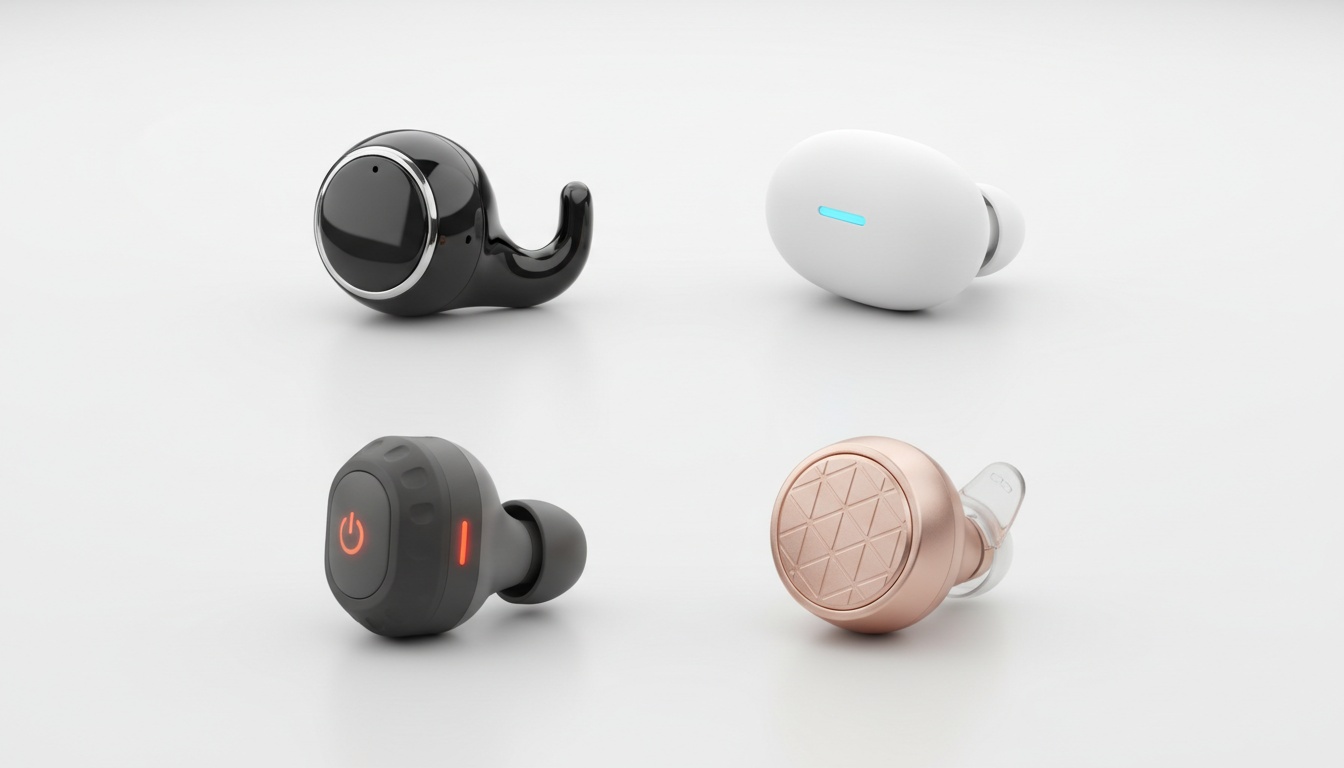
The Timekettle M3 is a strong option for travelers on a budget, the Vasco E1 for privacy-conscious professionals, and the Pixel Buds Pro for Android ecosystem users who prioritize audio quality. Here's how they compare:
The gap between dedicated translator earbuds and budget options isn't just hardware — it's access to multiple translation engines, offline capability, and noise cancellation that actually works in environments louder than a quiet café.
Prices and specs are current as of June 2026 and may vary; verify with the manufacturer before purchasing.
| Model | Price | Languages | Offline Mode | Battery Life | Best For |
|---|---|---|---|---|---|
| Timekettle M3 | ~$199 | 40+ languages | Yes (select pairs) | Varies; check manufacturer | Travelers |
| Vasco E1 | ~$249 | 50+ languages | Yes | Not specified | Business & privacy |
| Timekettle WT2 Edge | ~$299 | 40 languages | Limited | Varies; check manufacturer | Simultaneous interp. |
| Google Pixel Buds Pro | ~$199 | 40+ languages | No | Varies; check manufacturer | Android ecosystem users |
| Waverly Labs Ambassador | ~$179 | 20 languages | Yes (some) | Varies; check manufacturer | Casual travelers |
| ANFIER (budget) | ~$40 | Varies by app | App-dependent | 4–5h | Occasional use only |
Note: Pricing and specs for all models are based on available retail listings and manufacturer pages and may vary. Verify current specs directly with each manufacturer before purchasing.
When Earbuds Beat the Alternatives (And When They Don't)
For most travelers, earbuds win on convenience; for budget-conscious users, a free app wins on cost; for sensitive business conversations, human interpreters are non-negotiable.
Timekettle M3: Best for Travelers
The Timekettle M3 is a strong all-around option for travelers, combining multiple translation engines, broad language support, offline capability for select pairs, solid battery life, and water resistance at around $199. Here's why each feature matters.
The M3 routes through multiple translation engines — including DeepL, Google, Microsoft, and others depending on language pair and mode — so if one struggles with your accent or language pair, the app can try another. Fewer failed translations in real-world conditions.
Battery life covers most of a travel day, with additional charge available from the case, which covers most short trips without hunting for an outlet. The water resistance rating means rain and sweat won't kill it.
Three translation modes let you adapt: Touch mode for one-on-one exchanges, Listening mode when you're receiving information, Speaker mode when the other person needs to hear the translation — no fumbling with settings mid-conversation.
I ran it through a full day in Osaka — train stations, a covered market, two sit-down restaurants — and the app crashed once, right when I needed it most. Relaunch takes about 8 seconds. Know that going in.
The limitation: it still requires the Timekettle app on your phone. At around $199, it offers a strong balance of features and price for frequent travelers.
Vasco E1: Best for Business and Privacy
The Vasco E1 is well-suited for business users because it supports offline translation across a broad range of languages, keeping conversations off third-party servers — critical for handling sensitive information.
The over-ear design has received design recognition, per Vasco's official product page, and the ergonomics show it. According to Vasco's product documentation, the set is designed so two people can each wear one for face-to-face conversation without passing a phone back and forth, and it supports group translation for multiple participants simultaneously — verify the current maximum on Vasco's site.
One honest note: the Vasco E1 does not include free lifetime connectivity for online translations, per Vasco's official product page. Factor subscription costs into your total cost of ownership before purchasing. For business users who need offline privacy and can't risk a mistranslated contract term, the E1 is worth the premium.
Budget Options: Do They Work?
Sub-$50 "translator earbuds" on Amazon are, almost without exception, generic Bluetooth earbuds bundled with a QR code linking to a free translation app — acceptable for occasional travel and testing the workflow, but not for frequent use or noisy environments.
Look, that's not nothing. Google Translate has gotten genuinely good at Spanish, French, and Mandarin. The problem isn't the translation engine. It's the $30 microphone trying to capture your voice in a train station.
Budget options work for occasional travel where you have your phone out anyway, or for testing whether ear translation fits your workflow before investing. Invest in a dedicated device when you're traveling frequently, need offline capability, work in noisy environments, or use language pairs where free app accuracy degrades — regional dialects, less-common combinations.
What About Audio Quality for Music and Calls?
Dedicated translator earbuds are optimized for voice capture and translation, not audio fidelity. The M3 is fine for calls and podcasts. It's not a premium listening experience.
If you want multilingual earbuds that also double as your main headphones, the Pixel Buds Pro is a stronger all-around audio product, though its translation features are more limited. Factor that trade-off in before purchasing.
---
4. Translator Earbuds vs. Other Translation Methods
Translator earbuds win on convenience and hands-free operation; translation apps win on cost; pocket devices win on offline capability; human interpreters win on accuracy for high-stakes conversations. Here's the full comparison:
| Method | Cost | Accuracy | Convenience | Offline | Best Use Case |
|---|---|---|---|---|---|
| Translator Earbuds | $40–$300 + possible sub | High (online) / Medium (offline) | High | Varies | Travel, casual business |
| Translation App (phone speaker) | $0–$20/mo | High (online) | Medium | Limited | Budget travel, occasional use |
| Pocket Translator Device | $100–$500 | High | Medium | Often yes | Remote travel, no phone |
| Human Interpreter | $50–$200+/hr | Highest | Low | N/A | Legal, medical, contracts |
| Phrasebook | $0–$15 | N/A | Low | Always | Backup only |
Beyond the specs, here's the real-world calculus: the cost-benefit case for spending $150–$300 on earbuds versus using a free translation app comes down to hands-free operation and the ability to have a conversation without holding a phone between two people. Holding a phone between two speakers while taking turns works, but it's awkward in a way that earbuds avoid.
For travel translation — restaurants, hotels, transportation, shopping — earbuds genuinely improve the experience. For business, the calculus shifts. Informal meetings with international colleagues? Earbuds handle it. Contract negotiations or anything where a mistranslation has legal consequences? Hire a human interpreter.
Here's something the product pages won't tell you: for most urban travelers who already carry a smartphone, a good translation app with the phone speaker is 80% of the solution at 0% of the cost. The earbuds earn their price through convenience and audio quality, not through dramatically superior translation accuracy.
For a portable translator that doesn't depend on a phone at all, pocket devices with built-in SIM slots are a separate category worth considering if you're heading somewhere with no reliable data coverage.
---
5. Honest Limitations: When NOT to Use Translator Earbuds
Leave translator earbuds in your bag for medical or legal conversations (hire a human interpreter), group meetings with three or more speakers (latency creates confusion), technical jargon (AI models trained on general speech fail), and strong regional dialects (accuracy drops meaningfully). They work well for casual exchanges in quiet environments.
Background Noise: The Biggest Failure Mode
Background noise is the biggest failure mode. In a quiet hotel lobby, the M3 was noticeably better than expected. In the Chatuchak Weekend Market in Bangkok, it missed roughly one word in five.
That's not a dealbreaker — it's a calibration. Noise cancellation helps, but it doesn't solve the problem in environments where the earbuds simply can't isolate the speaker's voice.
Technical Vocabulary and Specialized Language
Technical vocabulary causes the next most common failures. Medical terminology, legal language, engineering specifications — AI translation models trained on general speech handle these poorly.
A mistranslated drug dosage instruction or contract clause isn't a minor inconvenience. This is where human interpreters exist for a reason.
Strong Regional Accents and Dialects
Strong regional accents and dialects are genuinely problematic. Manufacturers typically claim support for a wide range of accents, but rural dialects and heavily accented speech still cause accuracy drops that matter in practice.
If your own accent in the target language is strong, test the device with your voice before committing. Anecdotal reports from users with non-native accents suggest meaningful accuracy drops, though no published controlled study quantifies this for consumer earbuds specifically.
Latency in Group Settings
Latency breaks conversation rhythm in group settings. A 1–3 second delay is manageable one-on-one. In a meeting with three or four speakers, it creates a pile-up of overlapping translations that becomes hard to follow in practice.
Consumer earbuds generally do not achieve true simultaneous interpretation — that gap hasn't closed despite marketing language suggesting otherwise. Check the specific model's documentation carefully before purchasing if simultaneous interpretation is a requirement.
Privacy and Data Security: What Happens to Your Conversations?
Cloud-based translation sends audio snippets to third-party servers — Google, Microsoft, DeepL, and others depending on the device and language pair. For sensitive conversations, use offline mode or a device with robust offline capability. For trade secrets, financial data, or client information, hire a human interpreter instead.
Review each provider's data retention policies before using these devices for sensitive conversations.
A device with strong offline capability is the privacy-first choice for business users handling sensitive information. Your conversation stays on the device.
For anyone discussing trade secrets, financial data, or client information through a cloud-based ear translator: don't. The convenience isn't worth the data exposure.
---
6. Choose the Right Ear Translator in 5 Questions (Plus Specific Recommendations for Your Use Case)
Choose based on use case (travel vs. business), offline needs, language count, budget, and phone dependency. Here are five questions to narrow it down:
1. Primary use case — travel or business? Travelers prioritize portability, battery life, and language breadth. Business users prioritize accuracy, offline capability, and data privacy.
2. Do you need offline mode? If you're visiting areas with unreliable data coverage, offline translation isn't optional. Only a subset of models support it meaningfully — verify the specific language pairs before purchasing.
3. How many languages? If you're a European business traveler moving between French, German, Italian, and Spanish meetings, broad language support matters. If you only need English-Spanish, even budget options cover you.
4. What's your budget? The $199–$249 range is where quality earbuds with real translation infrastructure live. Below $80, you're buying hardware and hoping the free app does the work.
5. Is phone dependency acceptable? For earbuds, the answer is almost always yes — but confirm before purchasing.
Use-case recommendations:
- The Timekettle M3 is a strong choice for most travelers in 2026 — broad language support, multiple translation engines, reasonable price
- Frequent international business traveler: consider the Vasco E1 for privacy, or a higher-end Timekettle model for conversation speed
- Remote travel with limited data: offline-capable device only; verify offline language pairs match your destination
- Privacy-sensitive professional: a device with robust offline mode enabled
Setup for First-Time Users
Download the manufacturer's app before you travel. Install offline language packs at home on Wi-Fi — don't try to download them at the airport. Pair the earbuds, run a test conversation, and confirm the translation mode you need is working.
Three common failures and fixes:
Problem: Translation isn't triggering at all Check that the app has microphone permissions enabled. Recent iOS versions may require re-granting microphone access after system updates — check your phone's privacy settings if translation stops working after an update.
Problem: App connects but translation quality is poor You're probably in offline mode without realizing it. Check the mode indicator in the app — online mode requires an active data connection, and the app may fall back to offline packs silently on weak signal or airplane mode.
Problem: Battery drains faster than expected Battery ratings are often measured during music playback, not continuous translation. In heavy translation use, plan for roughly 60–70% of the rated figure for active translation sessions.
What Earbuds Can't Do — and What Fills the Gap
One structural limitation earbuds can't solve: they deliver audio to the wearer only. The other person doesn't hear the translation.
For two-way conversations where both speakers need to understand what's being said, you need either a phone screen or a shared audio setup. This is where a screen-based real-time translation app fills the gap earbuds structurally can't close.
LiveLingo shows the translated phrase on your phone screen so the other person can read it — no audio required. Its transcript export gives you a written record of the exchange, which matters if you're confirming a price or a medication name — anything where you need documentation. Earbuds for what you hear; a phone screen for what they need to see.
---
7. Key Takeaways
- Translator earbuds are wireless earbuds plus an AI translation pipeline; the hardware quality affects microphone capture and noise reduction, not the underlying translation accuracy
- Cloud-based translation (online mode) delivers meaningfully higher accuracy than offline packs — use it when data is available
- The Timekettle M3 is a strong all-around option for travelers at around $199 — broad language support, multiple translation engines, solid battery life, and water resistance (verify current specs on Timekettle's official product page)
- The Vasco E1, with broad language support, offline capability, and group translation for multiple participants, is well-suited for business users who can't send conversations to third-party servers (verify current specs on Vasco's official product page)
- Budget options under $50 are generic earbuds with a free translation app — acceptable for occasional use, not for frequent travel
- Avoid using any ear translator for medical, legal, or high-stakes business conversations; human interpreters exist for a reason
- Latency is manageable one-on-one; in group settings it becomes a real problem
- Consumer earbuds generally do not achieve true simultaneous interpretation — verify any such claims carefully against manufacturer documentation
- Earbuds deliver audio to the wearer only — for two-way exchanges where the other party needs to understand the translation, pair your earbuds with a phone-screen translation app
Ready to test your setup? Pair your earbuds with LiveLingo for two-way clarity — earbuds handle what you hear, the screen handles what they need to see. Free to try, no credit card required.