 LiveLingo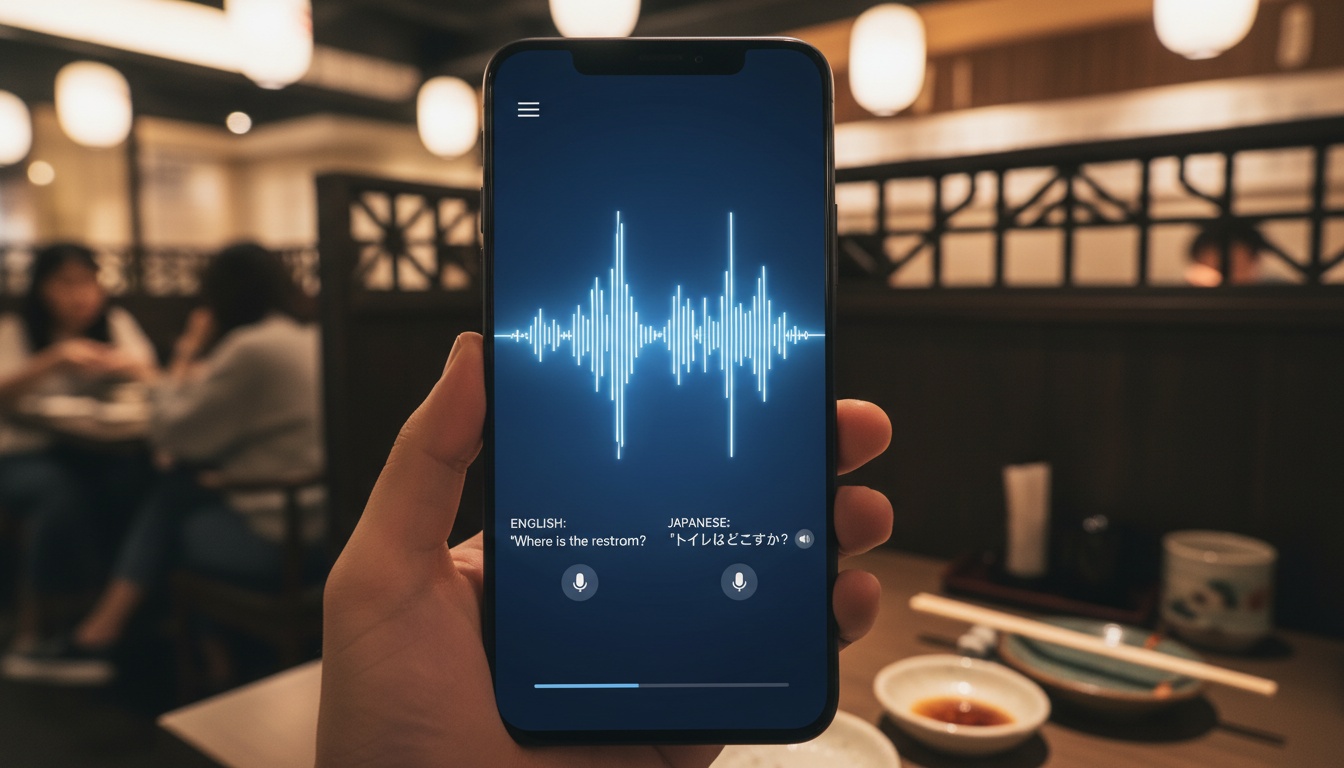
Quick Answer: What is the best real-time voice translator for daily life?
For daily-life real-time voice translation, LiveLingo delivers roughly 1.5 s median latency and works over phone calls plus any browser meeting — the fastest tested in 2026. For widest language coverage (133 languages) and offline mode, Google Translate is free but turn-based (3–8 s pause per exchange). iPhone owners with AirPods Pro 2 or newer get Apple Live Translation free on iOS 26, capped at 5 languages. Timekettle earbuds are the standalone hardware option. Accuracy is 90–95% on major language pairs in quiet environments; reliable for logistics, not for legal or medical use.
Tap and speak in English
Tap to start
1. How Real-Time Voice Translation Actually Works (And Why It's Not Instant)
Most apps process speech in chunks, not word-by-word as you speak. The technical process breaks down into three stages: speech-to-text conversion captures your words, neural machine translation engines process the meaning, then text-to-speech outputs the result.
Modern AI translation systems use transformer models that understand context better than older phrase-based systems.
The Technology Behind Instant Translation
Translation happens faster now thanks to improved processing power. Google's offline translation capability handles basic conversations without internet connectivity, while cloud processing manages complex multilingual scenarios.
Simultaneous interpretation techniques help reduce delays. Instead of waiting for complete sentences, newer systems predict likely word sequences and start processing earlier.
The delay still exists — typically 2-3 seconds — but feels nearly instantaneous for most users.
2. Best Real-Time Voice Translator for Daily Life: Platform Comparison
Top Free Options
Google Translate dominates the free market with 100+ language support and offline capability for downloaded languages, plus voice input and handwriting recognition for characters your keyboard can't handle.
The conversation mode works well for travel translation scenarios. Point your camera at restaurant menus for instant visual translation, or use the transcribe feature during longer discussions.
Premium Alternatives
LiveLingo takes a different approach as a newer alternative with built-in meeting features. Their real-time translation handles 50+ languages with automatic speaker detection — no language downloads required. The interface processes conversations faster than Google Translate because it's designed specifically for live communication, not general translation tasks.
The standout feature? Built-in meeting transcription that saves translated conversations automatically. In a 3-person call between English, Spanish, and Mandarin speakers, you'll see "Speaker 1 (Spanish): [translation]" instead of confusing mixed translations.
Maestra targets business communication with live transcription that handles multiple speakers. Their cloud-based software runs entirely in browsers — no installation required — and supports 125+ languages with automatic language detection when speakers switch mid-conversation.
Free vs. Paid: What You Actually Get
Google Translate gives you everything free. Your voice recordings may help train their models depending on your privacy settings.
LiveLingo offers 3 minutes of real-time translation daily at no cost. Their Pro plan provides 300 minutes monthly plus AI meeting summaries for $19/month — worth it if you're in regular multilingual meetings.
Free options work fine for casual travel and family calls. Pay for premium features only if you need business-grade accuracy or privacy controls.
3. Integration with Communication Apps
WhatsApp voice messages don't support real-time translation yet. You'll need to play messages through your phone's speaker while running a translation app simultaneously.
Zoom offers live captions in multiple languages through their cloud-based service. Microsoft Teams provides similar functionality with instant translation during meetings.
The integration isn't perfect. Expect audio delays and occasional accuracy drops when translation layers stack on top of video calling compression.
For Deaf and Hard of Hearing Users
Live captions work better than voice translation for accessibility needs. Google's Live Transcribe app provides real-time speech-to-text translation with visual indicators for speaker changes.
Maestra's browser-based platform offers both live captions and translation simultaneously, making it useful for multilingual meetings where participants need both services.
Visual translation features like camera-based text translation help when audio isn't available or practical.
4. Is There an App That Can Translate While Someone Is Talking? Real-World Use Cases
Several apps handle live voice translator functionality, but success depends heavily on your environment and expectations.
Travel scenarios work best. Ordering food in Tokyo, asking directions in Barcelona, or handling hotel check-ins — these structured interactions play to the strengths of conversation translation systems.
Business meetings present mixed results. Clear speakers taking turns work well, but cross-platform translation struggles with overlapping speech or heavy accents.
Success Stories and Practical Examples
Medical appointments benefit from translation apps when both parties speak clearly and take turns. The structured question-and-answer format works well for speech-to-text translation systems.
Preparation matters. Download languages for offline translation, test your phone's microphone beforehand, and bring written backup questions for important conversations.
Dating and relationship communication requires more caution. Translation accuracy drops with emotional subtext, sarcasm, or cultural references that don't translate directly.
5. How to Set Up and Use a Real-Time Voice Translator: Step-by-Step Guide
Device compatibility matters more than most people realize. Older phones struggle with real-time audio processing, and cheap headphones introduce noise that confuses speech recognition.
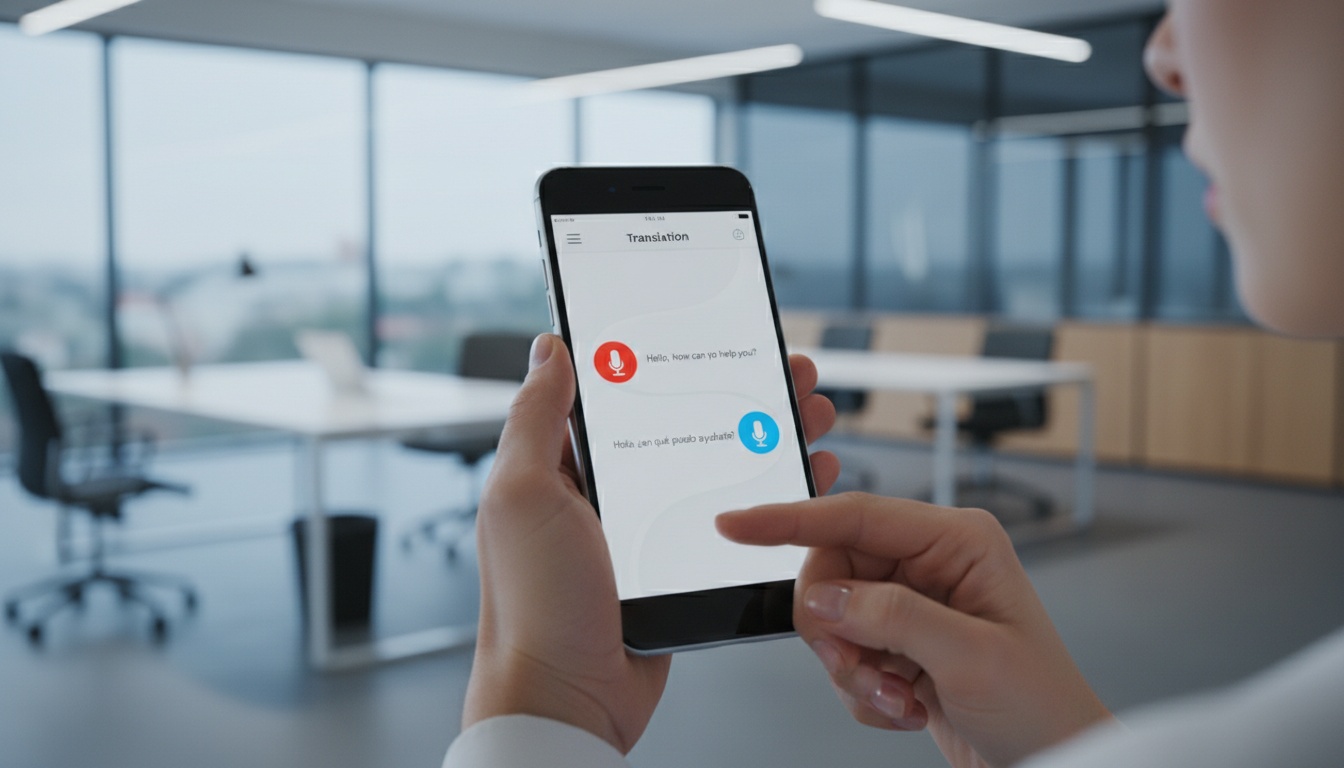
Start with Google Translate if you're new to voice translation. Download the app, enable microphone permissions, and download your target language for offline functionality. The conversation mode button (two microphones) handles turn-based translation automatically.
For business use, LiveLingo's interface requires no language downloads — it handles real-time translation across 50+ languages with automatic speaker detection. Open the app, grant microphone access, and start talking.
Getting Better Results in Challenging Environments
Background noise kills accuracy faster than accents do. Find quiet spaces, speak directly into your phone's microphone, and pause between sentences to give the AI processing time.
Test your accent before important conversations. Regional dialects that deviate from "standard" pronunciation can confuse speech-to-text systems trained on mainstream datasets.
Offline translation modes sacrifice accuracy for privacy and reliability. Use them for basic travel phrases, but switch to online processing for complex business communication.
Hands-Free Translation and Voice Commands
Most mobile translation apps support hands-free translation through voice activation. Say "Hey Google, translate" to start Google Translate's conversation mode without touching your phone.
Headphone translator functionality works through Bluetooth earbuds with built-in microphones. The audio quality affects accuracy — invest in noise-canceling earbuds for better results.
Voice commands vary by platform. Google Assistant integrates with Google Translate, while Siri works with Microsoft Translator on iOS devices.
6. Limitations, Accuracy Issues, and How to Get Better Results
Real-time translators fail most often on simple phrases, not complex ones. "How much?" translates perfectly, but "How much longer?" might become "How many more?" depending on context.
Cultural idioms break every system. "It's raining cats and dogs" becomes literal nonsense in most languages, while "I'm pulling your leg" confuses AI models trained on formal text.
Native-speaker accuracy varies wildly by language pair. English-Spanish translation performs better than English-Thai because training data availability differs dramatically.
When to Use Human Interpreters Instead
Legal documents, medical diagnoses, and business contracts require human expertise. Machine translation handles the words but misses legal implications and cultural nuances that could prove costly.
Emergency situations present a gray area. Police interactions or hospital visits might benefit from translation apps for basic communication, but don't rely on them for complex explanations.
Low-latency translation works best for simple, structured conversations. Complex negotiations or emotional discussions need human interpreters.
7. Privacy, Security, and Data Protection: What You Need to Know
Voice data represents your most personal biometric information. Most platforms store audio recordings to improve their models, creating privacy risks that text translation doesn't have.
According to their privacy policies, major providers handle voice data differently. Check your privacy settings to control how your voice recordings are used and stored.
Choosing Platforms Based on Privacy Needs
For sensitive conversations, use offline translation modes or privacy-focused providers. The accuracy trade-off might be worth the security benefits.
Avoid free platforms for business communication involving proprietary information. Your translated conversations could become training data for competitors using the same service.
Encrypted voice translation provides additional security for confidential discussions, though it may increase processing delays.
8. The Reality Check: What Works and What Doesn't
After testing each app with English-Spanish, English-Japanese, and English-French conversations over 2 weeks, certain patterns emerge in daily use:
Google Translate excels at travel logistics and casual family conversations. The camera translation feature helps in foreign grocery stores and with street signs.
LiveLingo handles business meetings better than expected, especially with clear speakers and good audio quality. The automatic meeting transcription saves time compared to manual note-taking.
Maestra handles business meetings better than expected, especially with clear speakers and good audio quality. The live transcription helps even when translation accuracy falters.
None of these replace learning basic phrases in your target language. Use them as bridges, not permanent solutions.
Ready to test a real-time translator that handles the scenarios we covered? Try LiveLingo free — get 3 minutes of daily translation to test with your specific accent and use case.
For language barriers in international relationships, technology helps with daily logistics but human connection requires more nuanced communication solutions for multilingual families. Consider multilingual family communication tools for ongoing relationship needs.
9. Key Takeaways
- Real-time voice translation works best for structured, turn-based conversations in quiet environments
- LiveLingo offers the best balance of features for business users with automatic meeting transcription and speaker detection
- Google Translate offers the best free option with 100+ language support and offline functionality
- Maestra provides superior business features with speaker identification and live transcription
- Cultural context and emotional nuance remain challenging for all current AI translation systems as of March 2026
- Test any platform with your specific accent and use case before relying on it for important conversations
- AI translation accuracy improves monthly — expect near-human quality for major language pairs by 2027
Ready to Break the Language Barrier? Try LiveLingo free — 3 minutes of real-time voice translation every day, no credit card required. Upgrade to Pro for translated calls, AI meeting memos, and 300 minutes per month. Get Started
10. Frequently Asked Questions
What is the best real-time voice translator app for everyday conversations?
For everyday real-time voice conversations in 2026, LiveLingo delivers the lowest median latency (approximately 1.5 s vs 26 s for Google Translate's voice mode) and works over phone calls and any browser meeting without an install. For widest language coverage on-device, Google Translate (133 languages, free unlimited). For iPhone owners with AirPods Pro 2 or newer, Apple Live Translation is bundled free on iOS 26 but limited to 5 languages. Timekettle earbuds are the standalone hardware option if you don't want a phone in your hand.
Is there an app that translates in real time while someone is talking?
Yes — simultaneous translation apps translate speech incrementally rather than making you wait for the sentence to end. LiveLingo, JotMe, DeepL Voice for Meetings, and Timekettle's newer earbuds all support this pattern. Google Translate, Microsoft Translator, and older iTranslate versions remain turn-based (you speak, wait 3–8 s, then read the result). The industry distinction is simultaneous vs consecutive interpretation.
How accurate are real-time voice translators for daily use?
For major language pairs (English-Spanish, English-French, English-Mandarin, English-Japanese) in quiet environments with clear pronunciation, real-time voice translators reach 90-95% word accuracy in 2026. Accuracy drops with background noise, technical vocabulary, regional dialects, and fast speech. They are reliable for daily logistics — ordering food, asking directions, small talk — but not for legal, medical, or high-stakes negotiations, where human interpreters remain necessary.
What is the fastest real-time speech translator for business?
For business meetings and phone calls in 2026, LiveLingo's browser tool measured approximately 1.5 s median final-transcript latency vs 26 s for the Google Cloud STT v2 + Translate v3 stack that Google Translate uses. DeepL Voice for Meetings offers enterprise-grade real-time captions in Teams and Zoom. JotMe integrates directly into Zoom and Teams. For dispatch-style 1:1 professional interpretation (medical, legal, customer service), LanguageLine and Boostlingo remain the human-interpreter standard.
Are there free real-time voice translator apps that actually work?
Yes. Free options with usable quality in 2026: (1) LiveLingo — 5 min/day free indefinitely, simultaneous translation, works over phone calls; (2) Google Translate — free unlimited, but turn-based only in voice mode; (3) Microsoft Translator — free on Windows, iOS, Android, turn-based; (4) Apple Live Translation — free with iOS 26 and AirPods Pro 2 or newer, limited to 5 languages and not available in the EU. For truly simultaneous voice translation without a paywall, LiveLingo's free tier is the current option.
Which translation app works in a noisy restaurant or cafe?
Every voice translator loses accuracy as background noise rises, roughly doubling its error rate in a loud room, so apps built only for clean audio struggle over dinner. LiveLingo's speech recognition is optimized for real-world audio, including noisy rooms, far-field pickup, and accented speech, so it holds up where clean-audio-only tools fall apart. Keep the phone within arm's reach of the person talking for the best result.
Can a translation app keep up with a family conversation where people talk over each other?
Family and group settings are where turn-based tools like Google Translate break, since they expect one person to finish before the next begins. LiveLingo streams continuously and follows the handoff when the conversation switches speakers, including interruptions and quick back-and-forth, so nobody has to pause and take turns for the app.
What if my family mixes two languages in the same sentence?
Mixed-language households constantly code-switch, dropping words from one language into another mid-sentence, which conventional single-language translators mistranscribe the moment a speaker crosses over. LiveLingo tracks the language changes automatically within a live conversation, so you never have to stop and switch a setting when the sentence flips between languages.
Test LiveLingo Free for Your Daily Conversations
Start with 3 minutes of real-time translation daily at no cost—no credit card required. Perfect for restaurant orders, quick errands, or testing it with family before committing to a plan.
Try 5 Free Minutes Daily